
Roof Generator for Blender
Roofs of every type and culture with real tiles
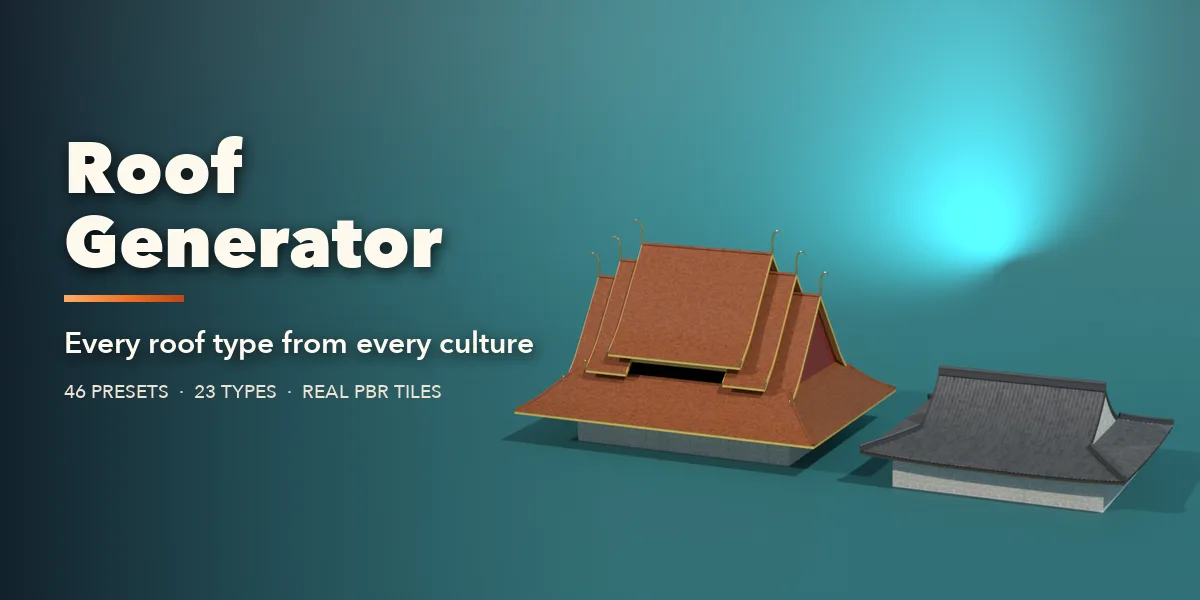
Roof Generator builds real roofs in Blender with every tile, slate and thatch bundle modelled, from an English thatched cottage or a Parisian mansard to a Japanese temple, a Thai temple with chofa horns, a Russian onion dome or a sawtooth factory. Pick one of 46 culture presets, or choose a roof type and a plan, and change anything: the roof rebuilds live as you drag a slider.
23 roof types cover the world of architecture: gable, hip, half-hip, Dutch gable, mansard, gambrel, saltbox, shed, flat, butterfly, M-shaped, sawtooth, monitor, pagoda, Thai tiered, saddle, spire, barrel, dome, onion, cone, bell and yurt. They sit on rectangle, L, T, U, H, cross, courtyard, polygon and round plans, or on the outline of your own building with Roof from Selection.
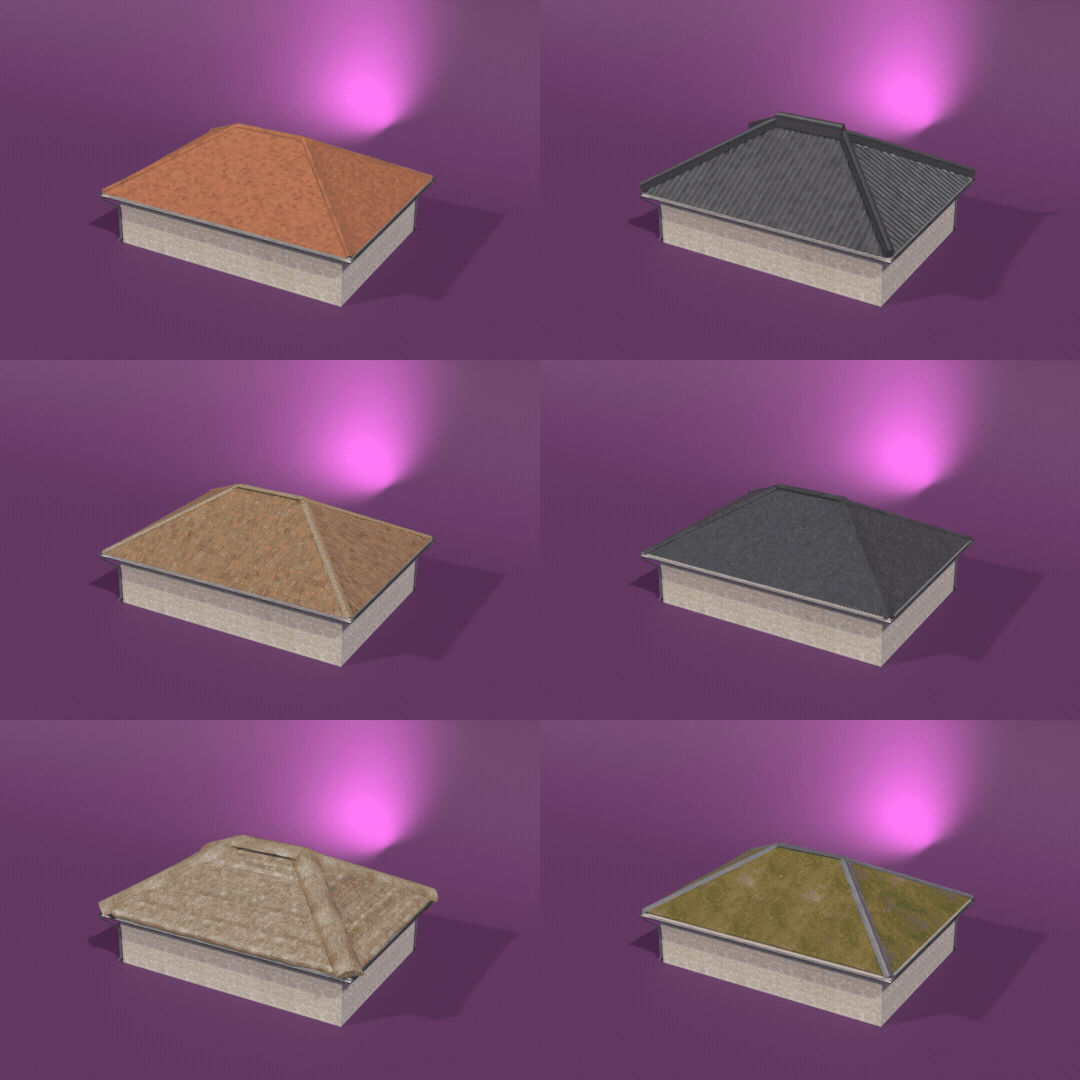
Every covering is PBR and works in game engines: clay, Spanish, Roman and Japanese kawara tiles, Chinese tube tiles, pantiles, natural and stone slate, wood shingles and shakes, asphalt, fish-scale, standing seam, corrugated and box profile metal, bamboo, straw, reed and palm thatch, turf, sedum, gravel and membrane, with photo textures from Poly Haven.
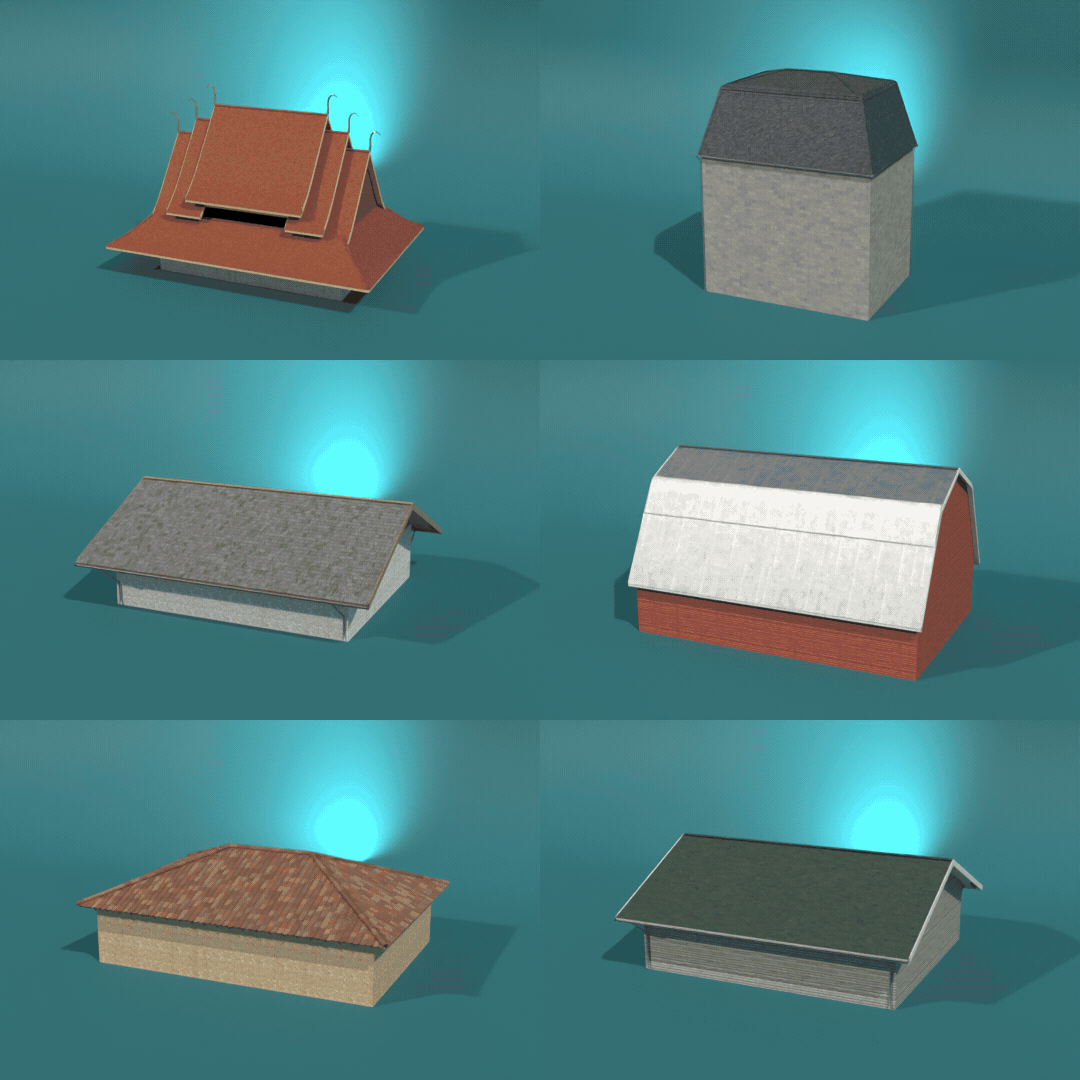
46 roofs from every culture
Thatched cottages, mansards, temples, pagodas, onion domes, barns, yurts and factories. Pick a design and change anything.
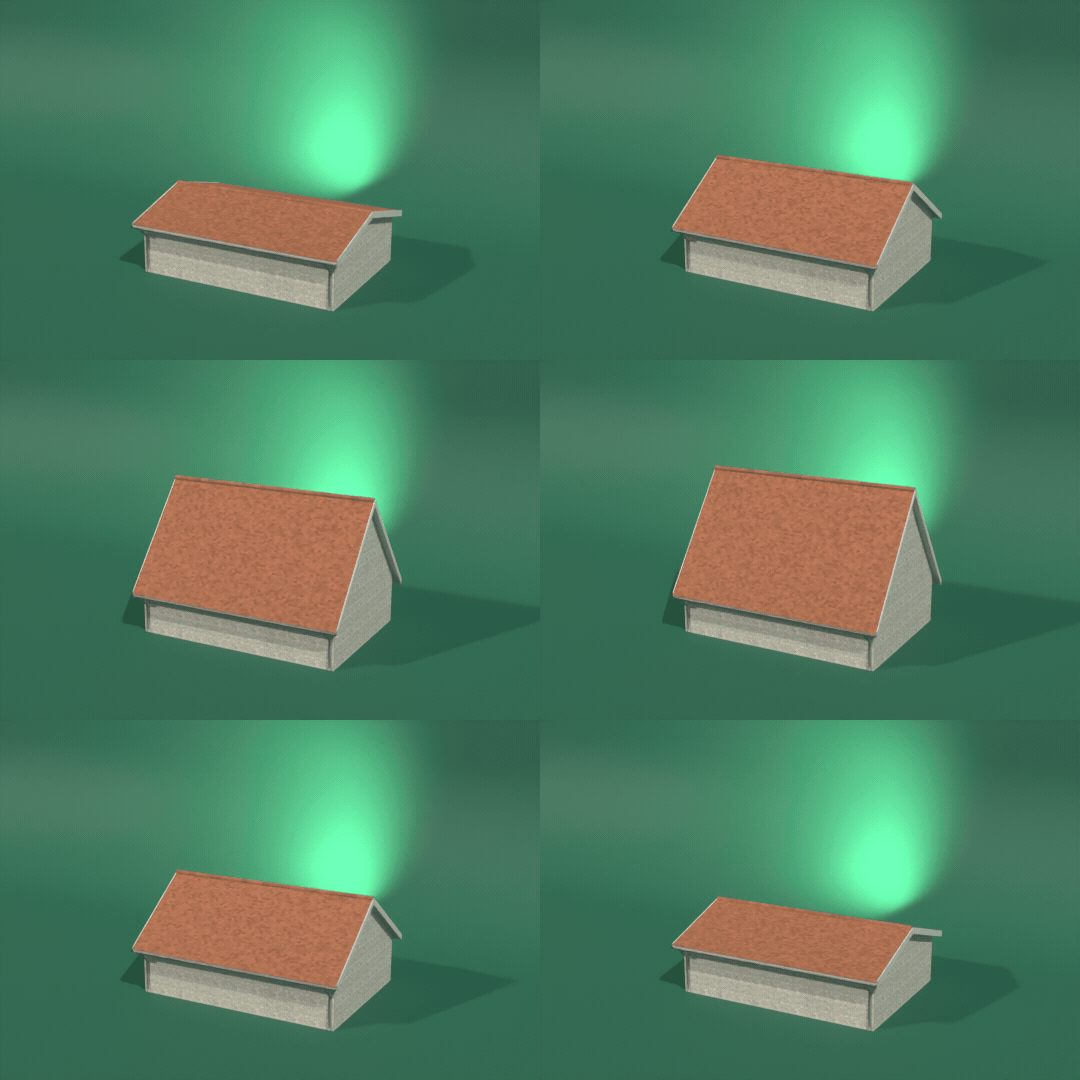
Drag a slider, watch it rebuild
Every setting rebuilds the roof live: pitch, overhang, plan, profile, covering and details.
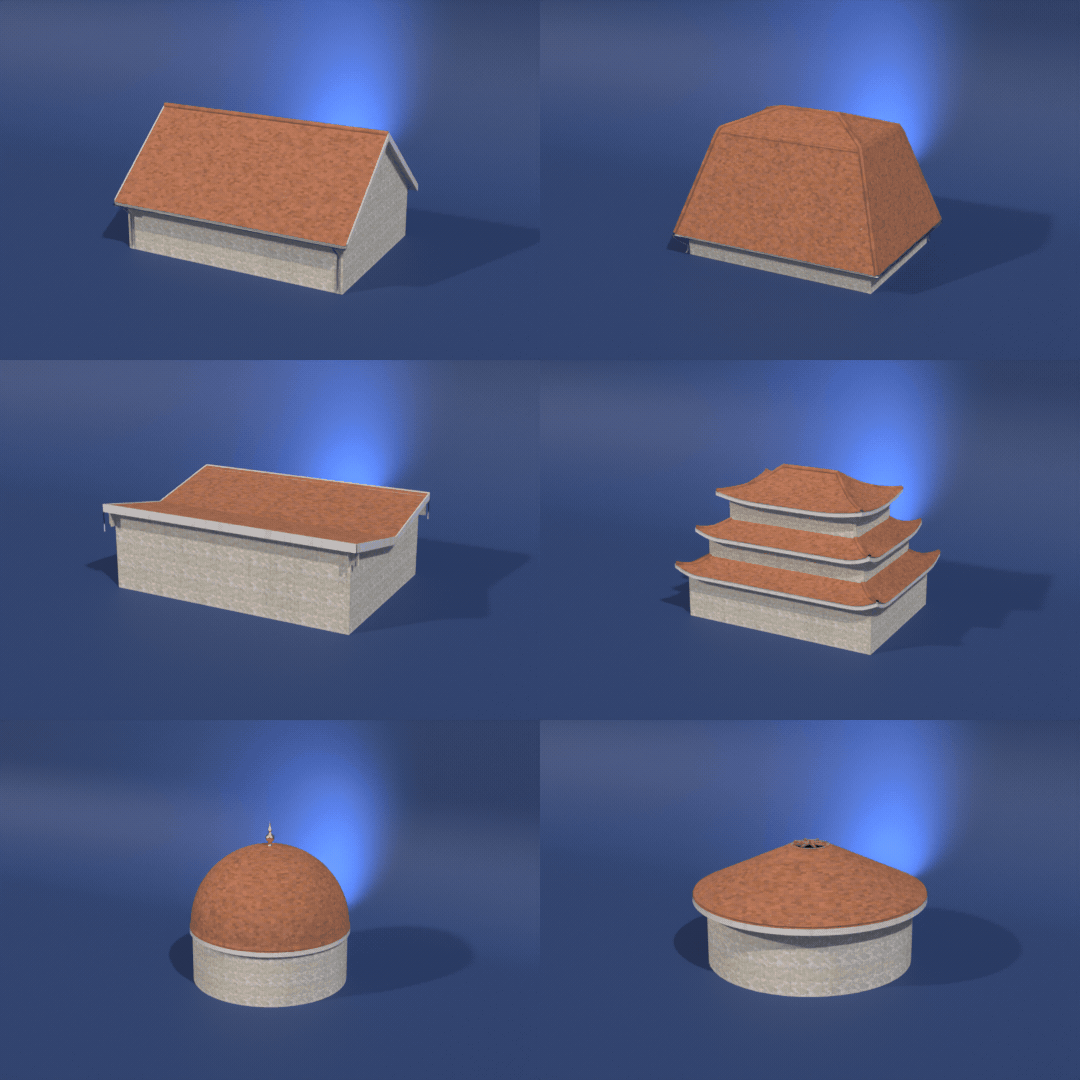
23 roof types
Gable, hip, mansard, gambrel, saltbox, butterfly, sawtooth, pagoda, Thai tiered, spire, dome, onion, bell, yurt and more on the same house.
Real tiles, PBR materials
Clay, kawara, Chinese tube tiles, slate, shakes, asphalt, metal, thatch, turf and sedum, every tile modelled and game-ready.
Features
- 46 culture presets from Europe, Asia, the Americas, Africa and the Middle East, plus modern and industrial roofs
- 23 roof types on 9 building plans or a custom outline from your own mesh
- 26 coverings with real modelled tiles and PBR photo textures
- Slope profiles: straight, kicked eaves, swept, convex, ogee, broken and curved
- Fascia, barge boards, rafter tails, gutters, downpipes, parapets, finials and Thai ornaments
- Color tones for every material plus weathering: age, dirt streaks, moss and wetness
- Low detail for games, medium and high detail for close-ups
- Picture sidebar: click a rendered thumbnail to pick a design, type, covering, plan or profile
- Random, Copy to Selected and Convert to Mesh
- Works in Cycles and EEVEE
Requires Blender 4.2 or newer. Tested on Blender 4.2, 4.5 and 5.2 LTS.
Install in under a minute (Blender 4.2+)
- In Blender open Edit › Preferences › Get Extensions.
- Open the arrow menu at the top right and choose Install from Disk.
- Pick the downloaded zip. Do not unzip it.
Questions
Which Blender versions are supported?
Blender 4.2 and newer. It is tested on Blender 4.2, 4.5 and 5.2 LTS.
Can I use the roofs in game engines?
Yes. All materials are PBR (base color, roughness, normal maps), and Low detail turns the covering into one textured surface. Convert to Mesh, then export as FBX or glTF.
Can it roof my own building?
Yes. Select your building mesh and press Roof from Selection: the roof follows its outline, and every roof type and covering still works.
Details
- Version
- 1.0.0
- Blender
- 4.2 or newer
- Tested on
- 4.2, 4.5 and 5.2 LTS
- Render engines
- Cycles, EEVEE
- Category
- Modeling
- Download
- 17.2 MB zip
- License
- GPL v3
More addons
Gunsmith
Procedural firearms, launchers and shields with PBR wear
Trailer & Caravan Generator
Caravans, campers, RVs, horse boxes and utility trailers
Umbrella Generator
Open, close and animate any umbrella, parasol or patio shade
Vending Machine Generator
Snack, soda, Japanese, gachapon, claw, ATM and kiosk machines