
Umbrella Generator
Open, close and animate any umbrella, parasol or patio shade
Umbrella Generator builds photorealistic umbrellas, parasols and patio shades inside Blender, and opens and closes them for real. Pick one of 19 presets from pictures, press Add, then drag the Openness slider: the runner slides down the shaft, the stretchers fold the ribs in, and the canopy falls into folds between the ribs and wraps round the bundle until the strap closes it. Keyframe it with one click to open and close on the timeline.
Twelve kinds are covered: the classic stick umbrella with a wooden crook handle and long ferrule, the compact folding umbrella with a telescopic shaft and three-part ribs, the golf umbrella with its vented double canopy, the clear PVC bubble umbrella, the Japanese wagasa on 48 bamboo ribs with laced threads and a rattan-bound handle, the painted Chinese paper parasol, the Victorian lace parasol with a ruffled edge, kids' umbrellas with cat ears, bear ears or frog eyes, the tilting beach umbrella with a sand anchor and valance, the wooden patio market umbrella with pulley and cast-iron base, the cantilever offset umbrella on its banana arm, and the tiny paper cocktail umbrella.
The mechanism is modelled like the real thing: U-channel or round ribs with tips, stretchers hinged on the runner, the top notch, ferrule or finial, and the tie strap with its snap button. Panels sag between the curved ribs, the hem rises between the rib tips, and oil-paper canopies fold inwards while fabric folds outwards.
Features
- 19 presets with pictures, plus Randomize and Surprise Me
- One Openness slider from tied and closed to fully open; one-click open / close keyframes using shape keys that export as morph targets
- 11 prints: solid, alternating panels, stripes, border, polka dots, checks, tartan, floral, janome ring, lace and your own image
- Nylon, pongee, polyester, canvas, clear PVC, oil paper and lace fabrics, plus a rain wetness slider with water drops
- Crook, straight, golf, rattan-wrapped handles in walnut, teak, bamboo, leather, rubber or plastic
- Square canopies, wind vents, valances, ruffles, tilt, crank and four kinds of base for the big shades
- Real-world scale in meters, PBR materials for Cycles, EEVEE and game engines, Make Static for export
Requires Blender 4.2 or newer. Tested on Blender 4.2, 4.5 and 5.2 LTS.
Install in under a minute (Blender 4.2+)
- In Blender open Edit › Preferences › Get Extensions.
- Open the arrow menu at the top right and choose Install from Disk.
- Pick the downloaded zip. Do not unzip it.
Questions
Which Blender versions are supported?
Blender 4.2 and newer. It is tested on Blender 4.2, 4.5 and 5.2 LTS.
Can I animate the umbrella opening and closing?
Yes. Press Keyframe Open / Close in the Animation panel, or turn on Animate and keyframe the Openness slider yourself. The opening is stored as shape keys, so it also exports to game engines as morph targets.
Can I print my own design on the canopy?
Yes. Choose the Image print and load any picture. It can be tiled over the whole canopy or placed once on every panel.
Can I use the umbrellas in a game engine?
Yes. Materials use Principled BSDF with image textures and the print is a single texture per umbrella. Make Static turns the umbrella into plain mesh objects ready to export as FBX or glTF, and Low detail gives lighter meshes.
Details
- Version
- 1.0.1
- Blender
- 4.2 or newer
- Tested on
- 4.2, 4.5 and 5.2 LTS
- Render engines
- Cycles, EEVEE
- Category
- Modeling
- Download
- 1.9 MB zip
- License
- GPL v3
More addons
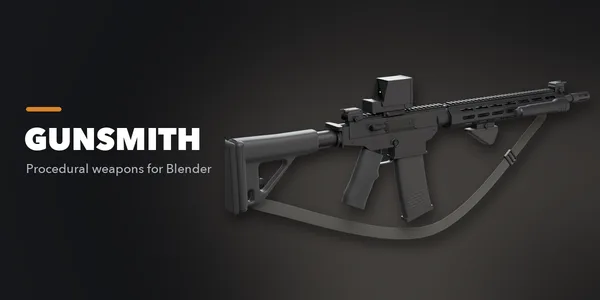
Gunsmith
Procedural firearms, launchers and shields with PBR wear
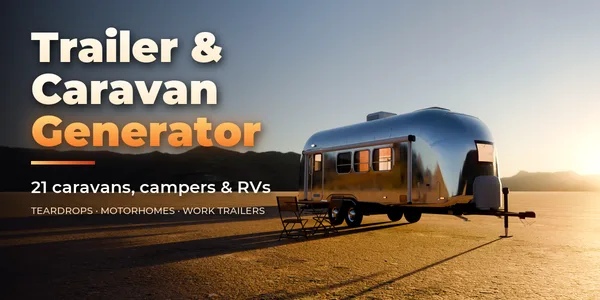
Trailer & Caravan Generator
Caravans, campers, RVs, horse boxes and utility trailers
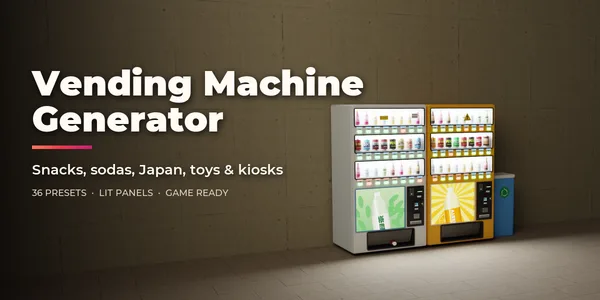
Vending Machine Generator
Snack, soda, Japanese, gachapon, claw, ATM and kiosk machines
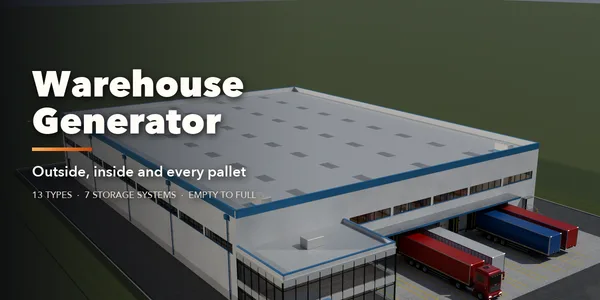
Warehouse Generator
Procedural warehouses with full exteriors, interiors and stock