
Pottery Generator - Vase, Pot & Ceramic Generator for Blender
Procedural vases, pots and bowls with glazes and cracks
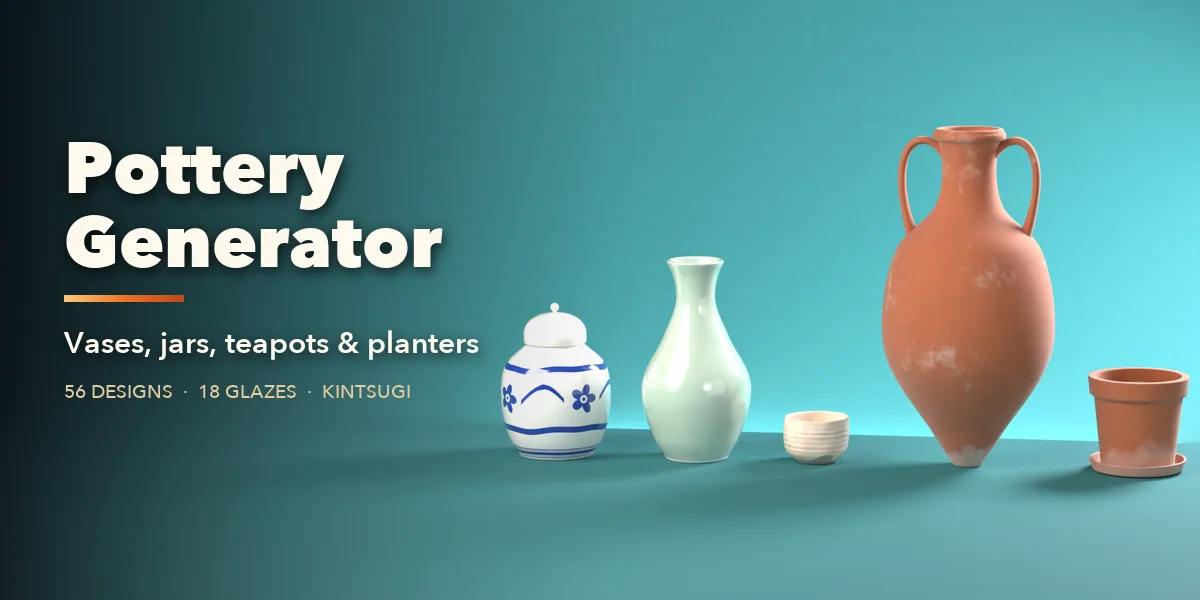
Pottery Generator builds realistic vases, jars, pots, planters, bowls, mugs and teapots in one click. Pick one of 56 real designs from a picture gallery in the sidebar, then change anything: the side profile, size, rim, foot, handles, spout, lid, clay body and glaze. The pot rebuilds live while you drag a slider.
Glazes look like the real thing. Celadon, tenmoku, chun, shino, crackle, raku, crystalline, flambé, ash, salt and luster glazes pool in the hollows, break on the edges and run in drips over bare clay. Add painted bands, gold lines, kintsugi seams, hairline or deep cracks, chipped rims, dirt, lime crust and moss for old garden pots and excavated finds.
56 real designs, one click each
Balusters, ginger jars, teapots, amphorae, moon flasks, flowerpots, gourds and more. Pick one from the picture gallery and change anything.
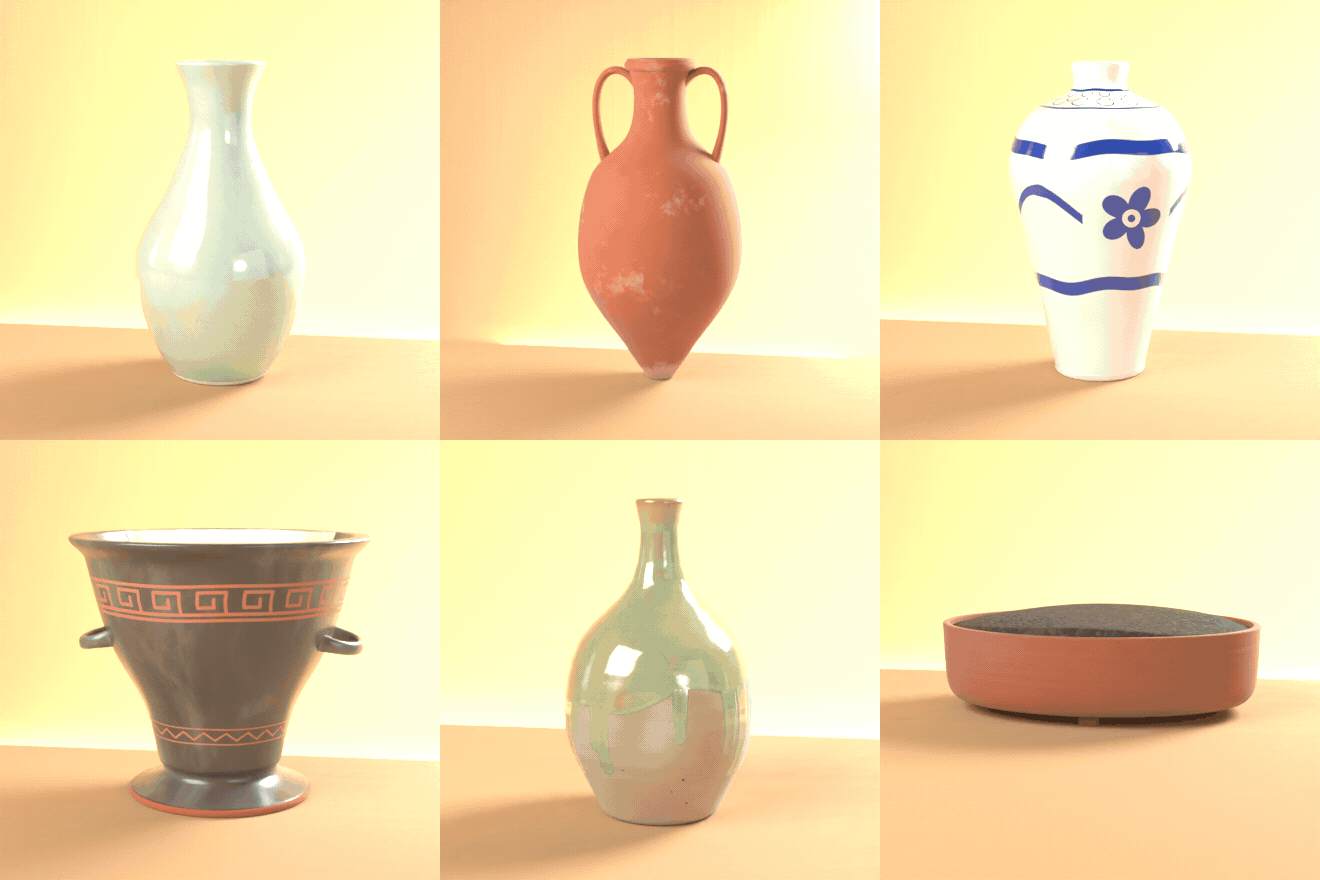
Glazes that pool, break and run
Celadon, tenmoku, chun, shino, crackle, crystalline, flambé, ash, luster and salt glazes on the same vase.
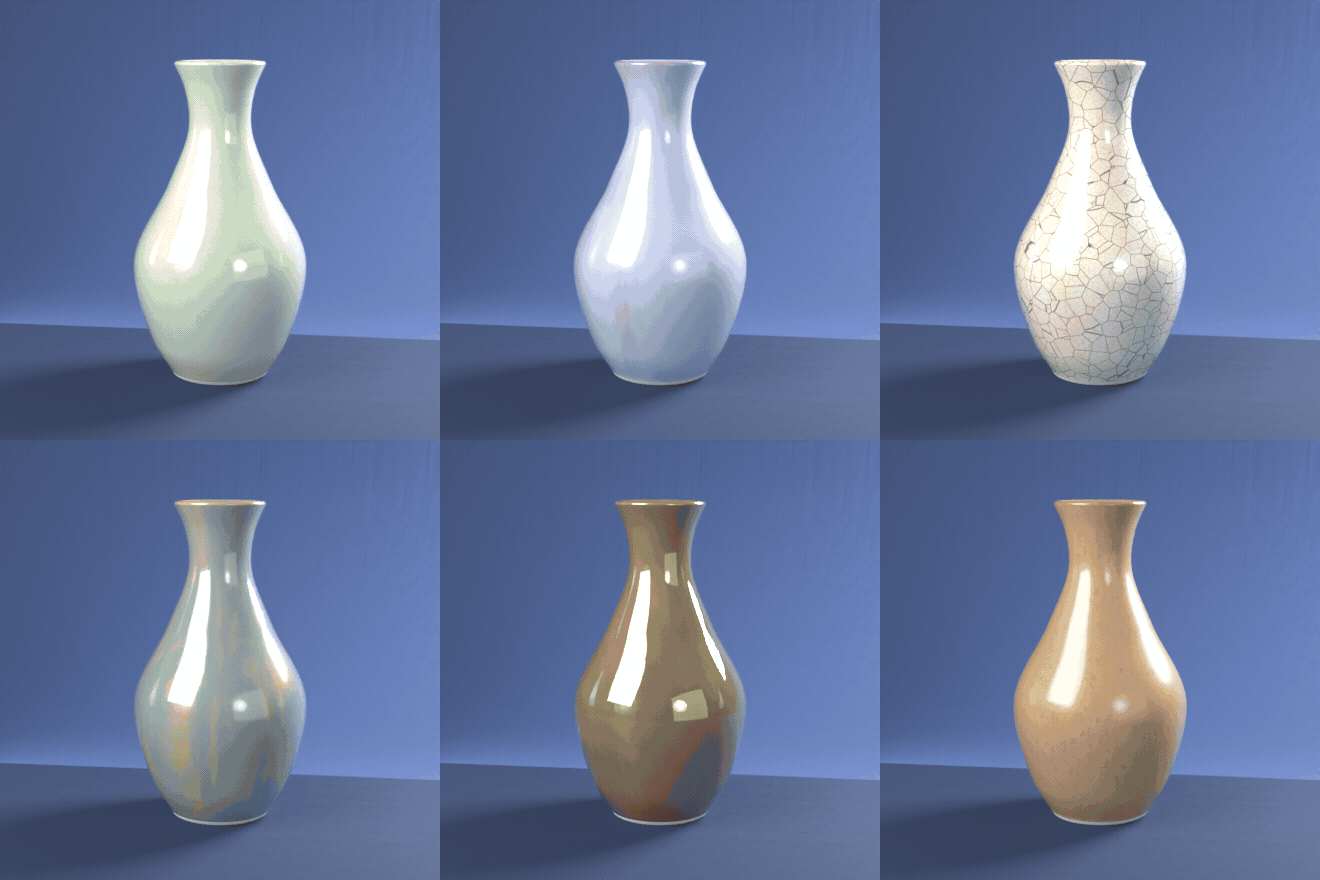
Drag a slider, watch it rebuild
Every part is a slider or a choice. Twist, lean, lobes, rims, feet and handles rebuild live.
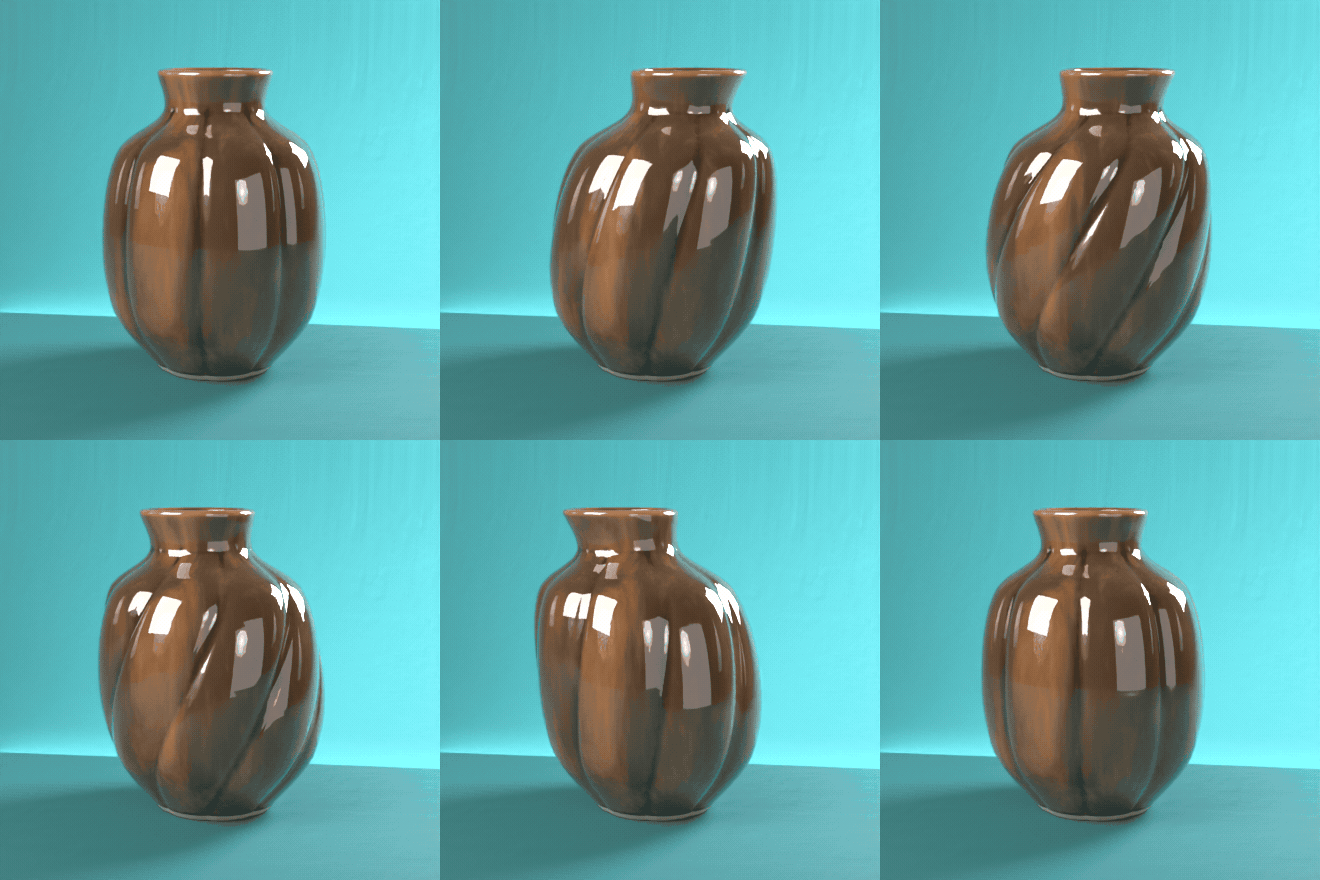
From new to excavated
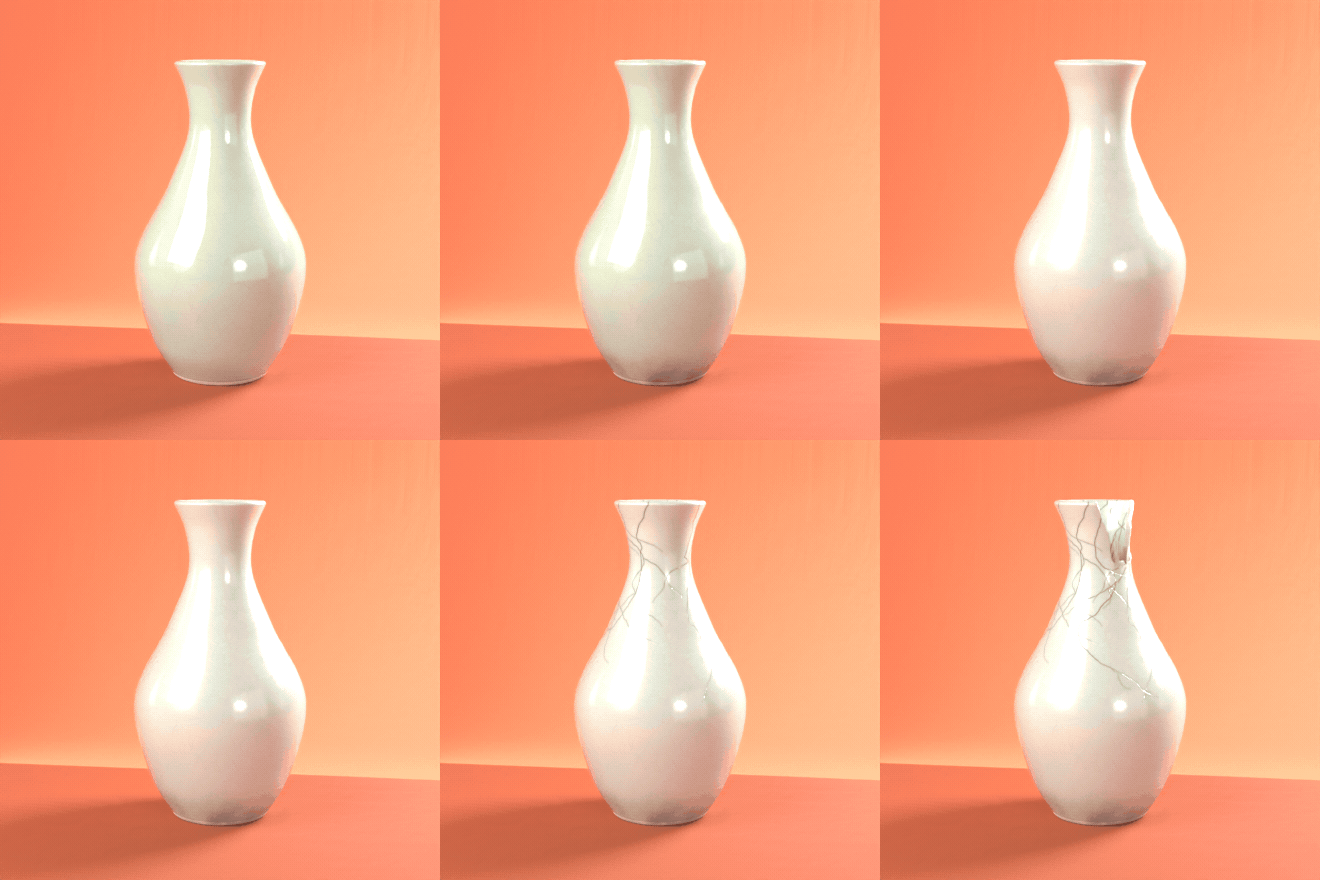
Dirt, dust, worn edges, faded glaze, deep cracks and a broken rim turn a new celadon vase into an old find.
Features
- 56 designs in 7 families: vases, jars and urns, planters, tableware, ancient, Asian and studio pottery
- Picture gallery in the sidebar, plus a Surprise randomizer
- Editable side profile with points, or draw your own curve
- Round, lobed, fluted, square and faceted plans, twist and lean
- Handles, spouts, lids, feet, saucers and soil or water fill
- 8 clay bodies and 18 glaze types with pooling, breaking and drips
- Decorations, cracks, kintsugi, chips, broken shards and aging
- PBR materials that bake for game engines, and one click to plain meshes
- Photo studio button: seamless backdrop, softbox lights and camera
Requires Blender 4.2 or newer. Tested on Blender 4.2, 4.5 and 5.2 LTS.
Install in under a minute (Blender 4.2+)
- In Blender open Edit › Preferences › Get Extensions.
- Open the arrow menu at the top right and choose Install from Disk.
- Pick the downloaded zip. Do not unzip it.
Questions
Which Blender versions are supported?
Blender 4.2 and newer. It is tested on Blender 4.2, 4.5 and 5.2 LTS.
Can I use the pots in a game engine?
Yes. The materials are PBR, and Convert to Mesh turns a pot into plain meshes with its maps packed, ready to export as FBX or glTF.
Can I make my own shapes?
Yes. Edit the side profile points in the Shape tab, or draw a curve in the front view and use it as the profile.
Details
- Version
- 1.0.1
- Blender
- 4.2 or newer
- Tested on
- 4.2, 4.5 and 5.2 LTS
- Render engines
- Cycles, EEVEE
- Category
- Modeling
- Download
- 0.5 MB zip
- License
- GPL v3
More addons
Gunsmith
Procedural firearms, launchers and shields with PBR wear
Trailer & Caravan Generator
Caravans, campers, RVs, horse boxes and utility trailers
Umbrella Generator
Open, close and animate any umbrella, parasol or patio shade
Vending Machine Generator
Snack, soda, Japanese, gachapon, claw, ATM and kiosk machines