
Parking Lot Generator
Parking lots, garages and decks with stalls, lights and cars
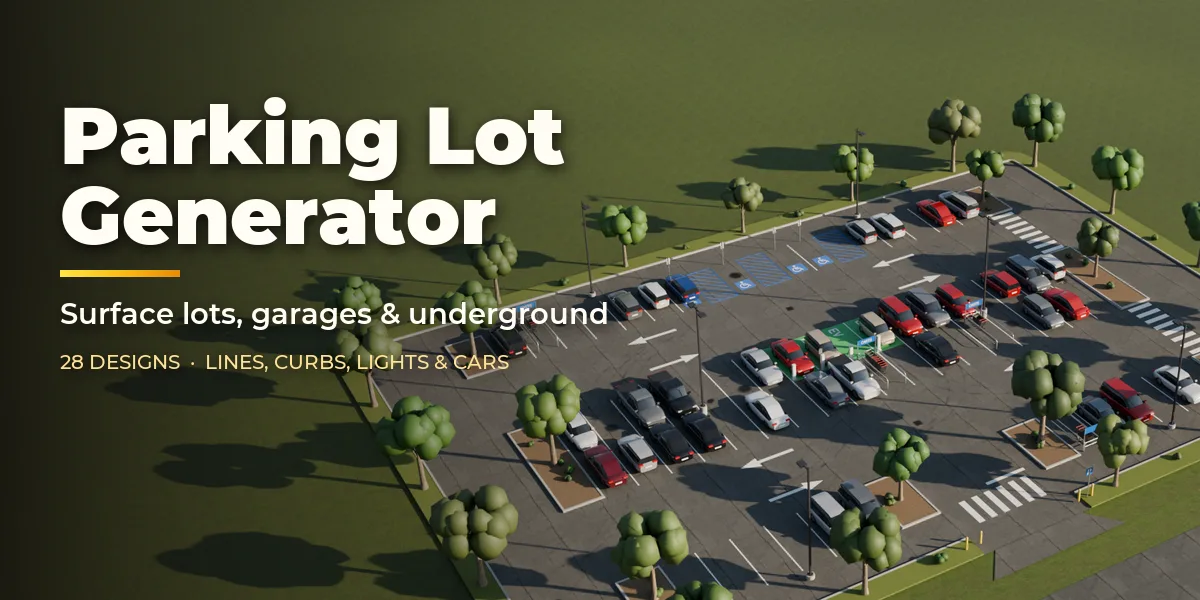
Parking Lot Generator builds complete parking facilities in one click, right inside Blender: open surface lots of any shape, multi-storey parking garages and underground garages, with painted stalls, curbs, islands, trees, light poles and parked cars.
Start from one of 28 real-world designs: supermarket, shopping mall, big-box store, strip mall, European discount market, fast-food drive-thru, office park, hospital, school with bus bays, park and ride, airport long-stay, stadium overflow on grass pavers, apartment lot with carports, home driveway, curbside street parking, cabin gravel lot, truck stop, bus depot, EV charging hub, motorcycle and bike parking, sloped parking deck, scissor-ramp garage, helix garage, mall garage, hospital garage with fins, solar rooftop deck and underground garages.
Draw any closed curve or flat mesh and the lot fills it: rows of stalls are packed into the outline with aisles, end islands and entrances, and they follow your edits live.
One click, a new lot
Press Surprise for a fresh real-world facility, or drag a slider and watch the lot rebuild. Everything happens in the sidebar.
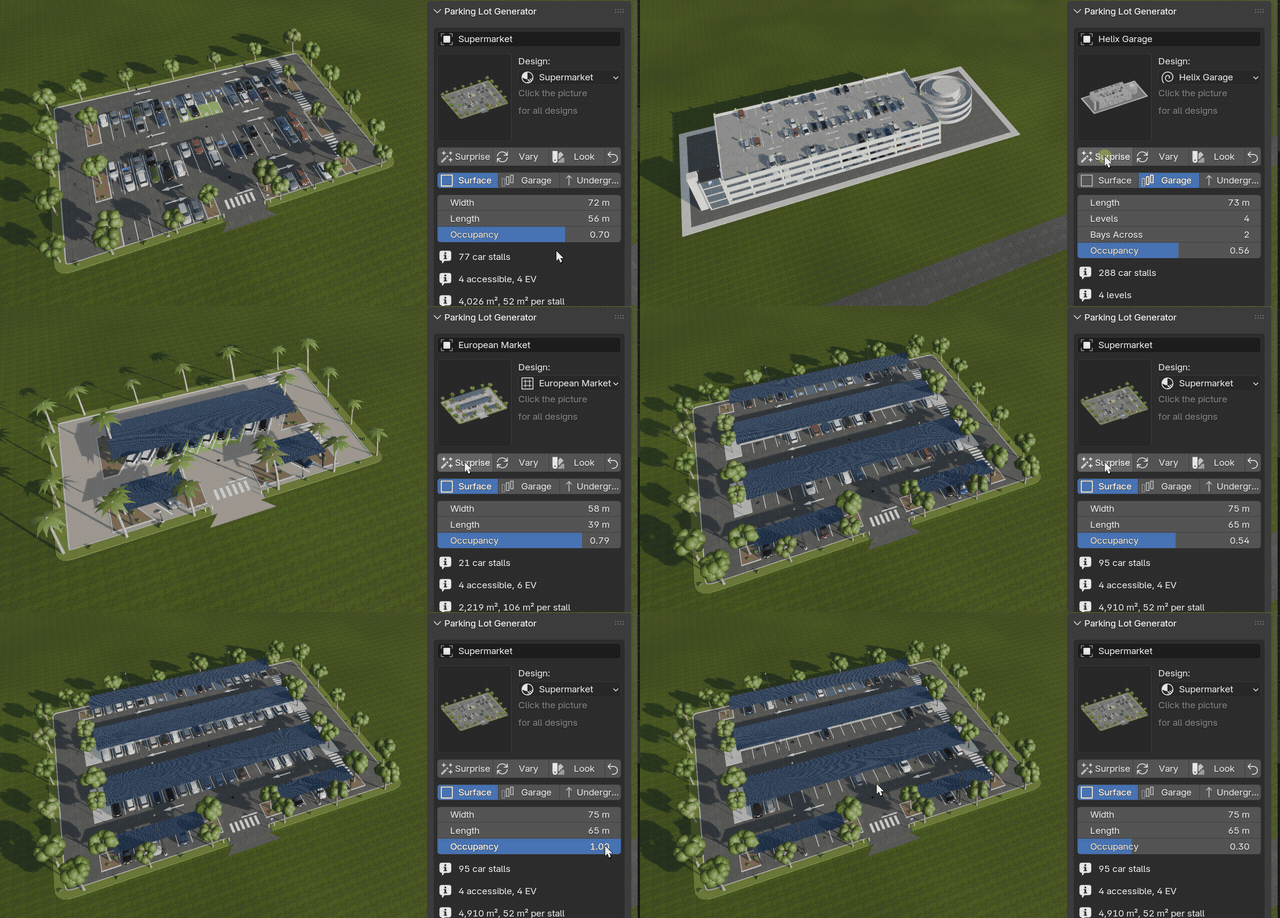
28 real-world designs
Supermarkets, drive-thrus, EV hubs, truck stops, gravel lots, driveways, parking decks, helix garages and underground garages.
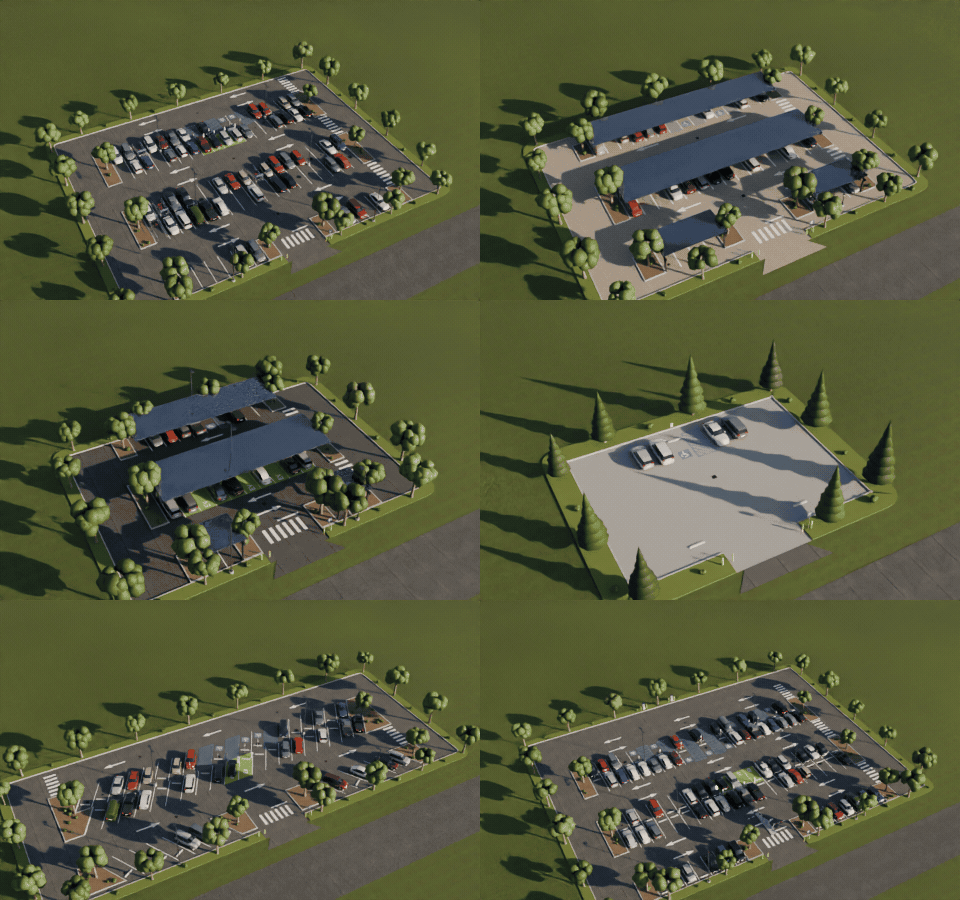
Any stall angle
90, 75, 60, 45 and 30 degree stalls or parallel parking, with one-way or two-way aisles and arrows.
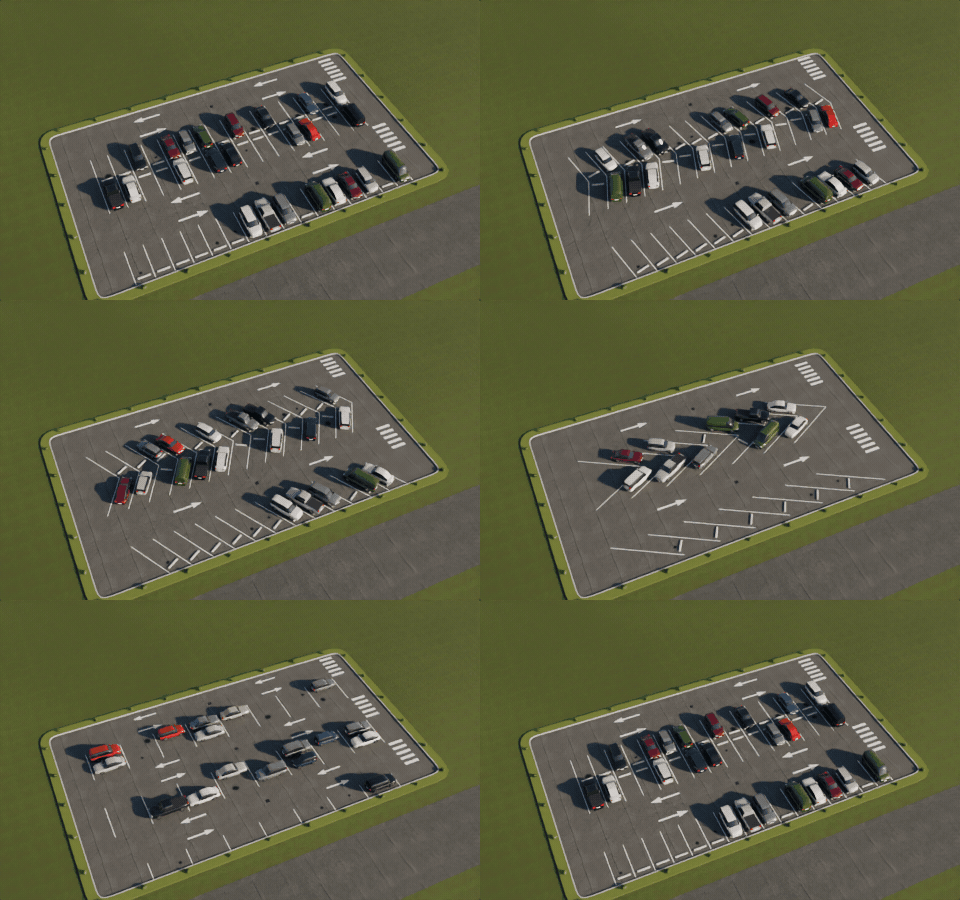
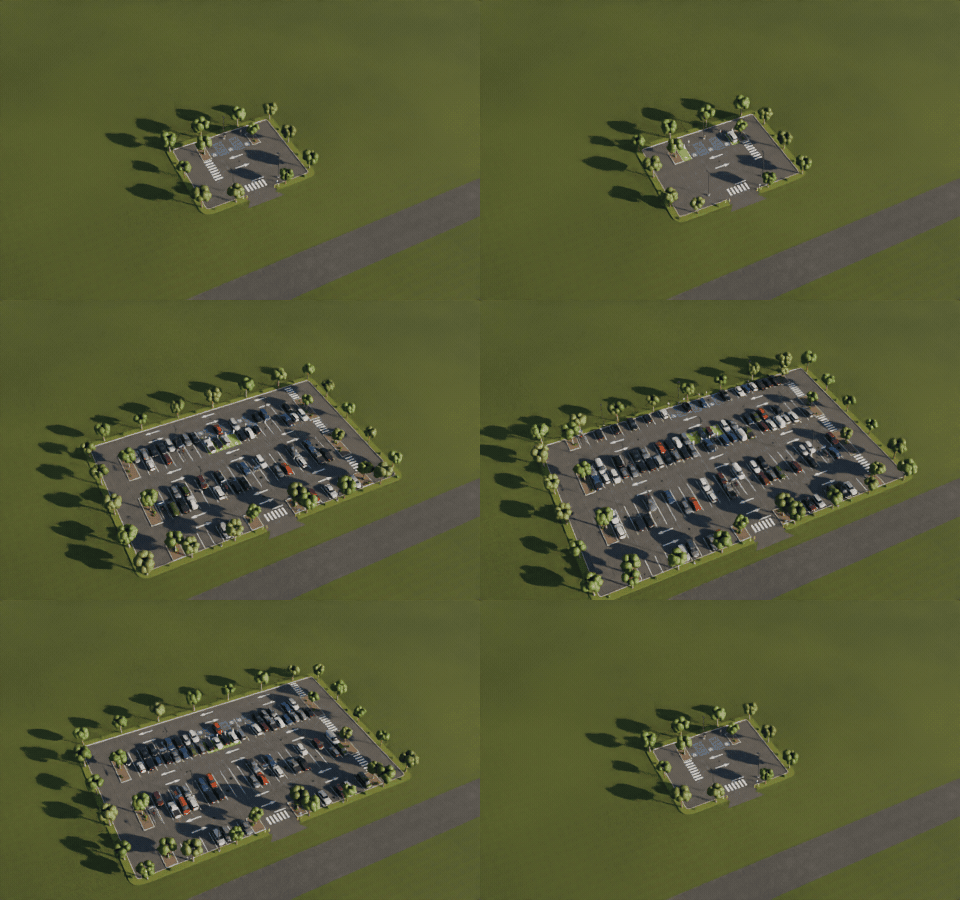
Rebuilds as you drag
Change the size and the rows, islands, trees, lights and cars are laid out again in a fraction of a second.
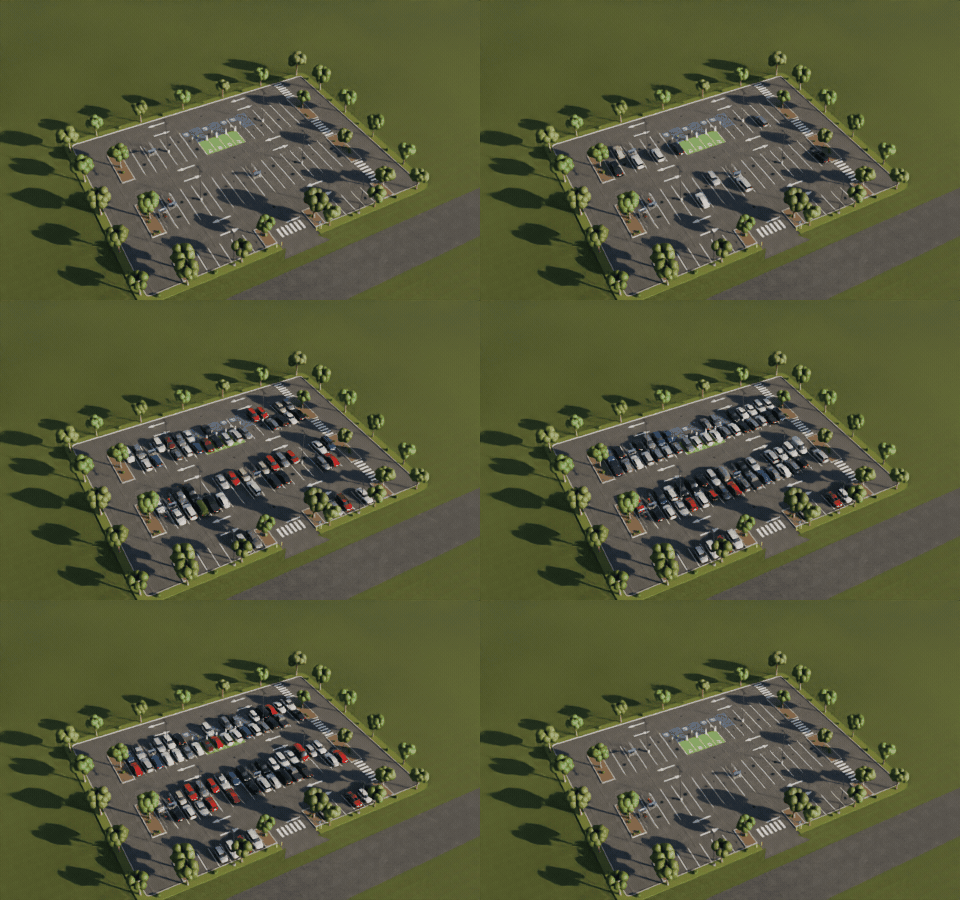
Empty to packed
Set how full the lot is. Cars come in regional mixes and real-world colors, or use your own car collection.
Features
- Stall angles of 90, 75, 60, 45 and 30 degrees and parallel parking, two-way or one-way aisles with arrows
- Single, hairpin, box, T-mark and paver-strip lines in white or yellow, stall numbers and crosswalks
- Accessible stalls with access aisles, EV charging bays with chargers, motorcycle and bike parking, cart corrals, bus, truck and RV bays and a drive-thru lane
- End islands, planted medians, deciduous, conifer and palm trees and shrubs
- Light poles (shoebox LED, cobra head, twin arm, post top) with real lights for night scenes, wheel stops, speed bumps, bollards, signs, drains, barrier gates, pay machines, booths, carports and solar canopies
- Garages with any number of levels, sloped floors, scissor ramps or a helix tower, columns, beams, stair and elevator cores, parapets, cable barriers, fins or mesh screens, and an open, solar or covered roof
- Underground garages with an entrance ramp, painted columns, ceiling services and a cutaway view
- Asphalt, concrete, block pavers, gravel and grass pavers
- Oil stains, faded paint, tyre marks and asphalt age on sliders
- Parked cars in five regional mixes and three color palettes, any occupancy, or instances of your own car collection
- Surprise, Vary and Look buttons, a picture gallery of designs in the sidebar and a Shift+A menu
- Game-ready: real meters, UVs, named parts, PBR materials with bundled CC0 textures, three detail levels and Convert to Mesh
- Works in Cycles and EEVEE
Requires Blender 4.2 or newer. Tested on Blender 4.2, 4.5 and 5.2 LTS.
Install in under a minute (Blender 4.2+)
- In Blender open Edit › Preferences › Get Extensions.
- Open the arrow menu at the top right and choose Install from Disk.
- Pick the downloaded zip. Do not unzip it.
Questions
Which Blender versions are supported?
Blender 4.2 and newer. It is tested on Blender 4.2, 4.5 and 5.2 LTS.
Can I use my own car models?
Yes. In the Cars tab switch the source to Your Collection and pick a collection of car models. Each object in it is placed in occupied stalls with a random pick, facing the way you choose.
Can I use the lots in a game engine?
Yes. Lots are built at real scale with UVs, named parts and PBR materials using bundled CC0 textures. Pick Low detail for lighter meshes, hide parts you do not need and use Convert to Mesh to get plain meshes to export.
Does it make roads too?
It makes the lot itself with its entrances, sidewalks and curbs. For the streets around it, use a road addon; the lot fits next to any road.
Details
- Version
- 1.0.0
- Blender
- 4.2 or newer
- Tested on
- 4.2, 4.5 and 5.2 LTS
- Render engines
- Cycles, EEVEE
- Category
- Modeling
- Download
- 2.1 MB zip
- License
- GPL v3
More addons
Gunsmith
Procedural firearms, launchers and shields with PBR wear
Trailer & Caravan Generator
Caravans, campers, RVs, horse boxes and utility trailers
Umbrella Generator
Open, close and animate any umbrella, parasol or patio shade
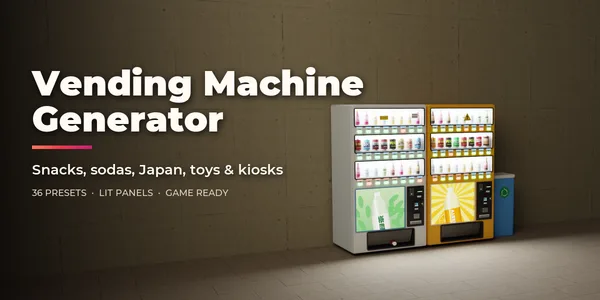
Vending Machine Generator
Snack, soda, Japanese, gachapon, claw, ATM and kiosk machines