
Painterly Converter – Hand-Painted Look for Blender
Turn any textured model into a hand-painted look
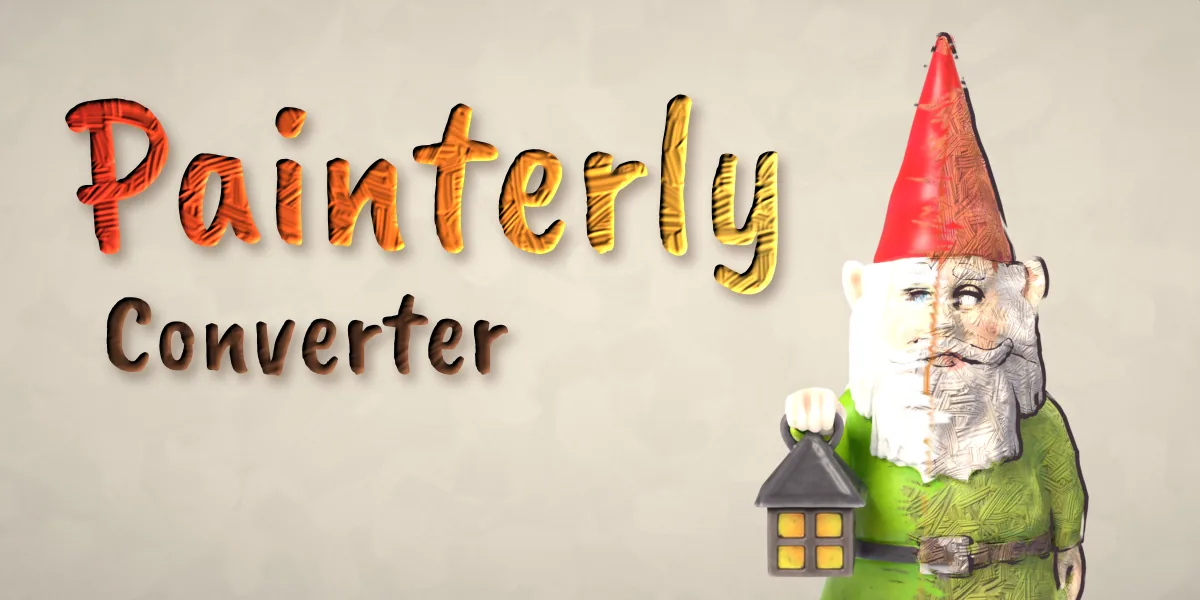
Painterly Converter turns any model into a hand-painted object in one click. Select a scanned asset, a textured game prop or a model with many materials, pick a look and press Make Painterly: every material becomes thick paint with visible brush strokes, flat paint patches, a warm and cool palette, a gently wobbly hand-made shape and a broken painted outline. It works on any mesh at any scale, in Cycles and EEVEE.
Nothing is destroyed. The addon paints copies of your materials on the object only and adds one modifier for the shape and outline, so the mesh, its original materials and any linked duplicates stay exactly as they were. Revert brings the original back at any time, and Make Permanent bakes the result into a normal mesh when you want to export it.
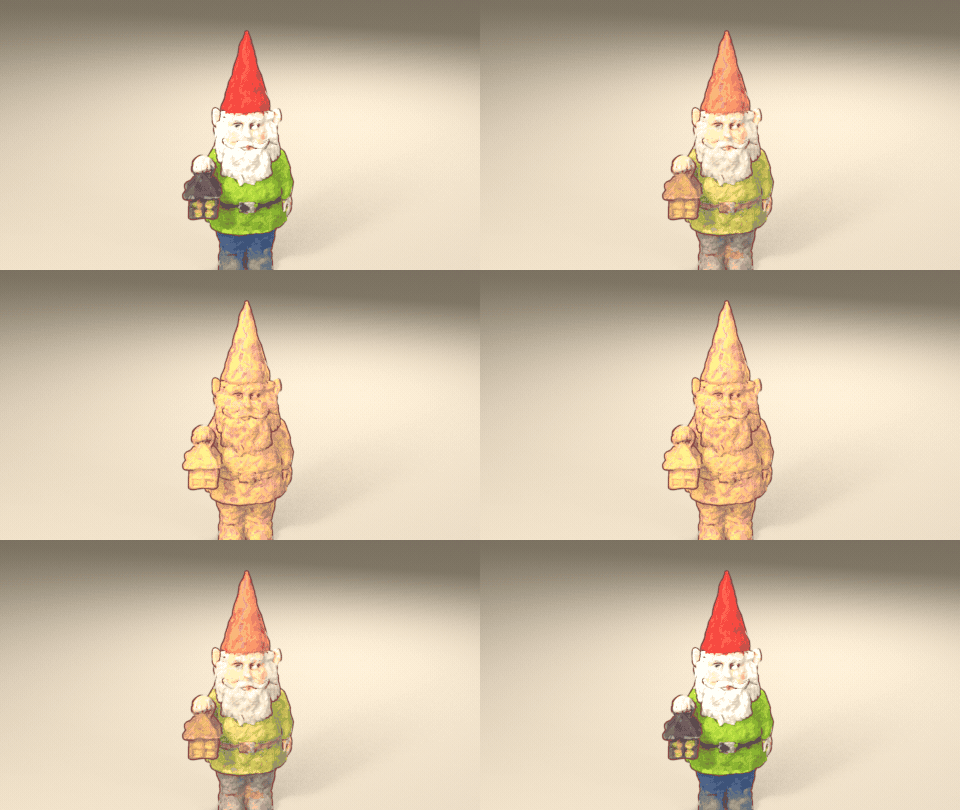
Image textures are not lost: they are smeared into flat dabs of paint that keep the colors and the design of the original, so a scanned gnome still has its red hat and green coat, now painted with a brush.
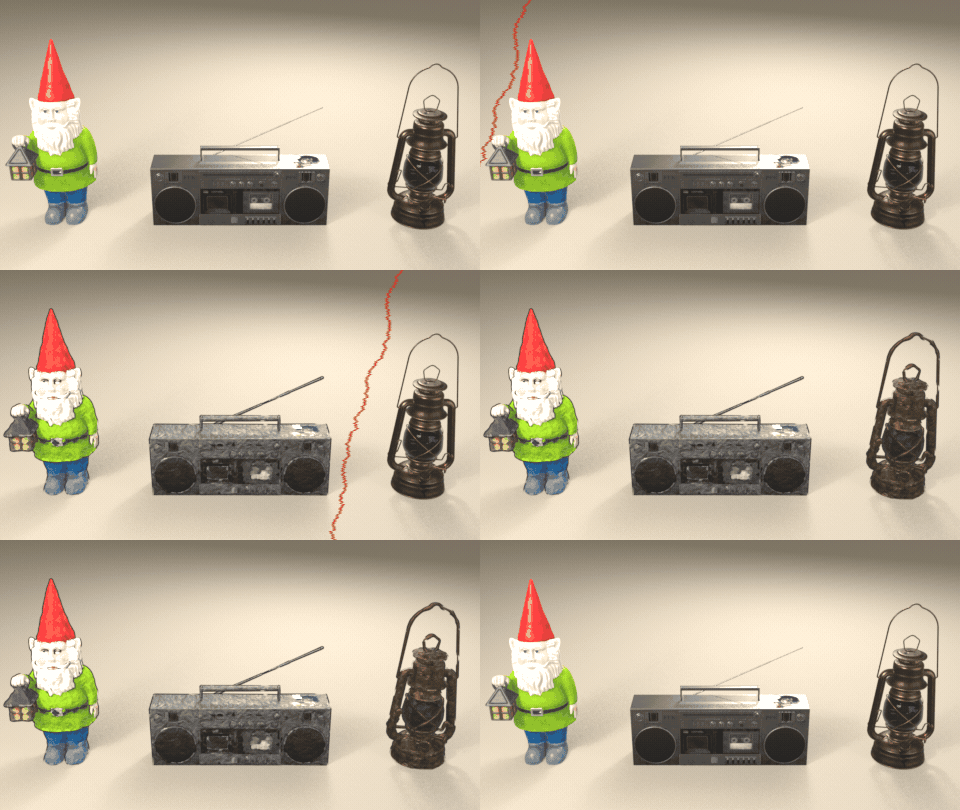
Photo-real in, hand-painted out
One click paints every material of a scanned or textured model: brush strokes, paint patches, a hand-made wobble and a painted outline.
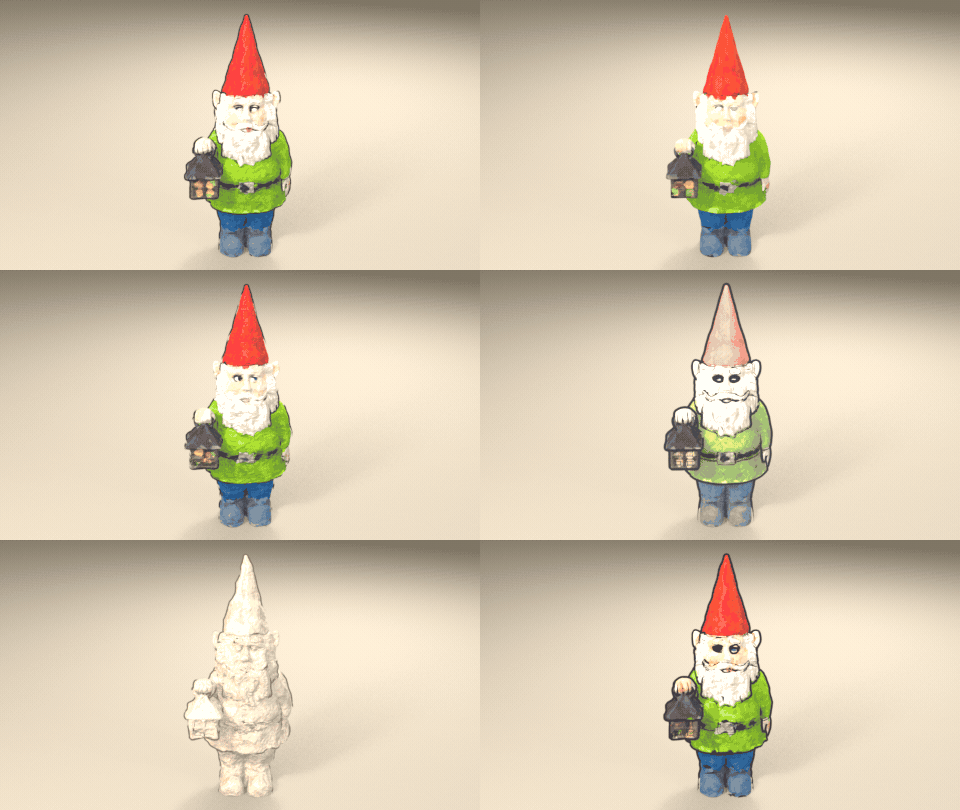
9 painterly looks
Classic Oil, Soft Gouache, Thick Impasto, Dry Brush, Watercolor, Sketchbook, Sunset Palette, Clay Sculpt and Storybook, one click each.
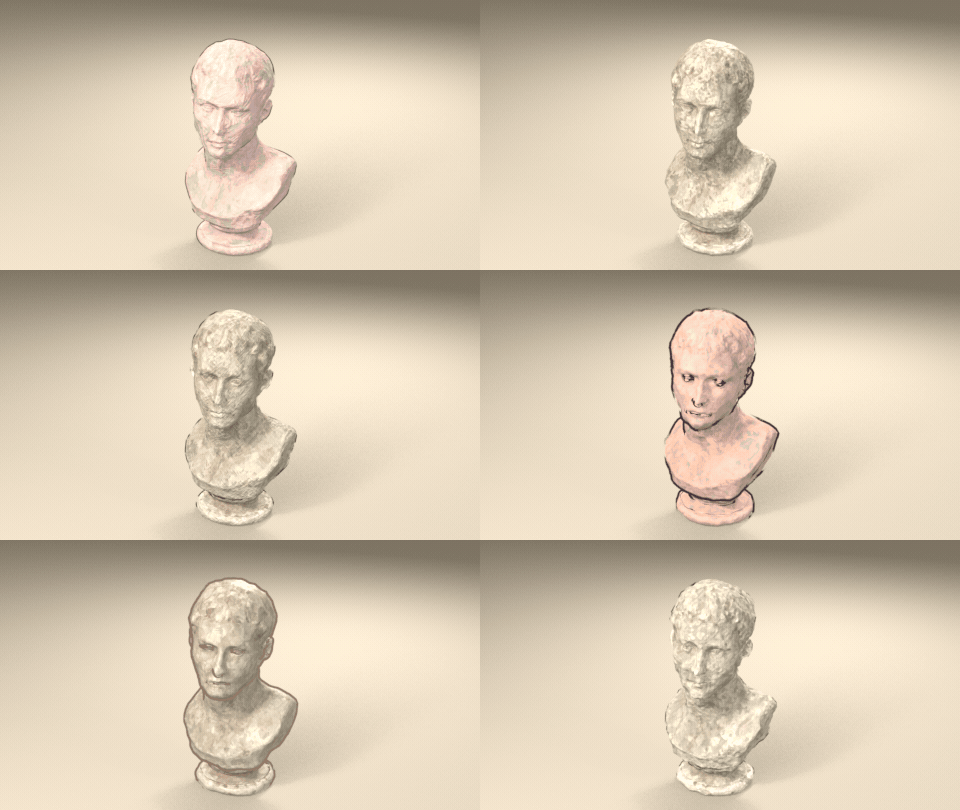
Surprise Me
A new random look in one click: brush, palette, patches, outline and wobble that go together.
Full live control
Drag any slider and the paint updates live. Here the Palette slider goes from the model's own colors to a warm and cool sunset palette.
Features
- One-click conversion of textured and multi-material models, any number at once
- 9 looks: Classic Oil, Soft Gouache, Thick Impasto, Dry Brush, Watercolor, Sketchbook, Sunset Palette, Clay Sculpt and Storybook
- 6 brush stroke maps: oil, gouache, impasto, dry brush, crosshatch and watercolor
- Full control: stroke size, paint relief, patch count and detail, ragged edges, texture smear, palette colors, hue and value jitter, paint sheen, wobble and outline
- Painted outline with thickness, color, breakup and flat ink
- Surprise Me for a random harmonious look, Copy to Selected to share a look
- Non-destructive: Revert at any time, Make Permanent when you are done
- Editing one object never changes another, even linked duplicates
- Picture-driven sidebar with preview thumbnails for every look and brush
- Glass and transparent materials stay see-through: Keep, Painted Wash, Cutout or Solid Paint
- Works in Cycles and EEVEE
Requires Blender 4.2 or newer. Tested on Blender 4.2, 4.5 and 5.2 LTS.
Install in under a minute (Blender 4.2+)
- In Blender open Edit › Preferences › Get Extensions.
- Open the arrow menu at the top right and choose Install from Disk.
- Pick the downloaded zip. Do not unzip it.
Questions
Which Blender versions are supported?
Blender 4.2 and newer. It is tested on Blender 4.2, 4.5 and 5.2 LTS.
Does it change my original model or materials?
No. The painterly materials are copies linked to the object only, and the shape and outline come from one modifier. Revert restores everything. Only Make Permanent changes the mesh, and it asks first.
Does it work with image textures and many materials?
Yes. Every material on the object is converted, and UV-mapped image textures are smeared into dabs of paint that keep their colors. Materials without a Principled BSDF are converted too.
What happens to glass and transparent materials?
They stay see-through. Glass keeps its own roughness, IOR and tint, and the paint bends the refraction instead of frosting it. Alpha cut-outs and transparent mixes keep their holes. Pick Keep, Painted Wash, Cutout or Solid Paint in the Transparency section. Works in Cycles and EEVEE.
Can I export the result to a game engine?
Make Permanent applies the wobble and outline to the mesh. The paint itself is a shader, so bake it to textures with Blender's baking tools if your engine needs plain image textures.
Details
- Version
- 1.0.0
- Blender
- 4.2 or newer
- Tested on
- 4.2, 4.5 and 5.2 LTS
- Render engines
- Cycles, EEVEE
- Category
- Materials and Shading
- Download
- 3.3 MB zip
- License
- GPL v3
More addons
 Featured
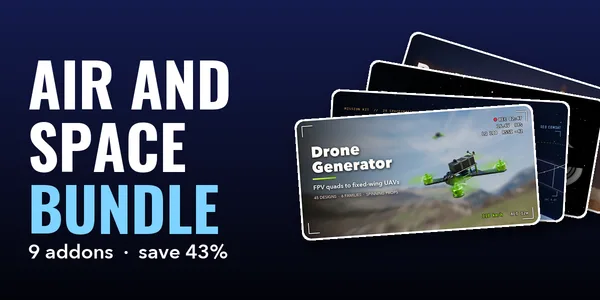
Air and Space Bundle – 9 Blender Generator Addons
Drones, helicopters, rockets, satellites and planets
 Featured
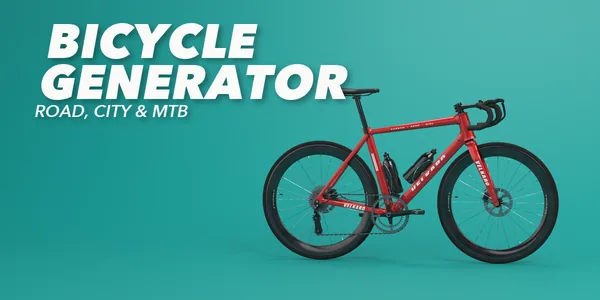
Bicycle Generator
Procedural bicycles of every kind, from racers to cargo trikes
 Featured
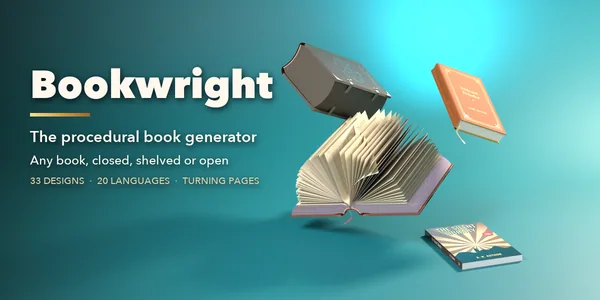
Bookwright
Procedural books of every kind, closed, shelved or turning pages
Light Master – Click-to-Place Lighting & Animated Gobos for Blender
Click-to-place reflection lights with animated gobo shadows