
Light Master – Click-to-Place Lighting & Animated Gobos for Blender
Click-to-place reflection lights with animated gobo shadows
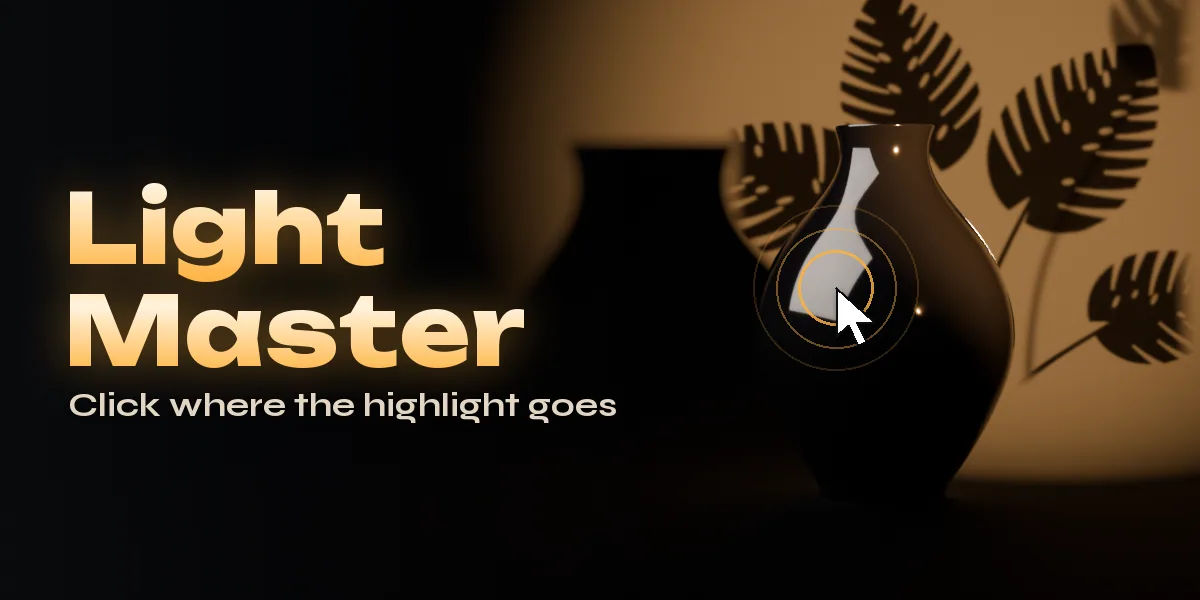
Light Master puts a light exactly where you want its reflection. Point at any surface in the viewport and the light follows your mouse: its highlight lands right under the cursor, already at a sensible distance, size and brightness for that object. Click to keep it. Scroll to change brightness, hold Shift for size and Ctrl for distance, and the subject stays equally bright as the light moves.
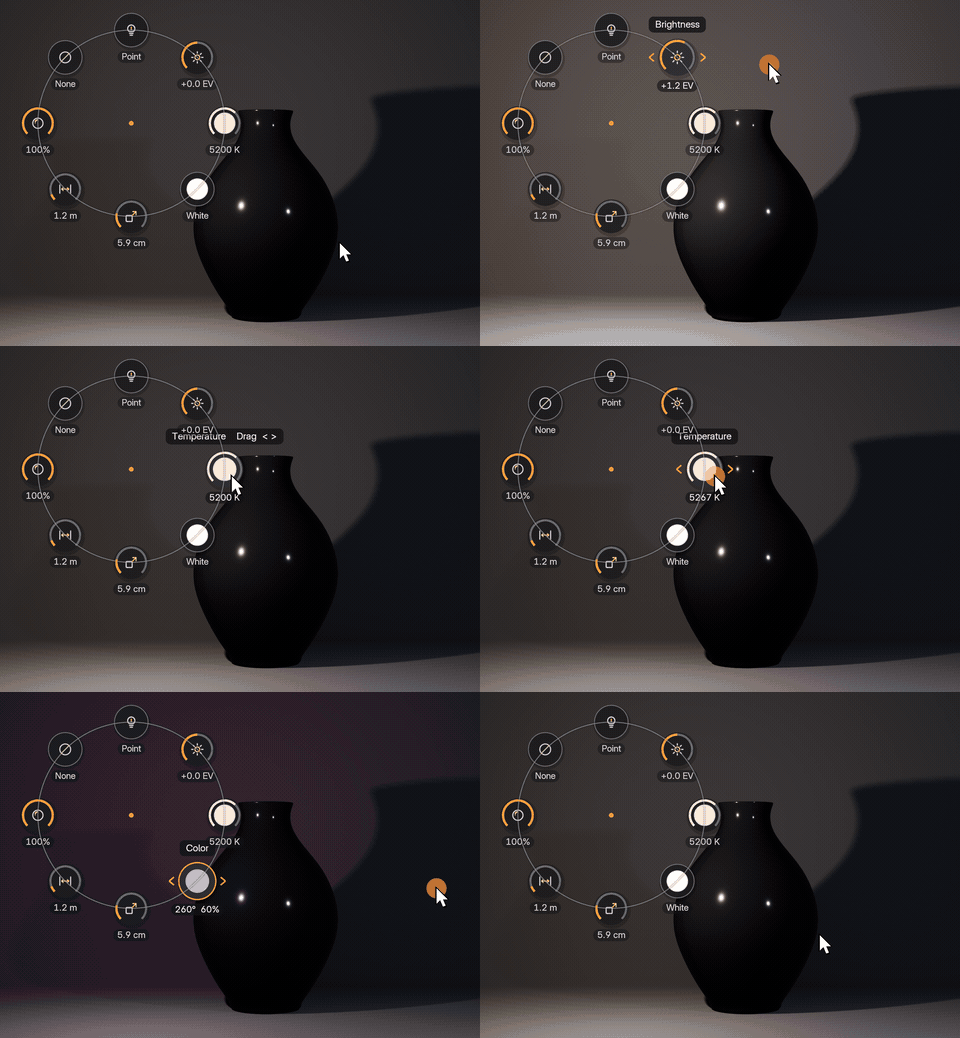
Select a placed light and a ring of round controls appears around it in the viewport: brightness, temperature, color, size, distance, cone, gobo, reflection shape and more. Press a control and drag left, right, up or down, and the light changes live. Click a control for exact values. The sidebar stays short: place a light, Surprise Me, one-click setups and the list of your lights.
Three placement modes cover the whole job. Reflect places a highlight on glossy surfaces such as car paint, bottles, chrome or eyes. Direct shines the light straight onto the clicked spot for a key light. Rim puts the light behind the subject so it grazes the edge you click.
Every light can cast a gobo, the shadow pattern lighters put in a beam for realism. The built-in library has windows, blinds, shutters, fences, palms, monstera, tree canopies, water caustics, clouds and stage patterns, and many of them move: leaves sway, caustics ripple, clouds drift and fans turn, looping over your timeline. Sharpness slides the pattern card along the beam from a soft dappled shadow to a crisp projection, just like a real cookie on set. Gobos work in both Cycles and EEVEE, on area, spot and point lights.
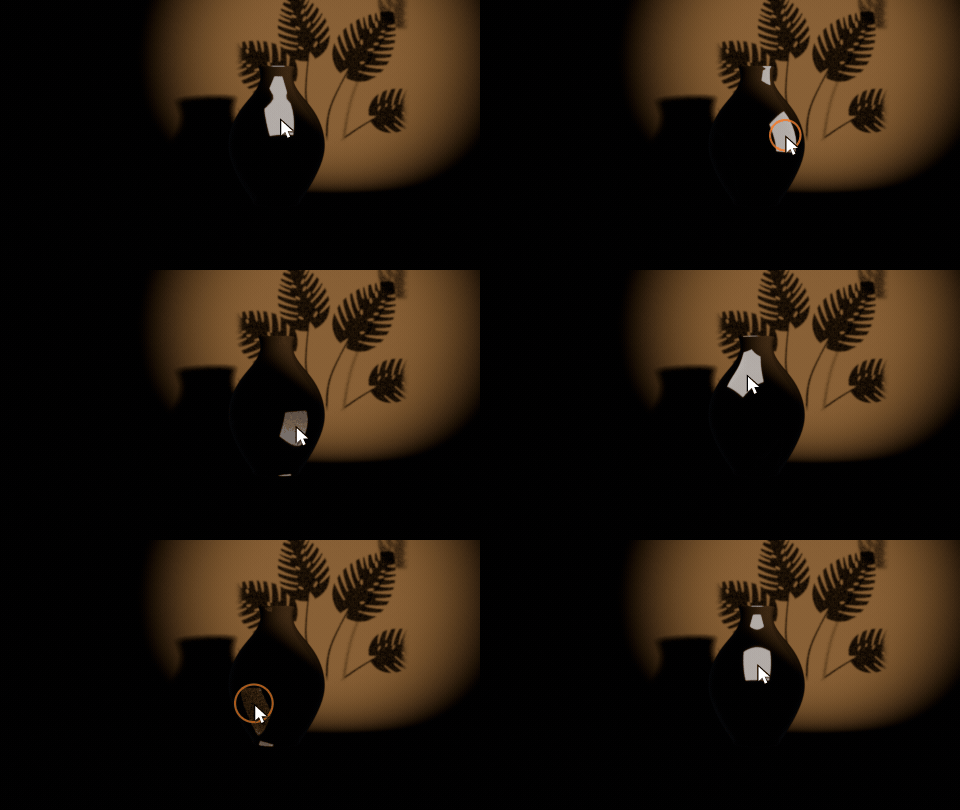
Point, and the highlight follows
Move the mouse over your object and the light moves with it, so its reflection lands right under the pointer. Click to keep it.
Drag the controls around the light
Select a light and round controls appear around it in the viewport. Press one and drag left or right, and its brightness, temperature or color changes live.
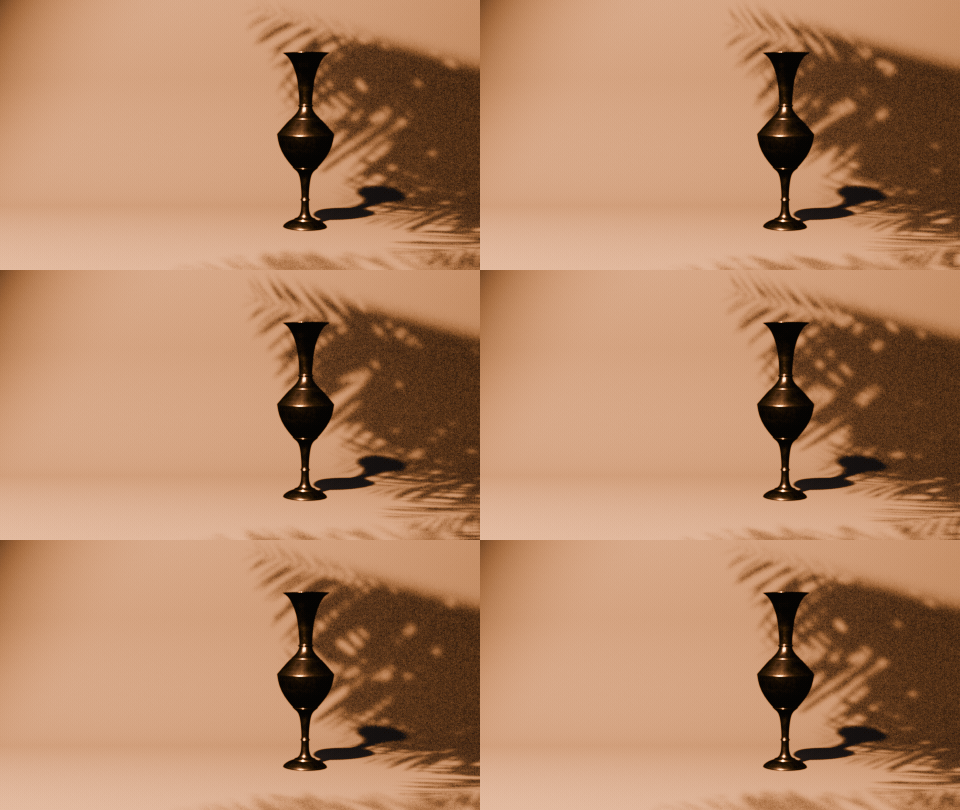
Gobos that move
Palms sway, leaves rustle, water ripples, clouds drift and fans turn. Moving gobos loop over your timeline in Cycles and EEVEE.
One-click lighting setups
Three-Point, Product Strips, Window Daylight, Golden Leaves, Noir Blinds, Pool Caustics, Dramatic Rims and Clamshell around the selected objects.
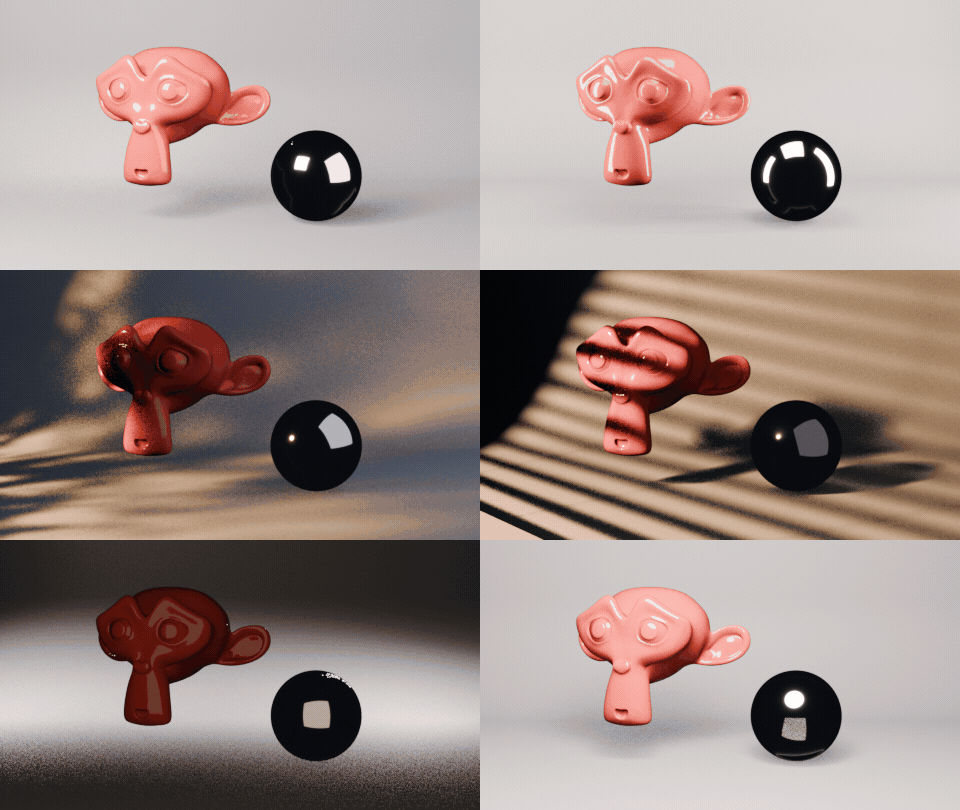
Features
- Click to place: the reflection, light or rim lands where you click, on smooth curved surfaces too
- Automatic distance, size and power from the object's size, with Keep Brightness when moving
- Viewport control ring around the selected light: drag to change brightness, temperature, color, size, distance, cone, gobo and reflection shape
- Live controls while placing: brightness, size, distance, roll, sharpness, mode, light type and gobo
- Gobo library of windows, blinds, foliage, water, sky and stage patterns, many of them animated loops
- Gobo sharpness, size, angle, offset, strength, speed and hold frame
- Reflection shapes for Cycles: softbox, strip box, octabox, ring, umbrella, beauty dish and more
- Color temperature in Kelvin, reflection and diffuse amounts, light only the subject
- One-click setups: Three-Point, Product Strips, Window Daylight, Golden Hour Leaves, Noir Blinds, Pool Caustics and more
- Surprise Me builds a complete new key, fill and rim lighting with a colour mood around your subject
- Solo a light, False Color exposure check and a list of every placed light
- Each light keeps its own pattern card, which never shadows other lights
Requires Blender 4.2 or newer. Tested on Blender 4.2, 4.5 and 5.2 LTS.
Install in under a minute (Blender 4.2+)
- In Blender open Edit › Preferences › Get Extensions.
- Open the arrow menu at the top right and choose Install from Disk.
- Pick the downloaded zip. Do not unzip it.
Questions
Which Blender versions are supported?
Blender 4.2 and newer. It is tested on Blender 4.2, 4.5 and 5.2 LTS.
Do gobos work in EEVEE?
Yes. Gobos are shadow-only pattern cards in front of the light, so they work the same in Cycles and EEVEE, on area, spot and point lights. Reflection shapes such as softboxes are light textures and show in Cycles only.
Do I need to download the gobo library?
No. Every pattern and light texture ships inside the addon, so it works offline right after installing.
Will my scene still render on another computer or a render farm?
Yes, as long as the addon is installed there. When a file opens, the addon points the gobo images at its own library again, so moved install folders are fixed automatically.
Details
- Version
- 1.0.0
- Blender
- 4.2 or newer
- Tested on
- 4.2, 4.5 and 5.2 LTS
- Render engines
- Cycles, EEVEE
- Category
- Rendering
- Download
- 11.6 MB zip
- License
- GPL v3
More addons
 Featured
Air and Space Bundle – 9 Blender Generator Addons
Drones, helicopters, rockets, satellites and planets
 Featured
Bicycle Generator
Procedural bicycles of every kind, from racers to cargo trikes
 Featured
Bookwright
Procedural books of every kind, closed, shelved or turning pages
Gambit – Chess & Board Game Generator for Blender
Chess sets and 12 classic board games in real wood and marble