
Industria – Factory & Industrial Facility Generator for Blender
Factories, refineries, power plants and mills in one click
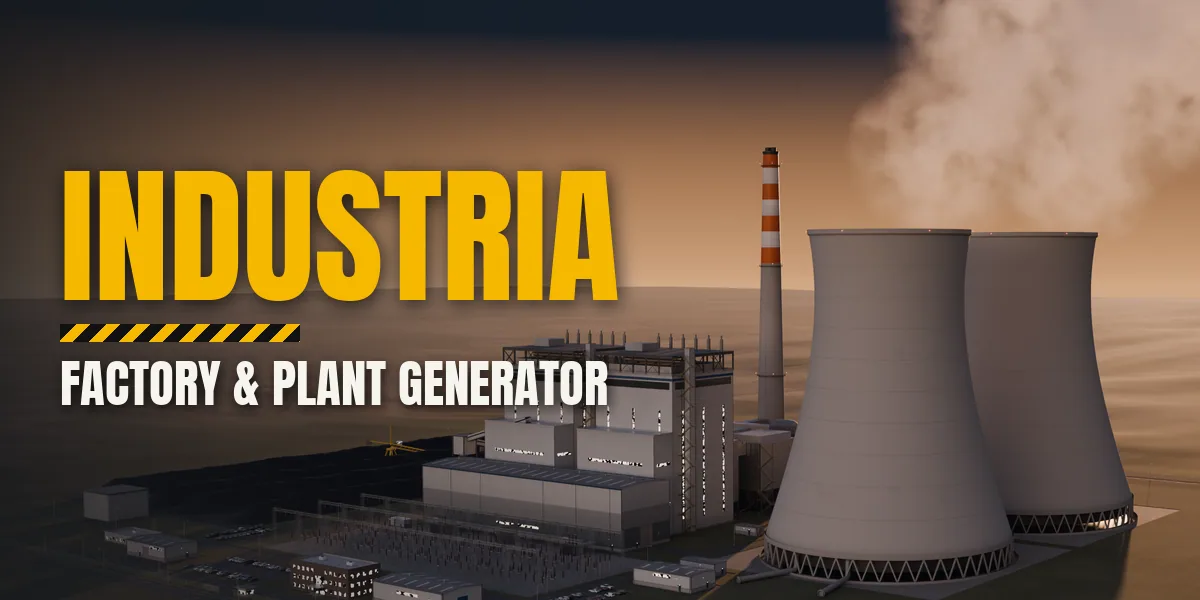
Industria builds complete, photoreal industrial sites inside Blender: a factory with its office, docks, yard and car park, an oil refinery with pipe racks, tank farm and flare, a coal power station with cooling towers and a banded chimney, a nuclear plant, a steel works with a blast furnace, a cement plant, a grain terminal, a data center and many more. Pick a facility type and a preset, choose a size and a condition, and the whole site is generated in seconds, fence, roads, markings, lights, vehicles and landscaping included.
Every site is made of real parts at real scale. Halls have portal frames, trapezoid or sandwich cladding, rooflights, dock doors with numbers and leveller wells. Process plants get columns, fired heaters, open steel structures with stairs and platforms, and AAA pipework with ASME flanges, welds, valves, shoes and pipe markers. Power plants get hyperbolic cooling towers, boiler houses, HRSGs, switchyards with gantries and insulators, and coal yards with stacker-reclaimers. All text, signs and markings are image textures, never mesh text.
Condition goes from New to Used, Old and Abandoned, and ten wear sliders tune the look live without rebuilding: dirt, rust, water streaks, paint fade, soot around stacks and flares, oil and tyre marks, moss and overgrowth, wetness with puddles, dust and its colour. Abandoned sites lose roof sheets, break windows, grow saplings and empty their car parks.
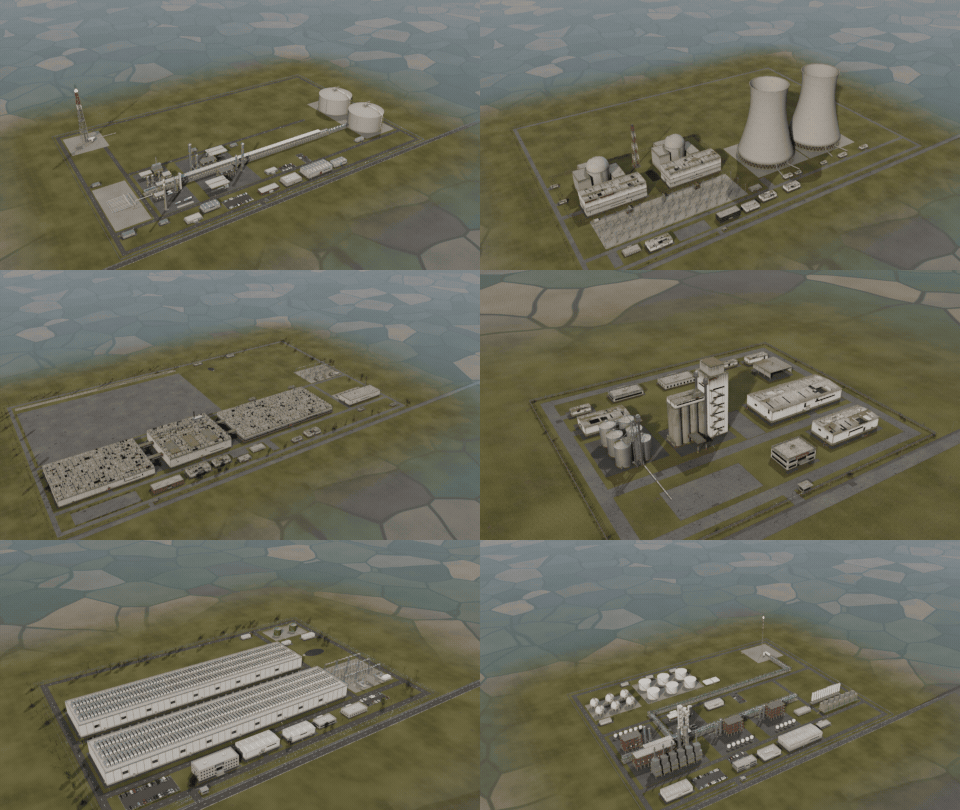
One click, a new industrial site
Surprise Me picks a random facility type, preset and condition: power plants, refineries, steel works, factories, mines and more.
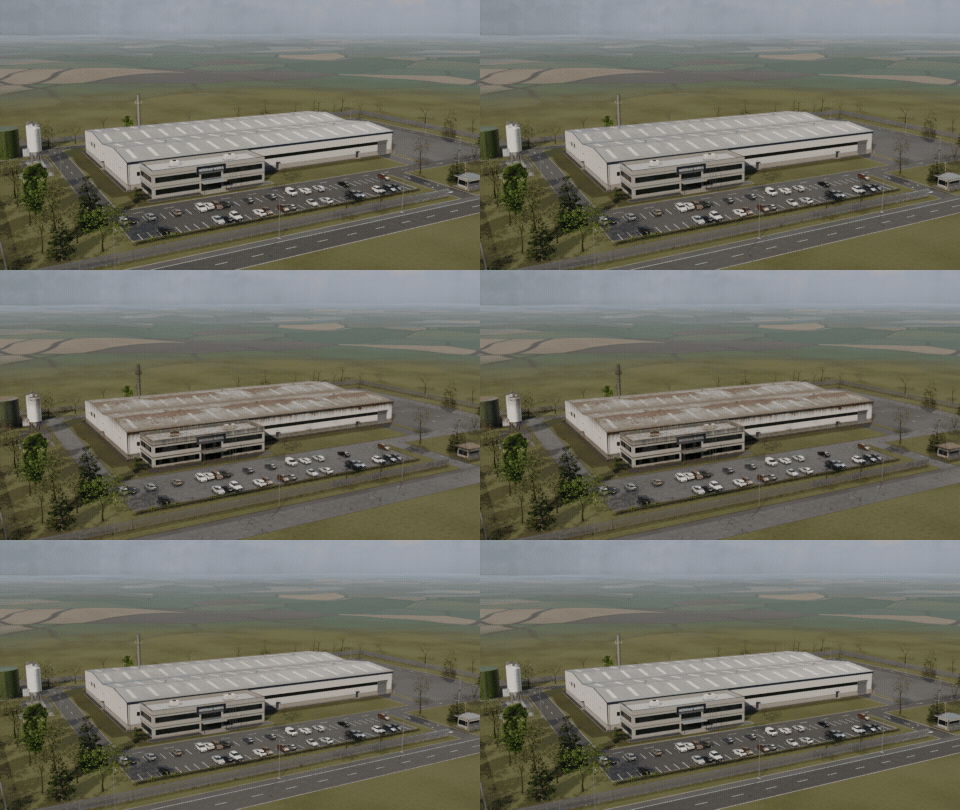
From brand new to abandoned
Ten live wear sliders take a site from spotless to decades of rust, soot, grime and moss, without rebuilding the meshes.
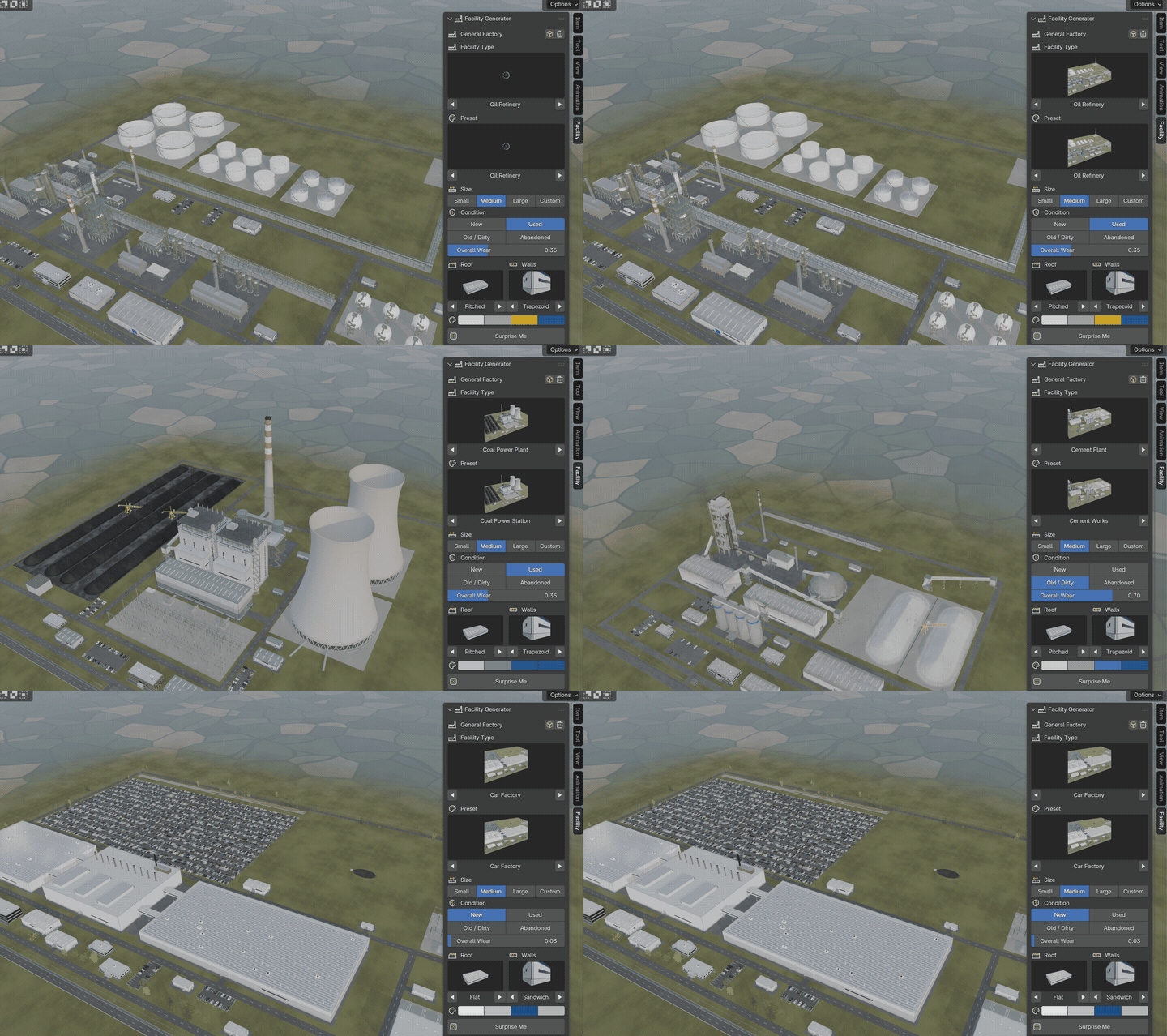
Pick a picture, get a plant
Choose the facility type and preset from picture galleries in the sidebar and the whole site rebuilds.
23 facility types
- Factories: General Factory, Logistics Warehouse, Car Factory, Brewery, Pharma and Clean-Room Plant, Sawmill and Lumber Yard
- Process plants: Oil Refinery, Chemical Plant, LNG and Gas Plant
- Power: Coal Power Plant, Gas Power Plant (CCGT), Nuclear Power Plant, Electrical Substation
- Heavy industry: Steel Works, Cement Plant, Grain Terminal, Feed Mill, Mine and Mill, Waste-to-Energy Plant, Scrap and Recycling Yard
- Utilities: Data Center, Water Treatment Works, Wastewater Treatment Plant
Features
- 23 facility types and 62 presets, from a small machine shop to a coastal refinery or a car megaplant
- Picture galleries in the sidebar for the type, preset, roof and walls
- Small, Medium and Large sites, or a custom hall size
- Condition New, Used, Old or Abandoned, plus ten live wear sliders
- Roof shapes, wall cladding, colour bands, solar roofs, roof plant, offices with company signs
- Fences, gates, gatehouses, roads, parking, street lights with lamps that switch on at night
- Parked cars, trailers, rail sidings with wagons, conveyors and pipe bridges between units
- Photoreal PBR materials from Poly Haven scans, all working in Cycles and EEVEE
- GPU instancing keeps even a full refinery light in the viewport
- Surprise Me button for a random site, New Variation for a new layout of the same design
- Apply as Meshes turns the site into plain objects for editing or export
Requires Blender 4.2 or newer. Tested on Blender 4.2, 4.5 and 5.2 LTS.
Install in under a minute (Blender 4.2+)
- In Blender open Edit › Preferences › Get Extensions.
- Open the arrow menu at the top right and choose Install from Disk.
- Pick the downloaded zip. Do not unzip it.
Questions
Which Blender versions are supported?
Blender 4.2 and newer. It is tested on Blender 4.2, 4.5 and 5.2 LTS.
Does it work in EEVEE and Cycles?
Yes. All materials are image textures and Principled BSDF, so they look right in both engines and can be baked for game engines.
How heavy is a big site?
Repeated parts (flanges, valves, railings, cars, panels, insulators) are GPU instances, so even a full refinery stays light in the viewport. Use the Preview detail level while you design and High for the final render.
Can I edit or export the result?
Yes. Apply as Meshes turns the facility into plain mesh objects with their materials, ready to edit or export to other software.
Can I make ruins and abandoned sites?
Yes. Set Condition to Abandoned, or pick one of the abandoned presets: roofs lose sheets, windows break, rust and moss spread, saplings grow and the car parks empty. Every wear effect also has its own slider.
Details
- Version
- 1.0.0
- Blender
- 4.2 or newer
- Tested on
- 4.2, 4.5 and 5.2 LTS
- Render engines
- Cycles, EEVEE
- Category
- Modeling
- Download
- 29.1 MB zip
- License
- GPL v3
More addons
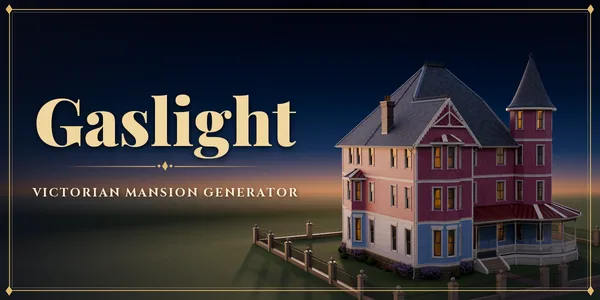
Gaslight – Victorian Mansion Generator for Blender
Victorian mansions with turrets, porches and furnished rooms
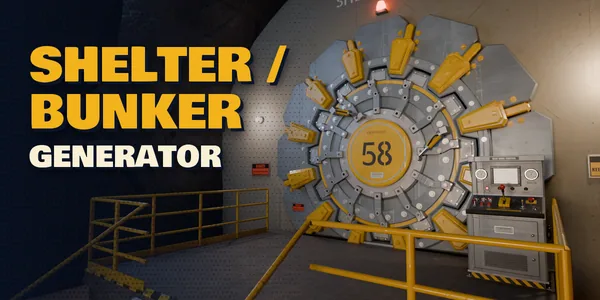
Atomic Shelter – Shelter / Bunker Generator for Blender
Retro-futuristic nuclear bunkers: rooms, floors and gear doors
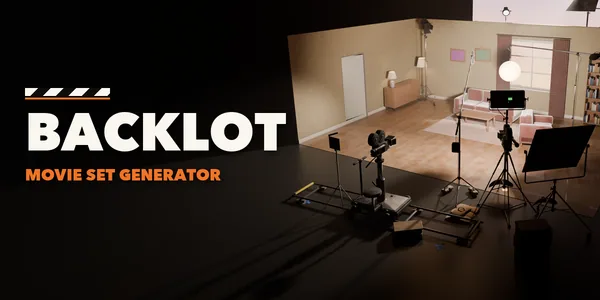
Backlot – Movie Set Generator for Blender
Film sets with swappable cameras, lights, grip and power
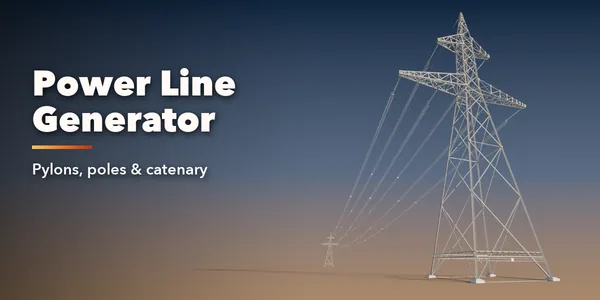
Power Line Generator
Pylons, utility poles and railway catenary with sagging cables