Gamepad Generator
Procedural game controllers in any style, from retro to modern
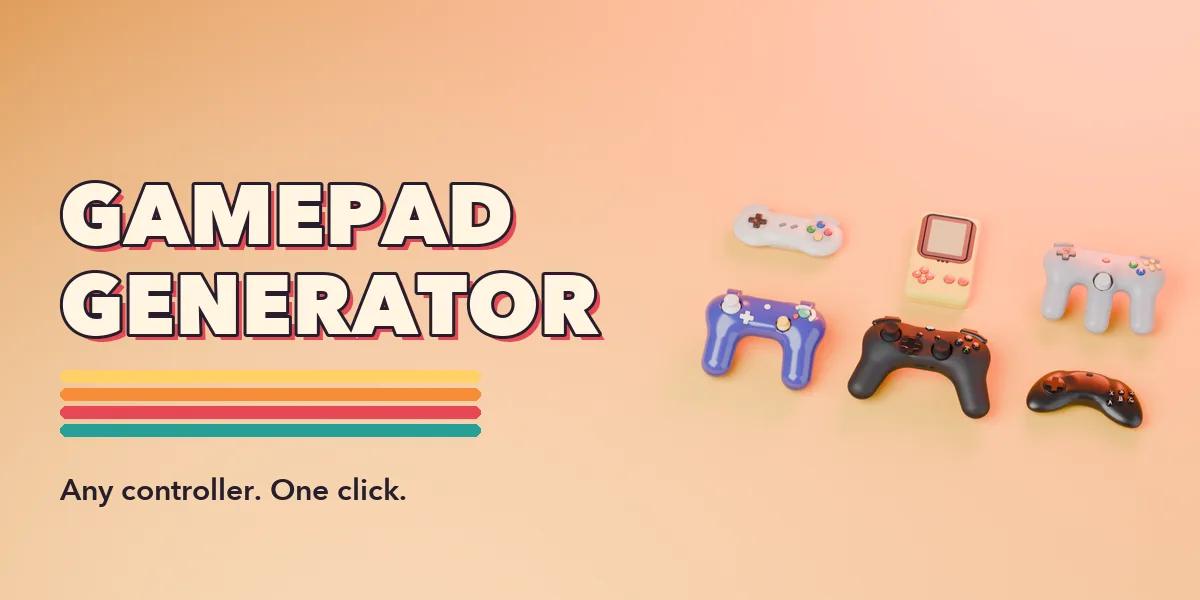
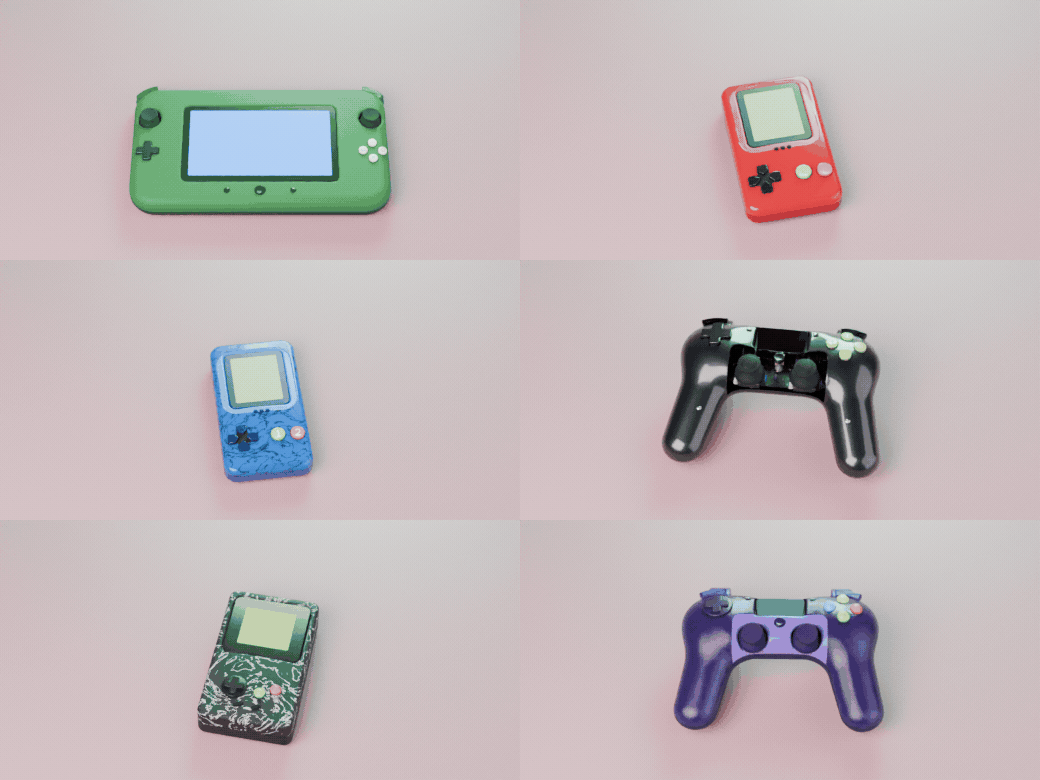
Gamepad Generator builds complete, detailed game controllers with one click from Shift+A > Mesh > Gamepad. From flat 8-bit bricks and 16-bit ovals to crescent six-button pads, three-handled pads, twin-stick controllers with touchpads, trackpad pads, keypad pads, falling-block handhelds, clear acrylic pads and tablet handhelds with a screen: every design is generated procedurally and stays editable.
Every part is its own object with its own settings: body shape, d-pad, face buttons, sticks, trackpads, touchpad, screen, keypad, menu buttons, bumpers, triggers, back paddles, light bar, screws and cable. Change a shape, a size or a layout and the gamepad rebuilds live. Sticks and triggers pivot at their hinge, so you can pose and animate them.
Each part has its own color, finish (glossy, satin, matte, soft touch, translucent, clear acrylic, metallic, chrome) and pattern (stipple, grip dots, speckle, camo, marble, carbon, wood, metal flakes). A Condition panel takes any gamepad from brand new to used, worn or vintage, with yellowed plastic, scratches, grime in the gaps, polished edges and rubbed-off labels.
One click, a new controller
Pick a preset in the Gamepad tab of the sidebar and the whole controller rebuilds, ready to render.
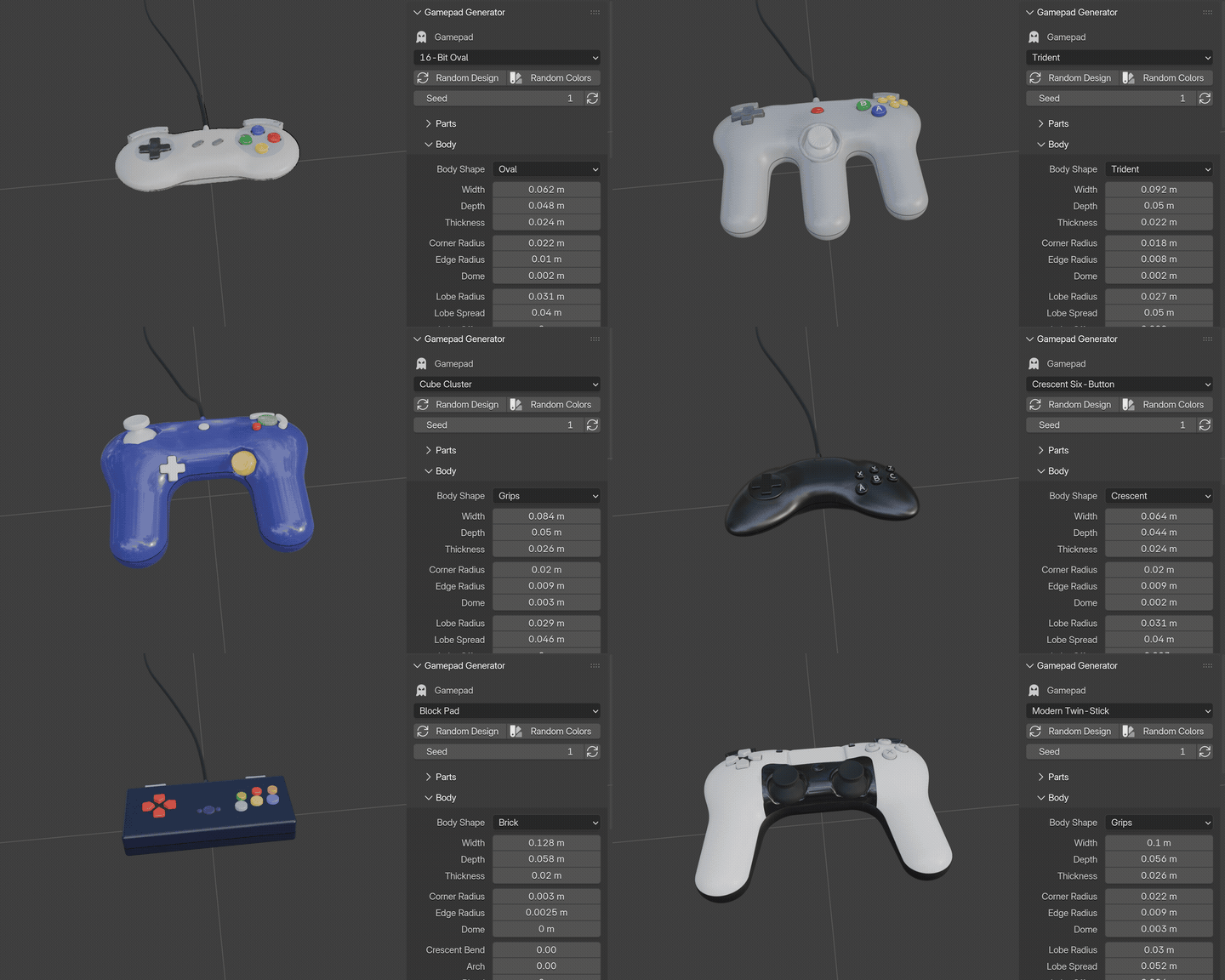
19 controllers to start from
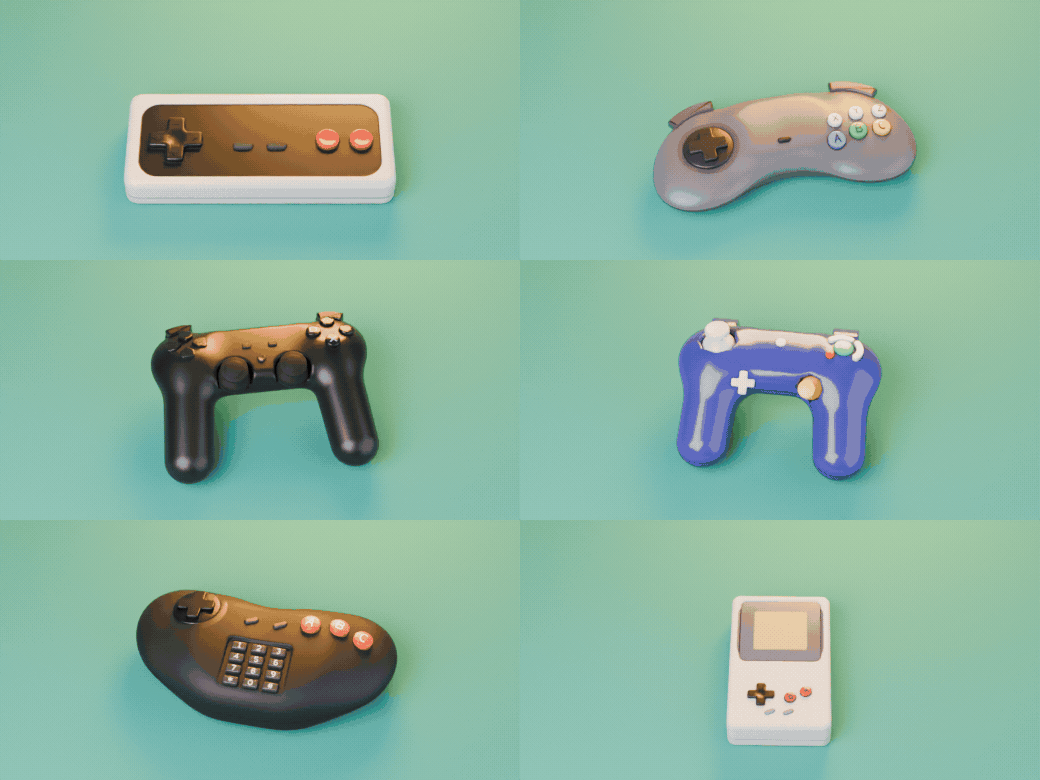
8-bit bricks, 16-bit ovals, crescent six-button pads, fight pads, three-handled pads, twin-stick, cube, trackpad, keypad, clear and falling-block pads.
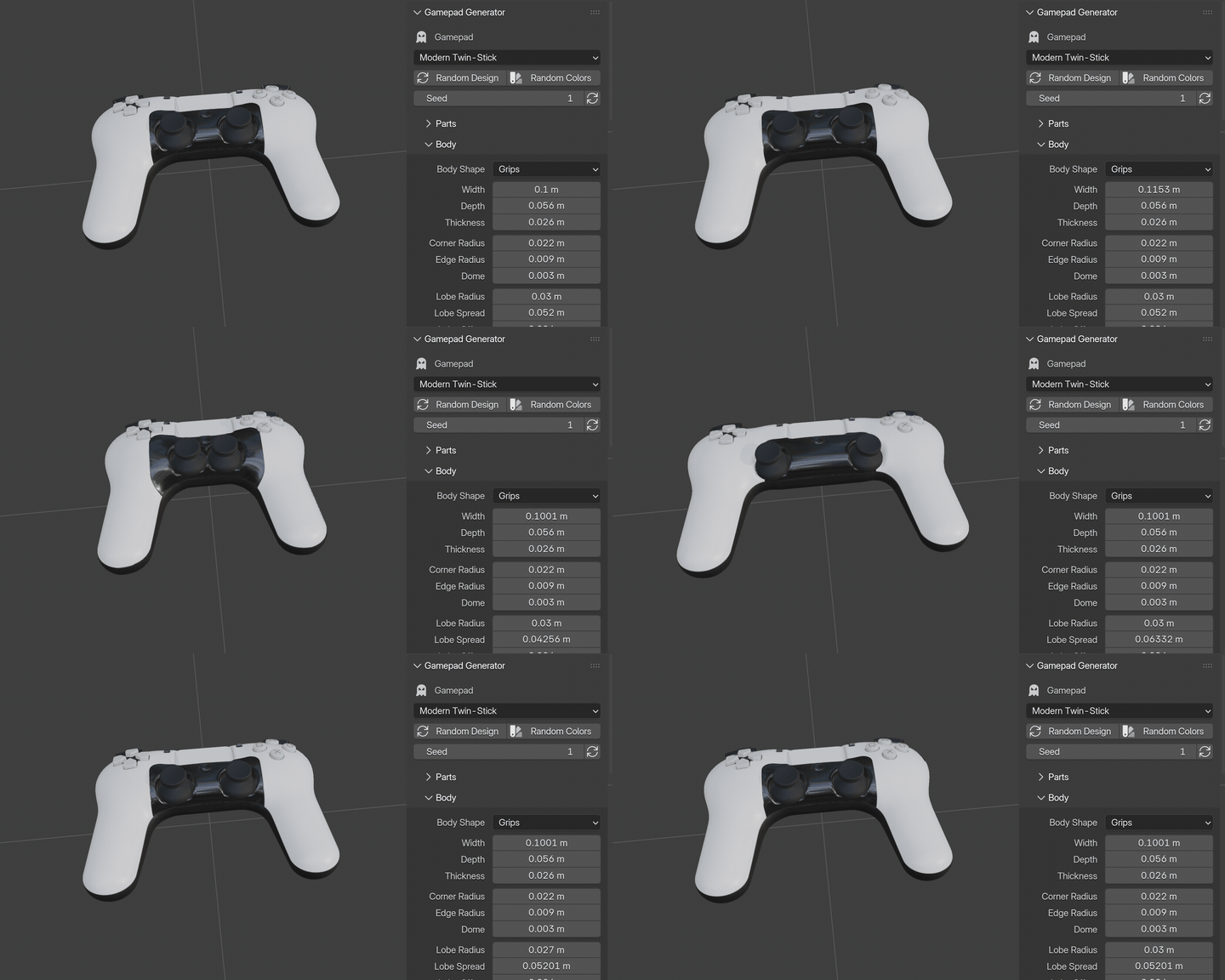
Drag a slider, watch it rebuild
Width, lobes, grips, bend, every control and every part: change a value and the shell and all the parts rebuild live.
Random Design: endless new pads
Each click invents a new controller from body to buttons, sticks, triggers and colors. Every result stays fully editable.
Features
- 19 presets covering classic and modern controller families
- Clear acrylic shells with a detailed board, stick modules, rumble motors and battery inside
- 5 body shapes with full control over lobes, grips, prongs, bend and arch
- D-pads: cross, split, disc and round buttons; 7 face button layouts with letters, shapes or numbers
- Concave, dome and flat sticks with ribbed rims, ridged caps and octagonal gates
- Two-tone shells, face plates and accent dishes with crisp color borders
- Random Design and Random Colors for endless variations
- Real-world size, fully procedural materials, no image textures
- Works in Cycles and EEVEE
Requires Blender 4.2 or newer. Tested on Blender 4.2, 4.5 and 5.2 LTS.
Install in under a minute (Blender 4.2+)
- In Blender open Edit › Preferences › Get Extensions.
- Open the arrow menu at the top right and choose Install from Disk.
- Pick the downloaded zip. Do not unzip it.
Questions
Does it use image textures?
No. All geometry and all materials are procedural, so there are no files to pack or relink. It works on Blender 4.2 and newer and is tested on 4.2, 4.5 and 5.2 LTS.
Are the controllers copies of real products?
No. The presets are generic designs inspired by common controller families, without logos or brand names. You can shape them into anything you need.
Can I edit the result by hand?
Yes. Every part is its own object. Press Make Static when you are done generating and edit the meshes like any other object.