Fireplace Generator
Procedural fireplaces with fire, logs, hearth and mantel
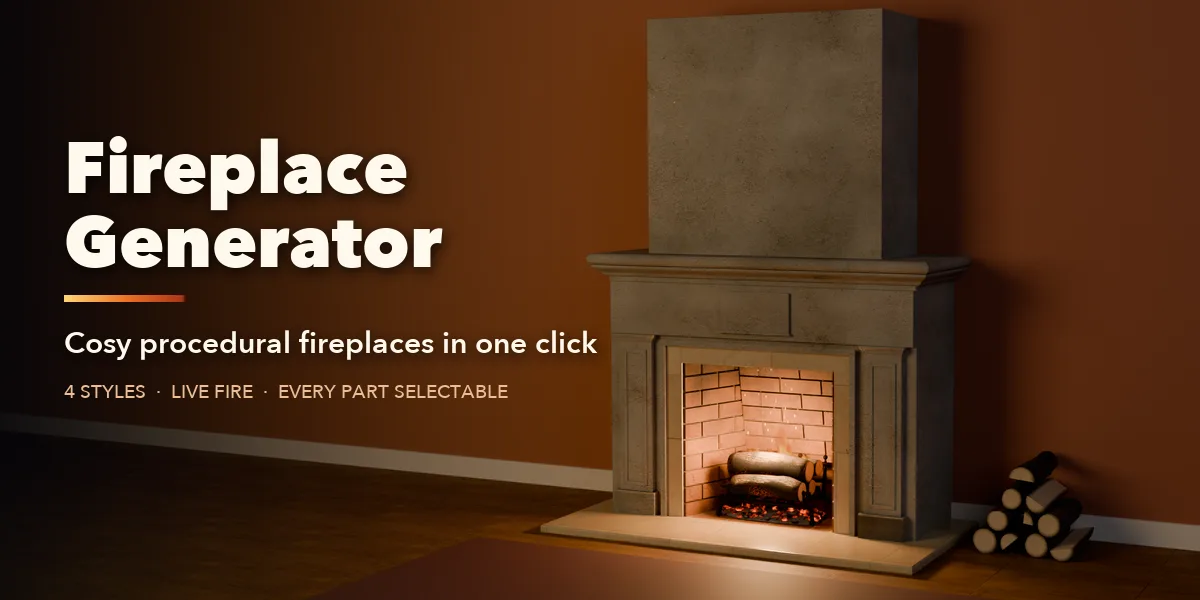
Fireplace Generator builds a complete, realistic fireplace with one click from Shift+A > Mesh > Fireplace. The surround, firebox, hearth, mantel, chimney breast, grate, logs, embers, flames, fire light, fire screen and wood pile are all generated procedurally and dressed in bundled CC0 PBR textures (real scanned plaster, marble, brick, fieldstone, slate, oak and cast iron) with procedural soot, ash and ember overlays. Nothing to download or relink: the textures ship inside the extension and are packed into your file.
Every part is its own object. You can switch each part on or off, select it with one click from the Fireplace tab in the sidebar, and keep tweaking every setting live. The fireplace rebuilds instantly as you change it.
Four styles, endless fireplaces
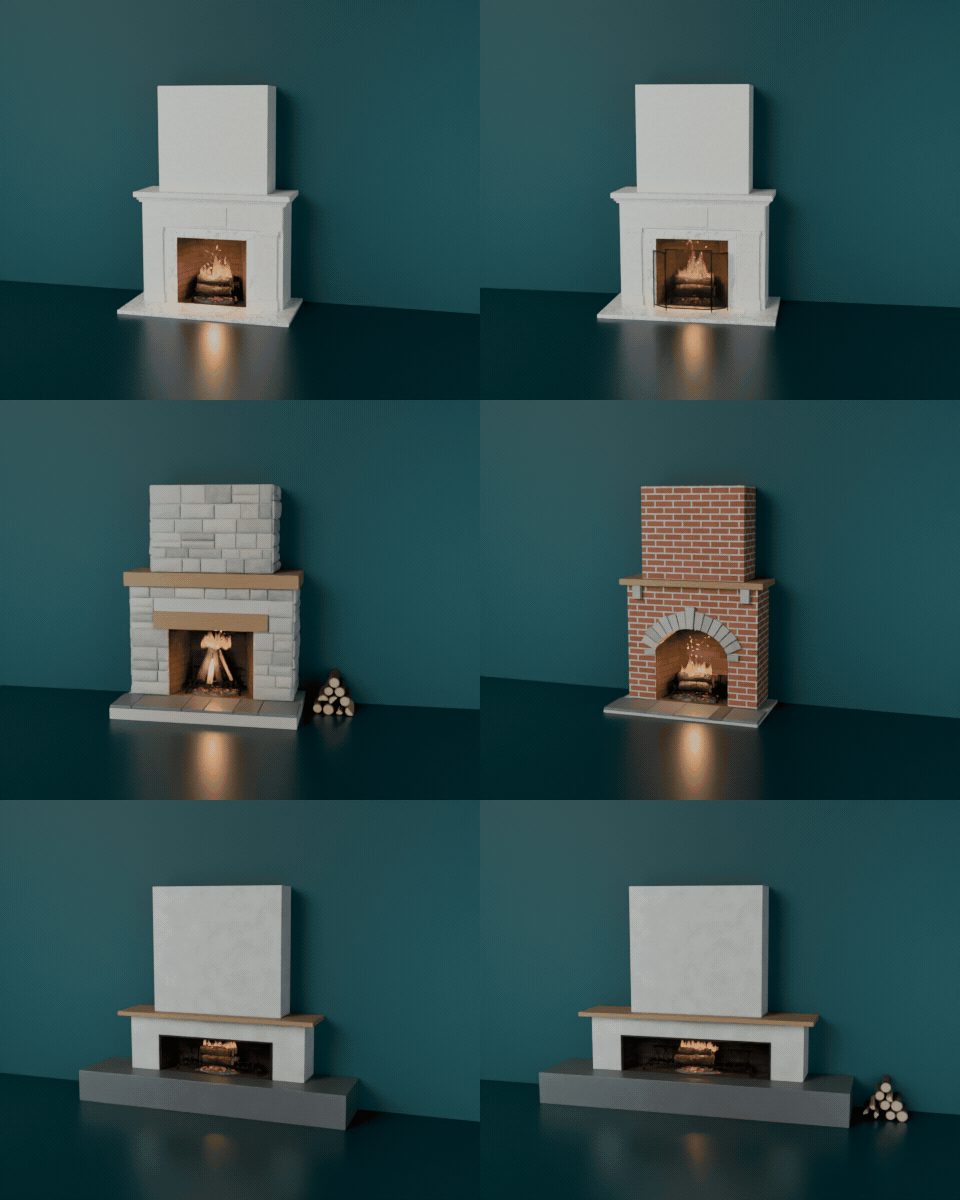
Classic, Rustic Stone, Arched Brick and Modern, each with its own proportions and materials. Add a chimney breast, a fire screen or a wood pile with one checkbox.
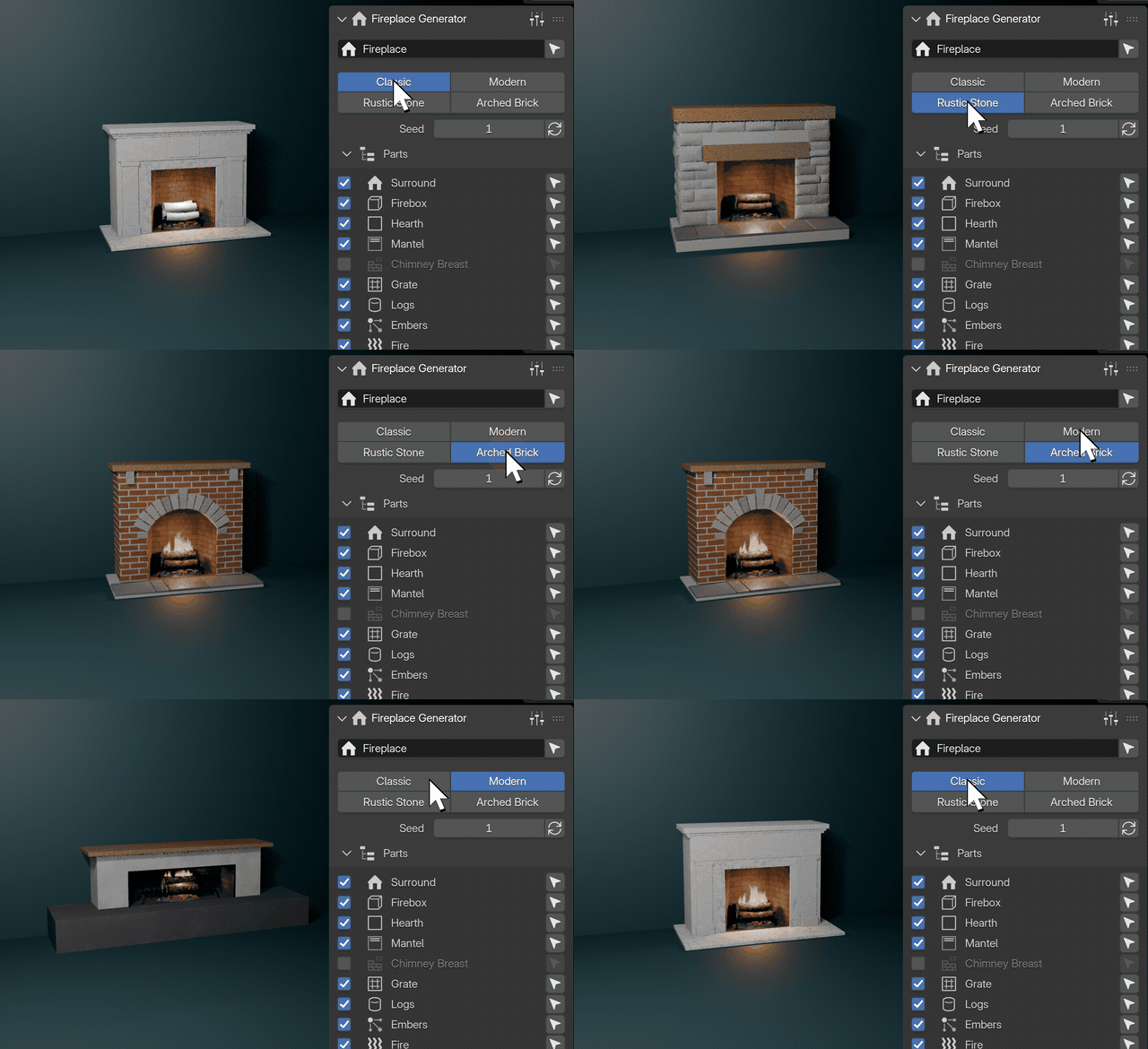
One click, a new fireplace
Pick a style in the Fireplace tab of the sidebar and the whole fireplace rebuilds around the fire, with fitting proportions and materials.
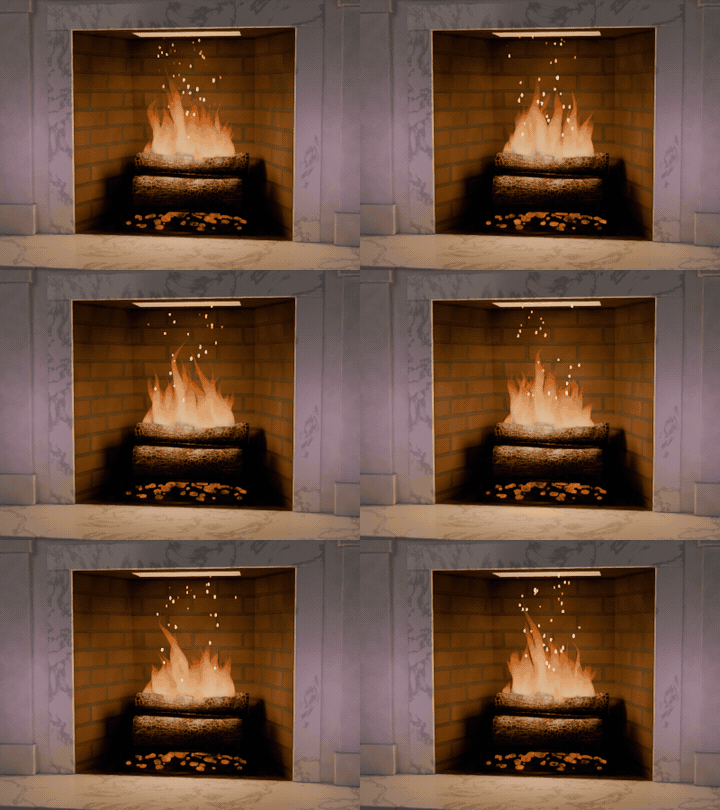
A fire that burns on playback
Flames sway and lick, embers glow in charred logs and sparks drift up. All procedural and animated, with no simulation to bake.
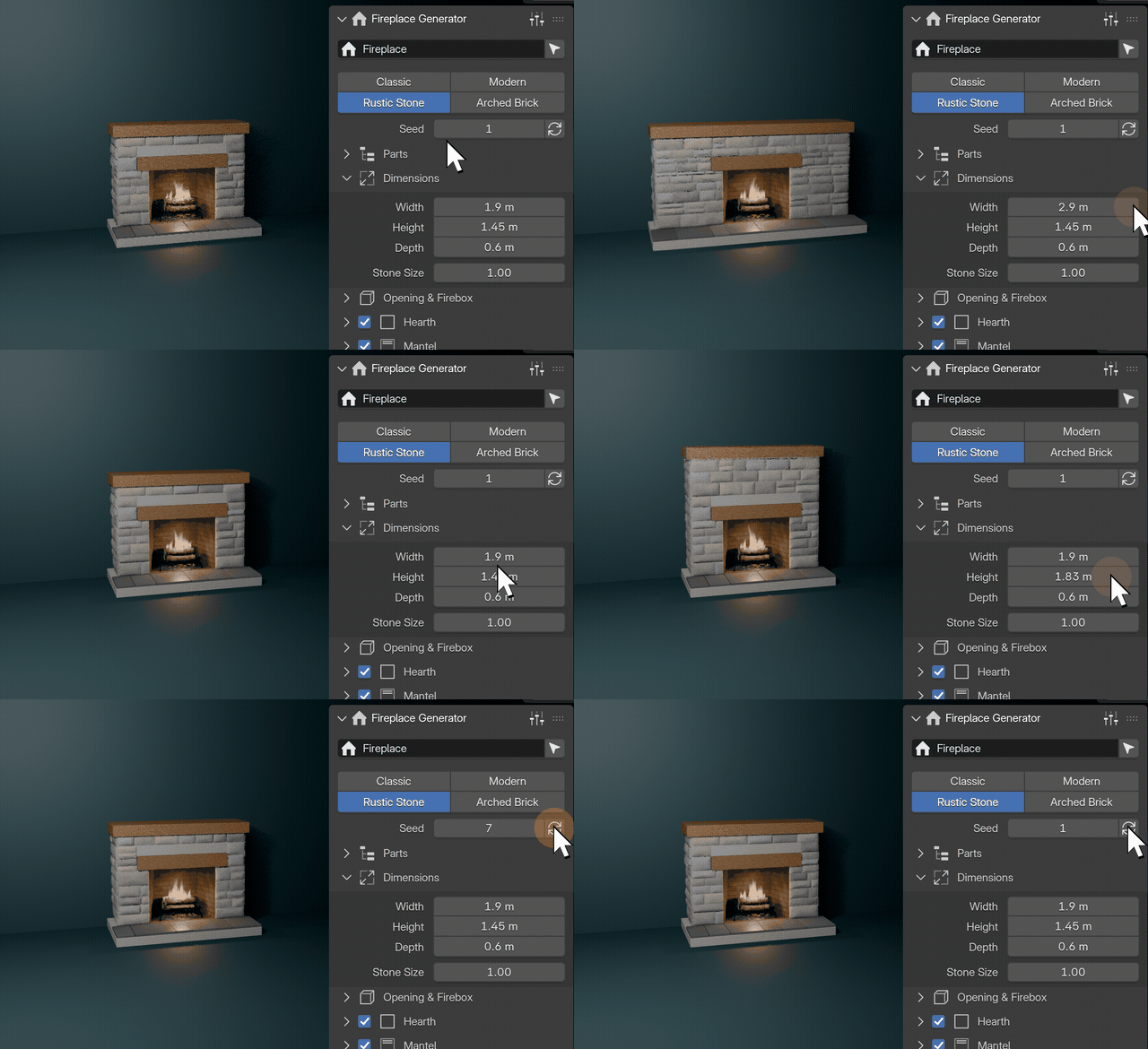
Drag a slider, watch it rebuild
Every setting is live. Make it wider or taller and the stones are laid again to fit; press Randomize for a new arrangement.
Features
- Four styles: Classic, Modern, Rustic Stone and Arched Brick
- Procedurally laid fieldstones, flagstones, brick and a voussoir arch
- Round, half and quarter split logs in Stacked, Teepee and Log Cabin arrangements
- Charred bark with glowing cracks, ember beds and animated flames
- Flickering fire light that animates on playback
- Size, opening, firebox, hearth, mantel and seed controls, all live
- Select any part from the sidebar, or make the fireplace static when you are done
- Works in Cycles and EEVEE
Requires Blender 4.2 or newer. Tested on Blender 4.2, 4.5 and 5.2 LTS.
Install in under a minute (Blender 4.2+)
- In Blender open Edit › Preferences › Get Extensions.
- Open the arrow menu at the top right and choose Install from Disk.
- Pick the downloaded zip. Do not unzip it.
Questions
Do I need to download or relink textures?
No. The CC0 PBR textures (Poly Haven, 1k) ship inside the extension and are packed into your .blend automatically, so files open anywhere without relinking. The geometry, fire, soot and embers are fully procedural. It works on Blender 4.2 and newer and is tested on 4.2, 4.5 and 5.2 LTS.