Fence & Wall Generator
Procedural fences and walls along any curve, worldwide styles
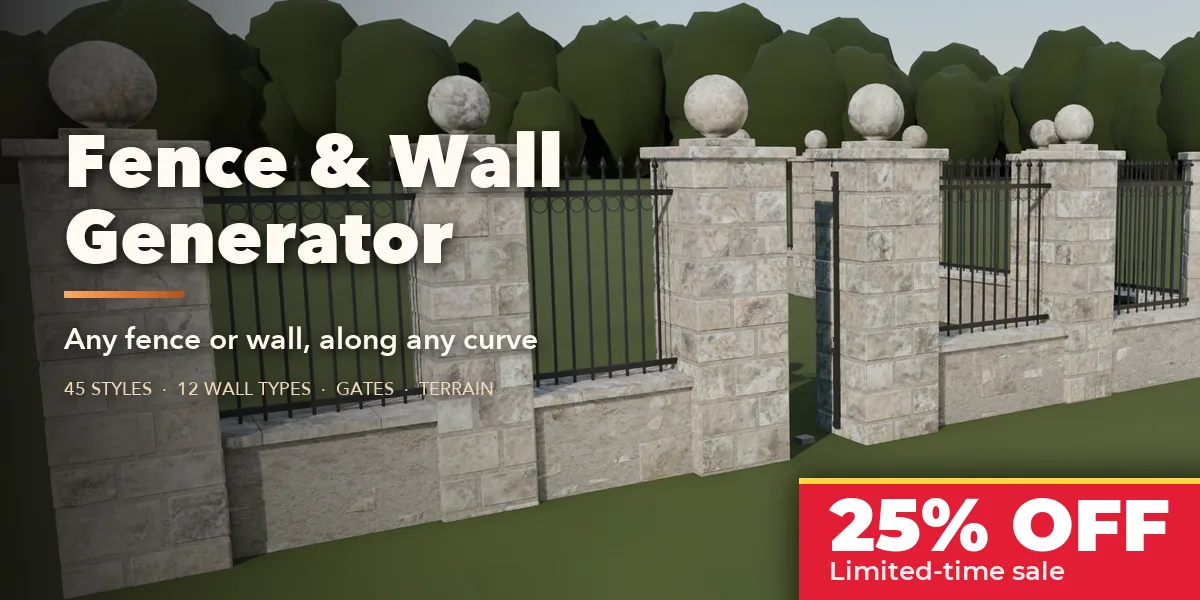
Fence & Wall Generator builds real fences and walls along any curve: from a white picket fence to a dry stone wall, a Mediterranean wall with a tile roof, a steel palisade or a stone base with an iron railing on top. Draw the path by clicking on your terrain, pick a style, and edit everything live.
It works like a fencer: the curve is split at its corners, every stretch gets the fewest equal bays that fit the post spacing, gates cut their own openings, and the fence follows the ground, either raked along the slope or stepped level bay by bay. Walls are laid stone by stone in staggered courses, bricks in real bonds, and every corner is mitred.
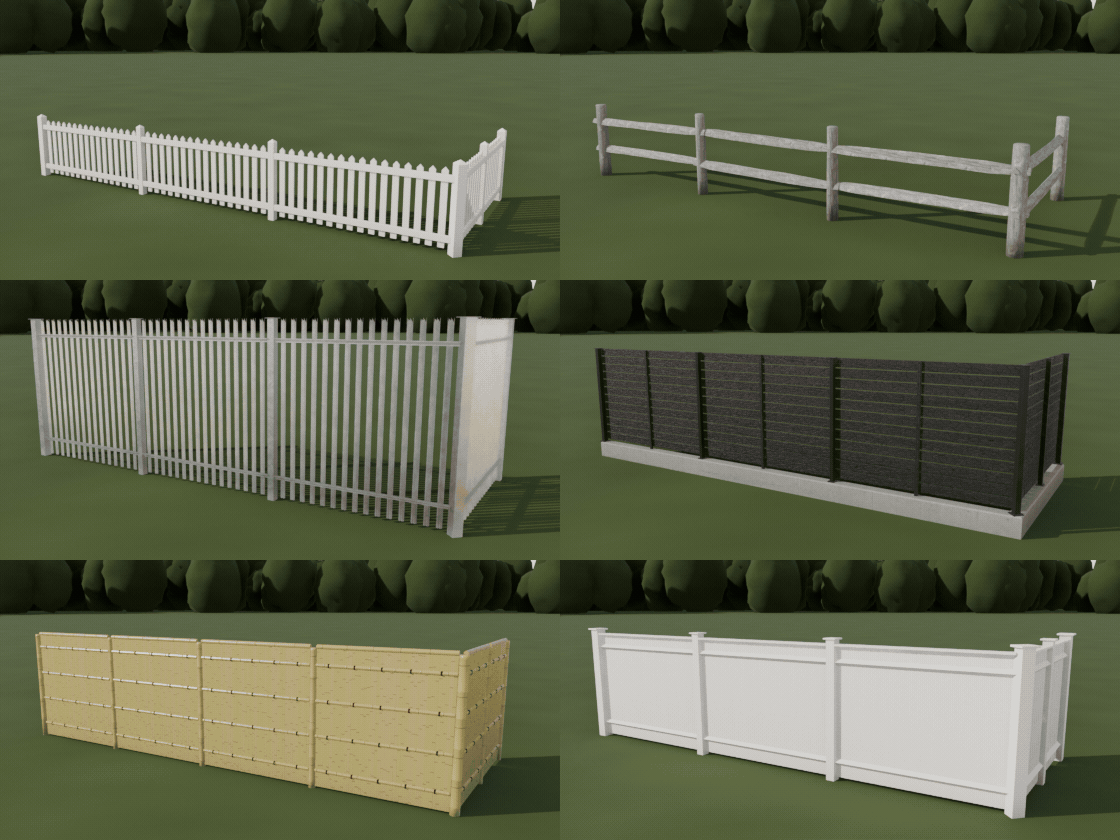
45 fence styles
Picket, closeboard, modern slats, split rail, iron railings, palisade, chain link, farm wire, charred yakisugi, corrugated sheet, wattle and Japanese bamboo fences.
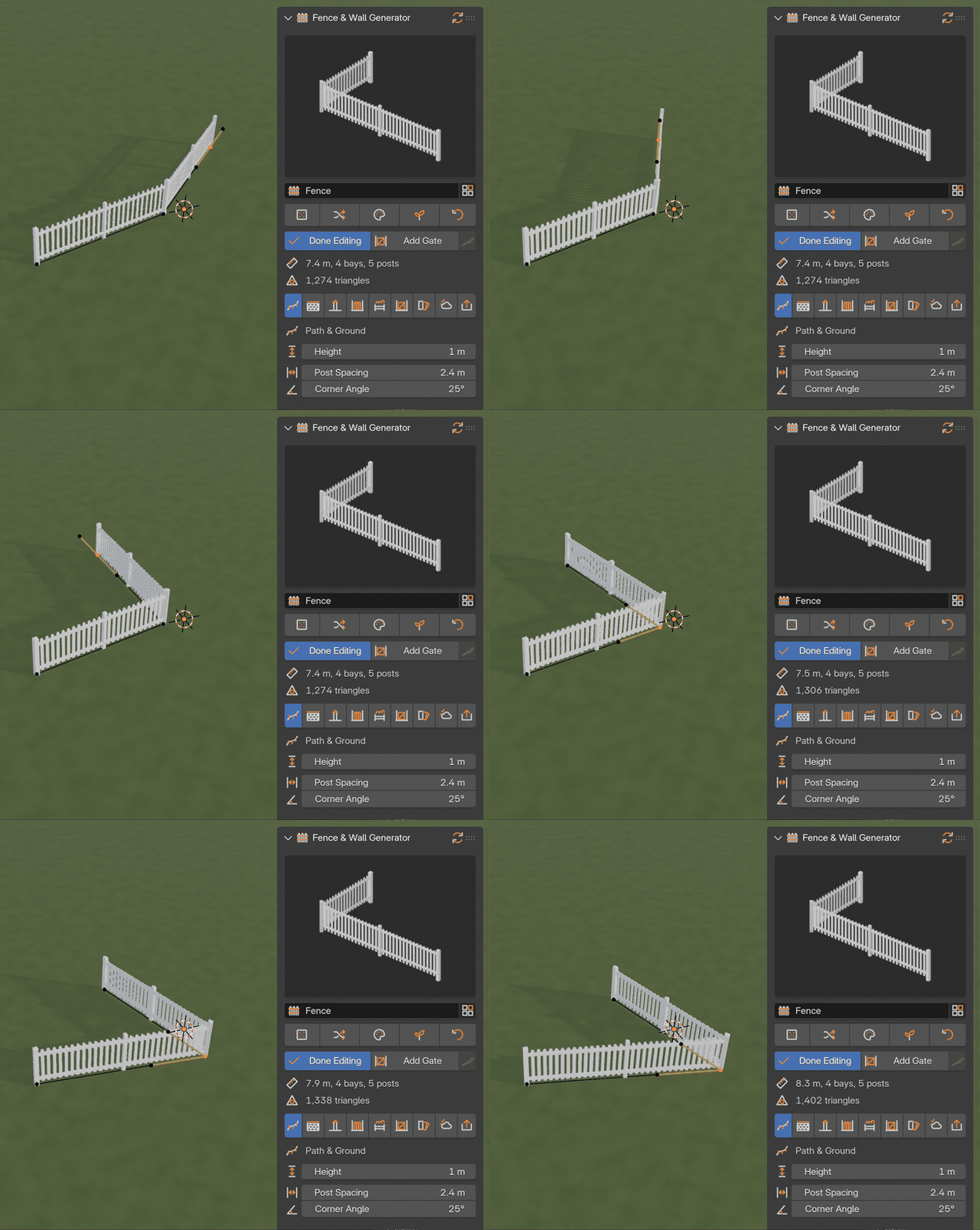
Edit the path, the fence follows
Move a point of the curve and the fence rebuilds live: bays are spaced evenly, corners get their own posts, and it follows your terrain.
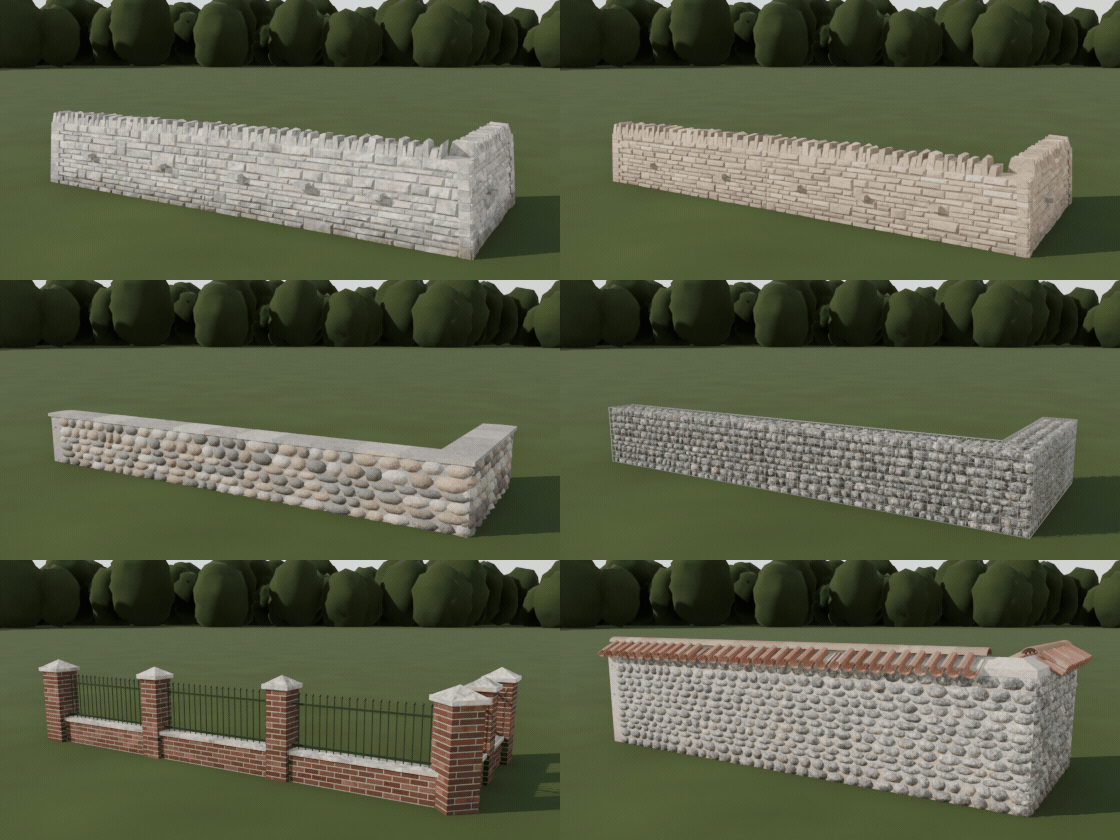
Stone and brick walls
Dry stone, brick, Cotswold, flint, fieldstone, Mediterranean, adobe and gabion walls, plus walls with railings or slats on top, laid stone by stone.
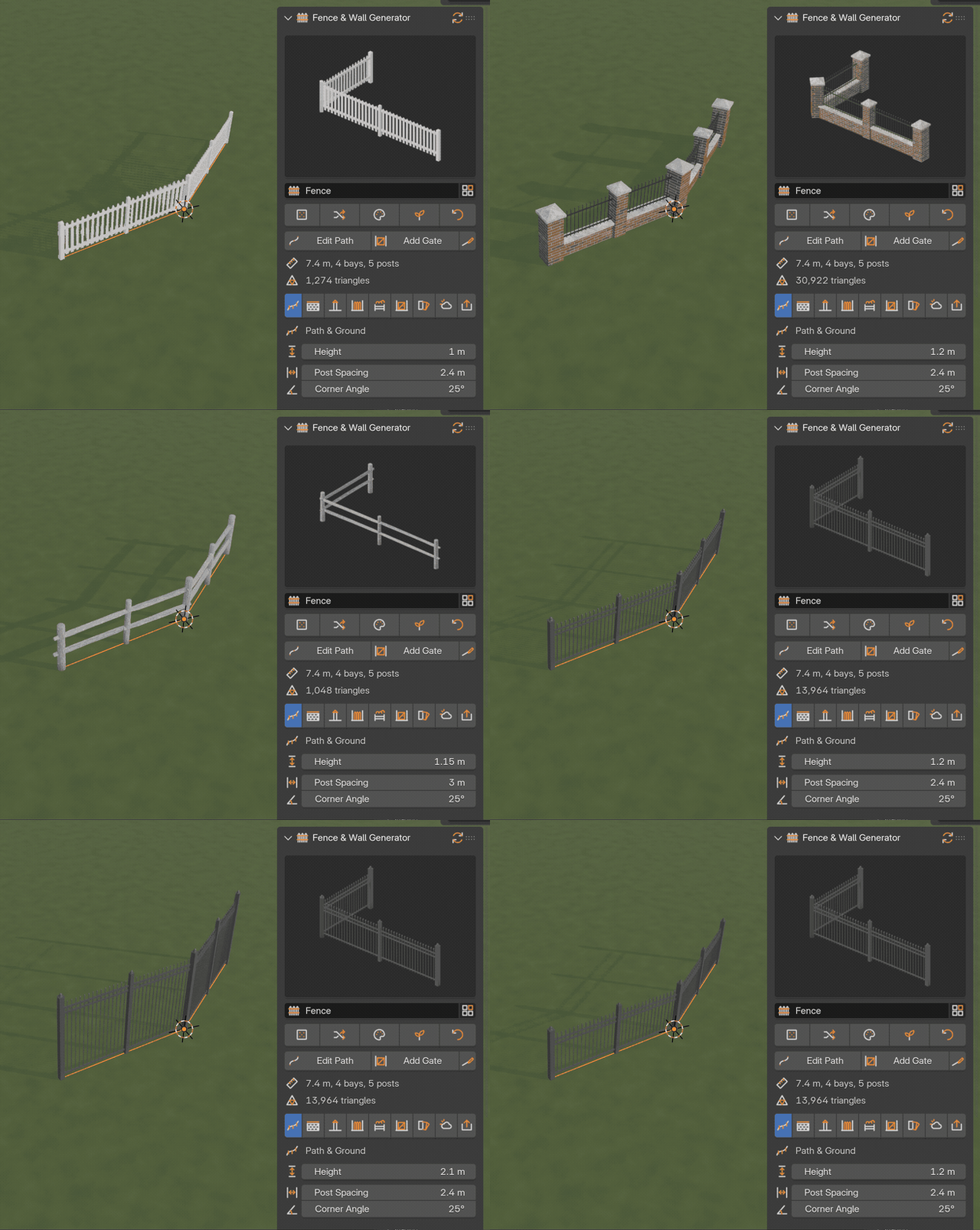
One click, then sliders
Pick a style in the Fence tab of the sidebar and the fence changes at once. Height, spacing and every other setting are sliders that rebuild as you drag.
Features
- 45 styles from around the world: wood, metal, wire and mesh, stone and brick walls, wall plus fence combinations and traditional crafts such as wattle and Japanese bamboo fences
- Layers you can mix freely: base wall, posts or piers, infill, topper and gates
- 12 wall types: brick in four bonds, concrete block, ashlar, rubble, dry stone, fieldstone, flint, gabion, render, adobe and concrete
- 24 infills: pickets, closeboard, shadowbox, slats, louvers, ranch and split rails, zigzag rails, lattice, wattle, bamboo, wire, barbed wire, field fence, chain link, welded and 3D panels, palisade, iron railing, corrugated sheet, concrete panels and glass
- Copings, pier caps with lamps, toppers (lattice, barbed arms, razor wire, spikes, glass shards) and swinging or sliding gates you can animate
- Draw Fence tool: click on any mesh, the fence follows the terrain
- Photoreal materials: scanned wood, rock, rust, concrete and plaster textures (CC0, bundled) on top of procedural shaders, with weathering from new to abandoned
- Optimized: three detail levels, layers rebuild only when their settings change, one-click conversion to a single mesh for export
Requires Blender 4.2 or newer. Tested on Blender 4.2, 4.5 and 5.2 LTS.
Install in under a minute (Blender 4.2+)
- In Blender open Edit › Preferences › Get Extensions.
- Open the arrow menu at the top right and choose Install from Disk.
- Pick the downloaded zip. Do not unzip it.
Questions
Which Blender versions are supported?
Blender 4.2 and newer. It is tested on Blender 4.2, 4.5 and 5.2 LTS.
Can I use the fences in a game engine?
Yes. Set Detail to Low for game-ready geometry and use Convert to Mesh to get a single mesh with UVs for export.
Does the fence follow my terrain?
Yes. Pick a ground mesh in the Path tab (Draw Fence does it for you) and choose raked bays that follow the slope or stepped bays that stay level.