
Collision Box Generator - Game Colliders for Unreal, Unity and Godot
Fit game-ready box, sphere, capsule and convex colliders
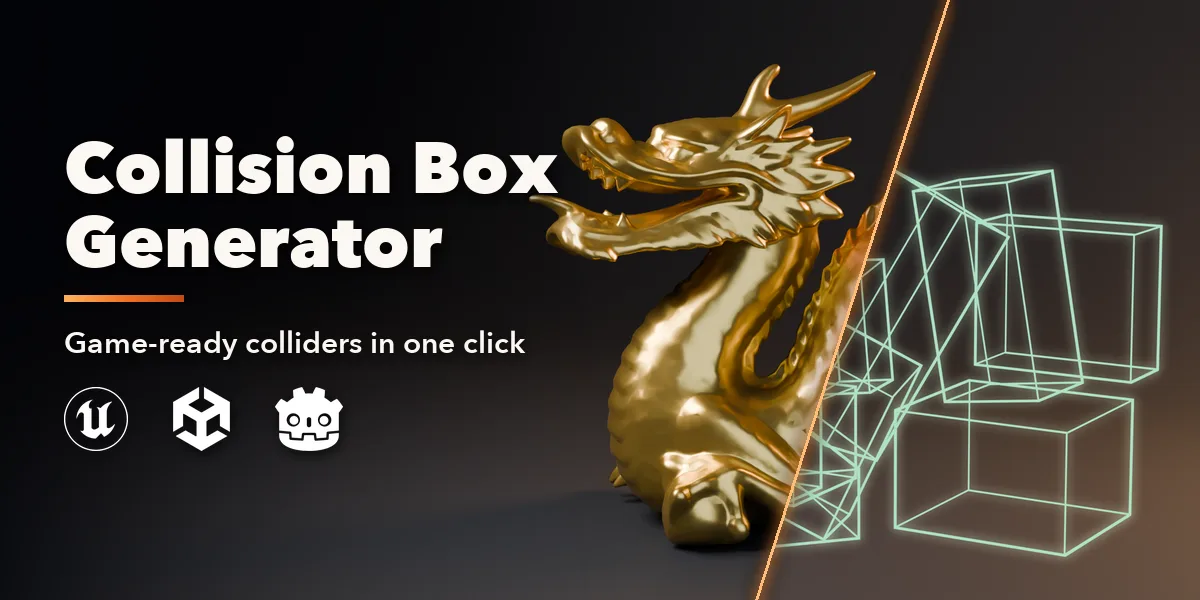
Collision Box Generator wraps any mesh in game-ready colliders with one click. Select a model, press Generate Colliders, and the addon fits a small set of boxes, spheres, capsules or convex hulls that follow its shape, named exactly the way your game engine expects. No more hand-placing UCX cubes for every prop.
The solver voxelizes the model, splits it into parts and fits the best simple shape to each part, then tightens every collider against the real surface. A typical prop gets six to twenty colliders in about a second, covering more than ninety percent of the model while barely sticking out.
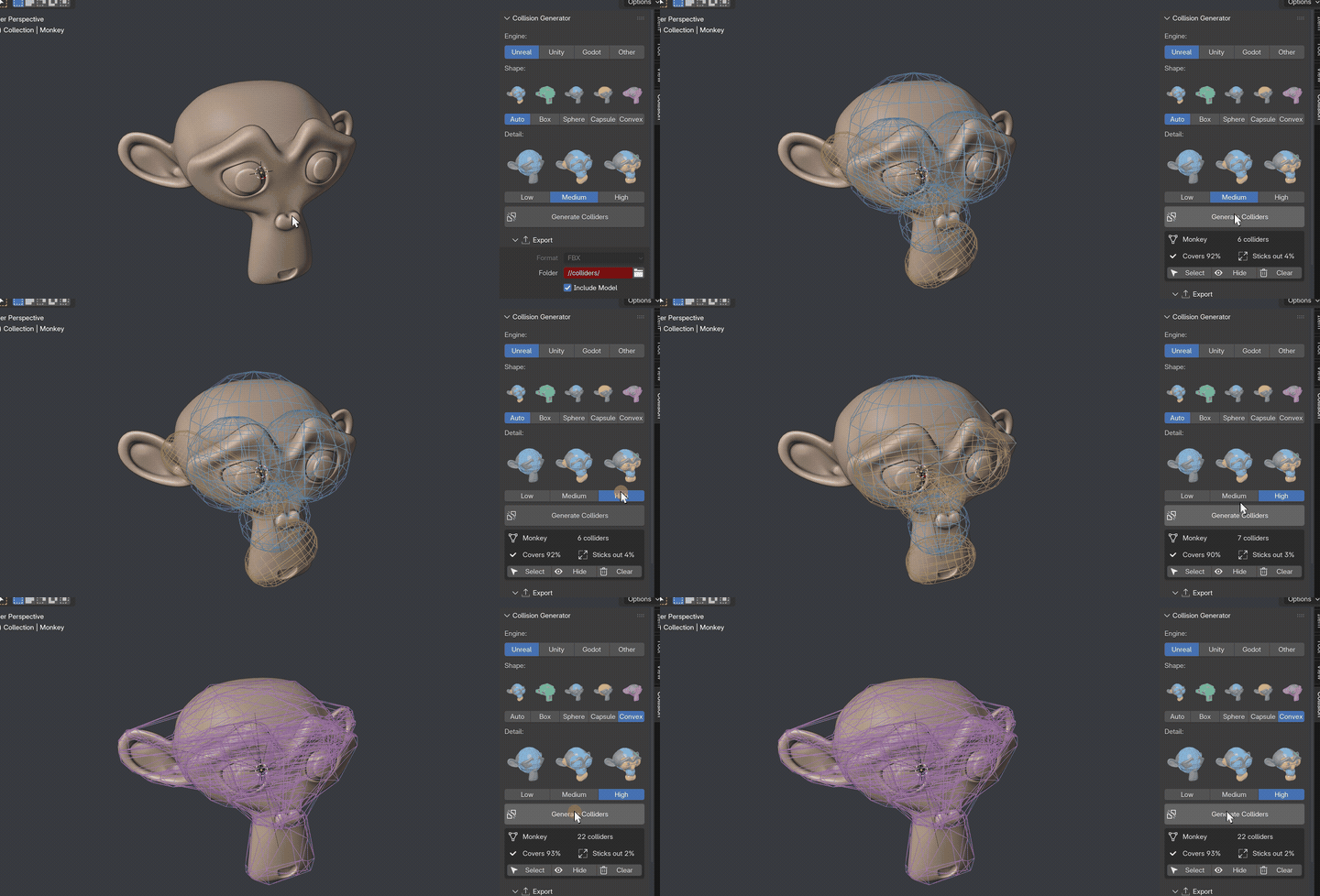
One click, real colliders
Press Generate Colliders, pick another detail level or shape, press again. The result card shows how many colliders you got and how well they fit.
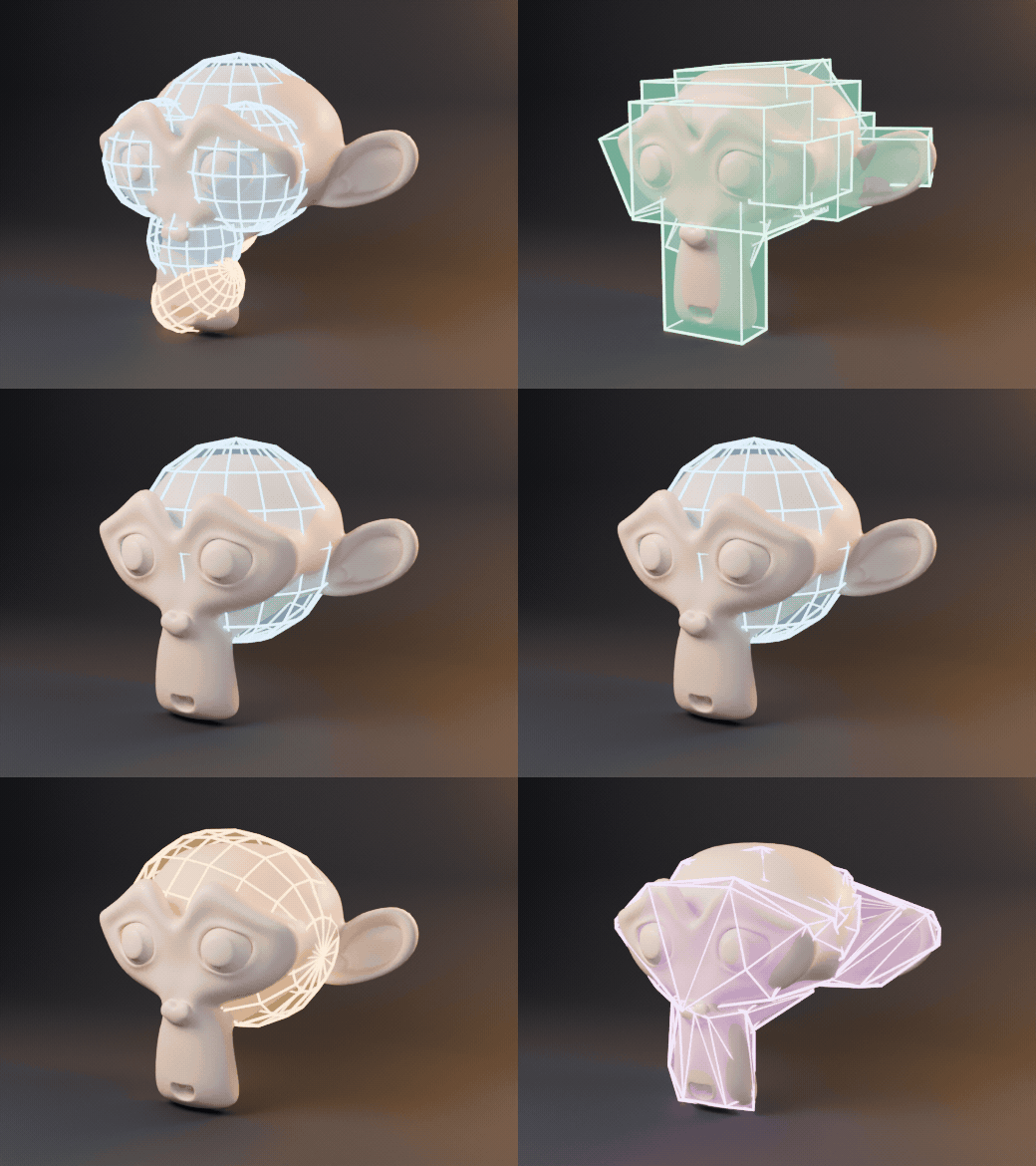
Five shape modes
Auto picks the best shape for every part. Or force boxes, spheres, capsules or convex hulls for your engine.
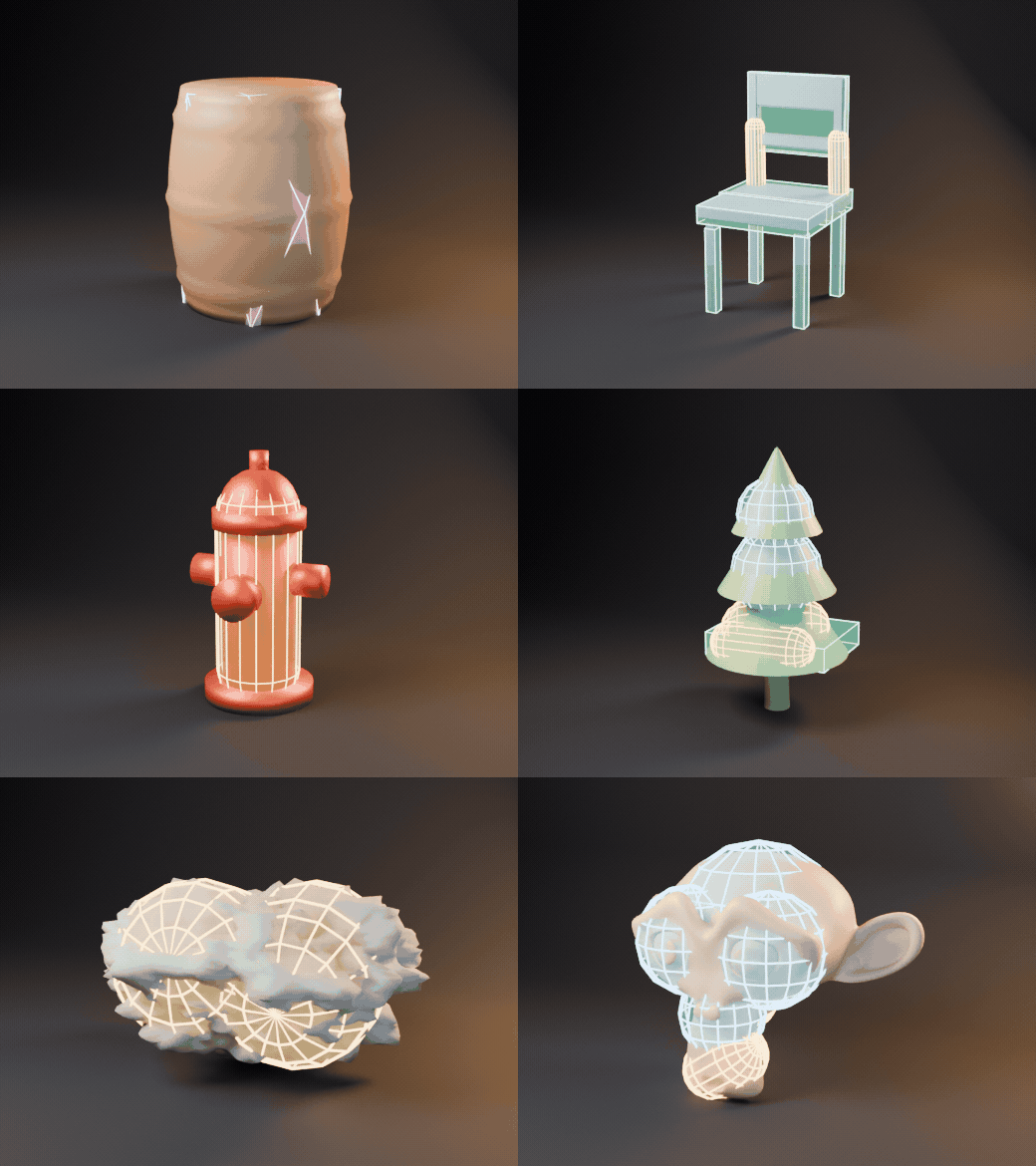
Works on any prop
Barrels, chairs, hydrants, trees, rocks or characters: any closed mesh gets a tight set of simple colliders.
Features
- One click: select one or many meshes and press Generate Colliders
- Five shape modes: Auto (picks the best shape per part), Box, Sphere, Capsule and Convex
- Low, Medium and High detail, plus an exact collider limit, tightness, seed and hull vertex limit
- Unreal: UCX_, UBX_, USP_ and UCP_ names, exported with the model as FBX
- Unity: FBX plus an importer script that turns colliders into real Box, Sphere, Capsule and Mesh colliders
- Godot: -colonly names exported as GLB
- Any other engine: COL_ names plus JSON with the exact position, rotation and size of every collider
- Result card with collider count, coverage and how far colliders stick out; Select, Hide and Clear in one click
- Colliders are parented to the model, drawn as colored wireframes and never show up in renders
- Pure Python and numpy, no external libraries or downloads
How it works
- Open the Collision tab in the 3D viewport sidebar
- Pick your engine, a shape and a detail level from the picture tiles
- Press Generate Colliders, then Export
Requires Blender 4.2 or newer. Tested on Blender 4.2, 4.5 and 5.2 LTS.
Install in under a minute (Blender 4.2+)
- In Blender open Edit › Preferences › Get Extensions.
- Open the arrow menu at the top right and choose Install from Disk.
- Pick the downloaded zip. Do not unzip it.
Questions
Which Blender versions are supported?
Blender 4.2 and newer. It is tested on Blender 4.2, 4.5 and 5.2 LTS.
Which game engines does it support?
Unreal Engine (UCX_, UBX_, USP_, UCP_ colliders in FBX), Unity (FBX plus an importer script that creates Box, Sphere, Capsule and Mesh colliders), Godot (-colonly in GLB) and any other engine through COL_ names and a JSON file.
Does it work on high-poly models?
Yes. The solver works on a voxel version of the model, so a 60,000 triangle model gets its colliders in one to four seconds depending on the detail level.
Do I need to install anything else?
No. It runs on Blender's own Python and numpy, with no external libraries or downloads.
Details
- Version
- 1.0.0
- Blender
- 4.2 or newer
- Tested on
- 4.2, 4.5 and 5.2 LTS
- Render engines
- Cycles, EEVEE
- Category
- Modeling
- Download
- 0.1 MB zip
- License
- GPL v3
More addons
Gunsmith
Procedural firearms, launchers and shields with PBR wear
Trailer & Caravan Generator
Caravans, campers, RVs, horse boxes and utility trailers
Umbrella Generator
Open, close and animate any umbrella, parasol or patio shade
Vending Machine Generator
Snack, soda, Japanese, gachapon, claw, ATM and kiosk machines