
Cemetery Generator
Graveyards of every tradition: headstones, tombs and mausoleums
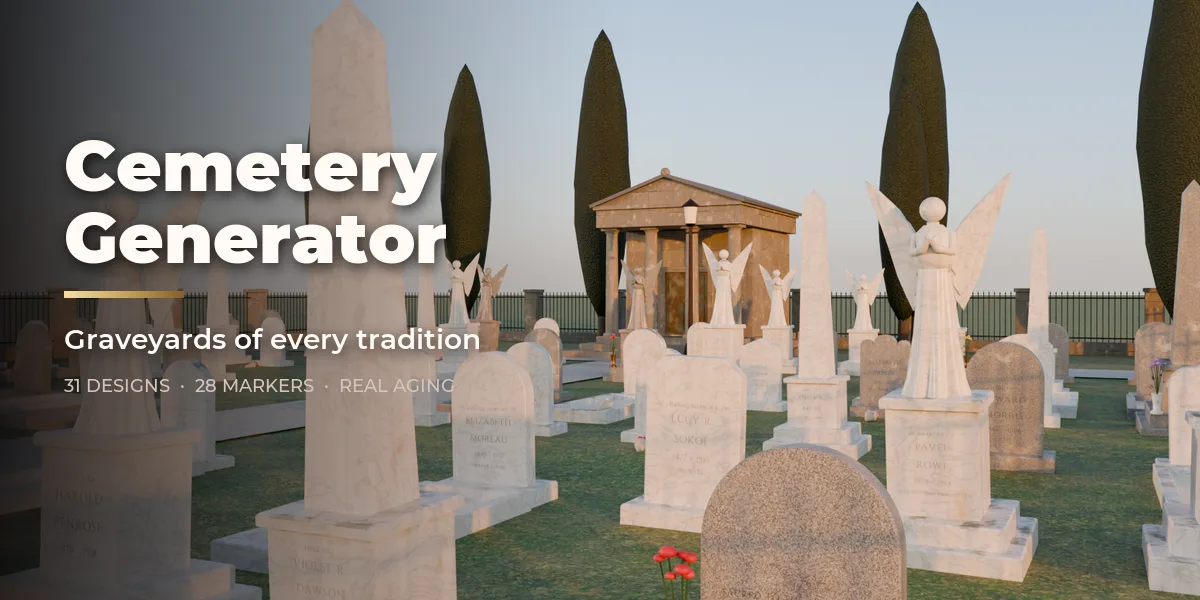
Cemetery Generator builds whole cemeteries inside Blender, from one carved headstone to a walled graveyard with hundreds of graves, paths, trees, a chapel and a row of mausoleums. Pick one of 31 designs drawn from traditions around the world, then change anything: every part is a number, a choice or a switch, and the cemetery rebuilds live as you drag.
The graves come from real burial customs, treated with respect: Victorian tablets with ten different tops, slant and bevel markers, lawn plaques, ledgers, pillows and books, obelisks, broken columns, urns, angels and tree-stump stones, Latin, Celtic and Orthodox crosses in stone, wood and iron, Jewish matzevot, Muslim graves turned toward a qibla you set, Ottoman steles, Japanese family graves with sotoba, Chinese omega tombs, Korean burial mounds, chest and table tombs and uniform war graves without any insignia.
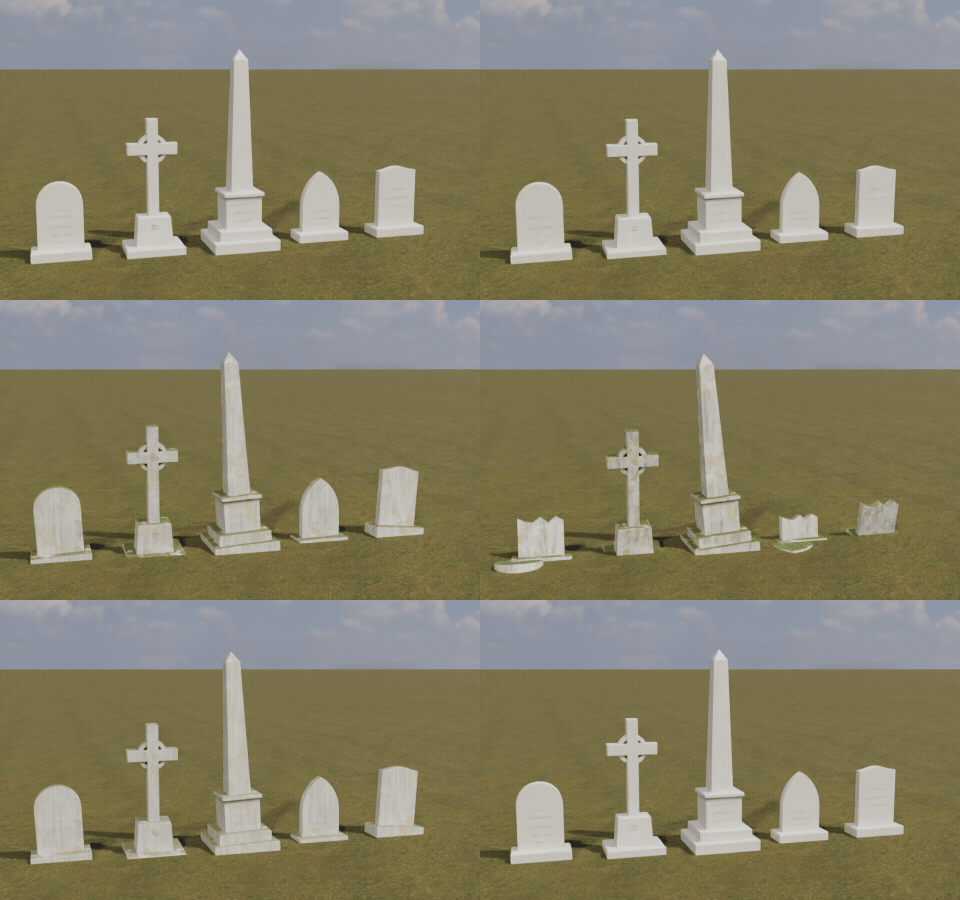
Every stone carries made-up names, dates and epitaphs in a classic inscription face (or your own lines and font), and ages the way real stones do: lichen, moss, black crust, worn letters, leaning, sinking and broken tablets, each grave at its own age.
One click, a new cemetery
Pick a design in the sidebar and the whole cemetery rebuilds: graves, plots, walls, trees and the names on every stone.
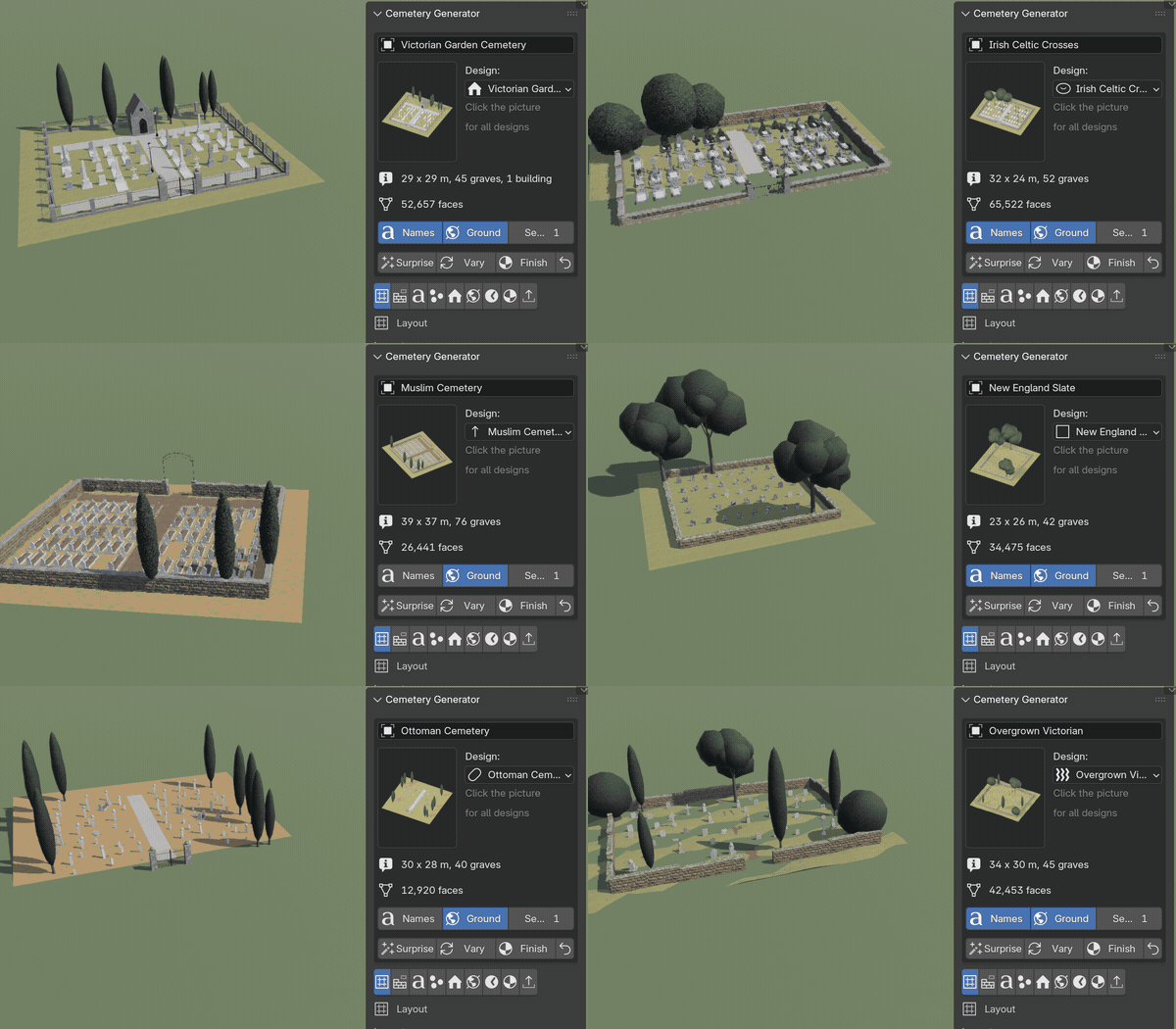
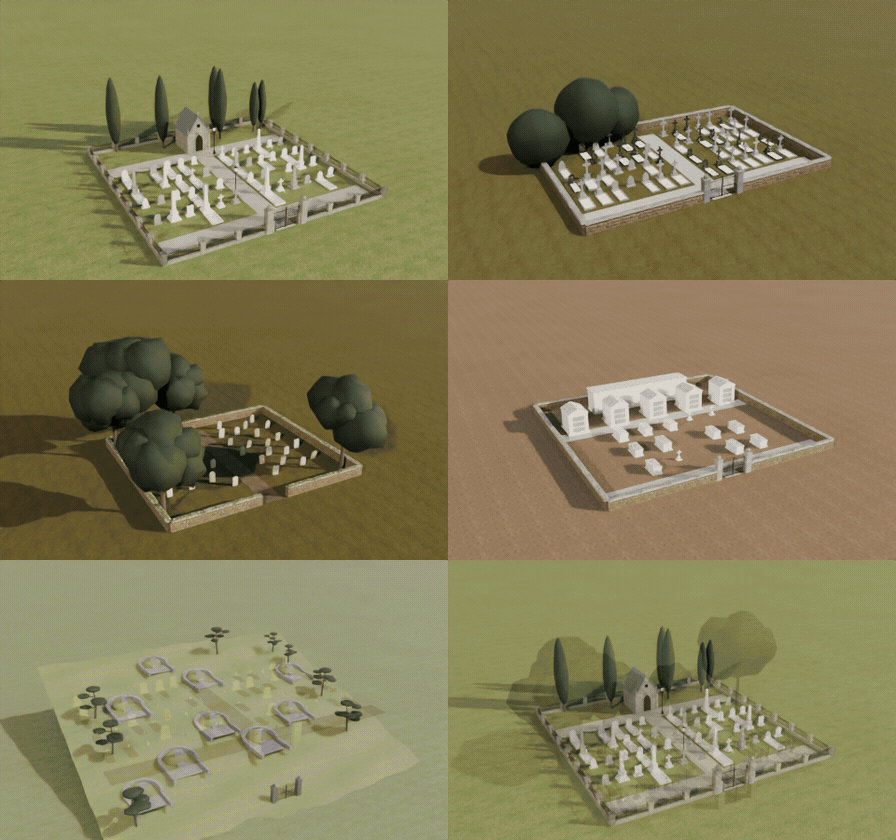
Traditions from around the world
Victorian gardens, Celtic crosses, Jewish matzevot, Muslim graves facing the qibla, Japanese family graves, Korean mounds and New Orleans tombs.
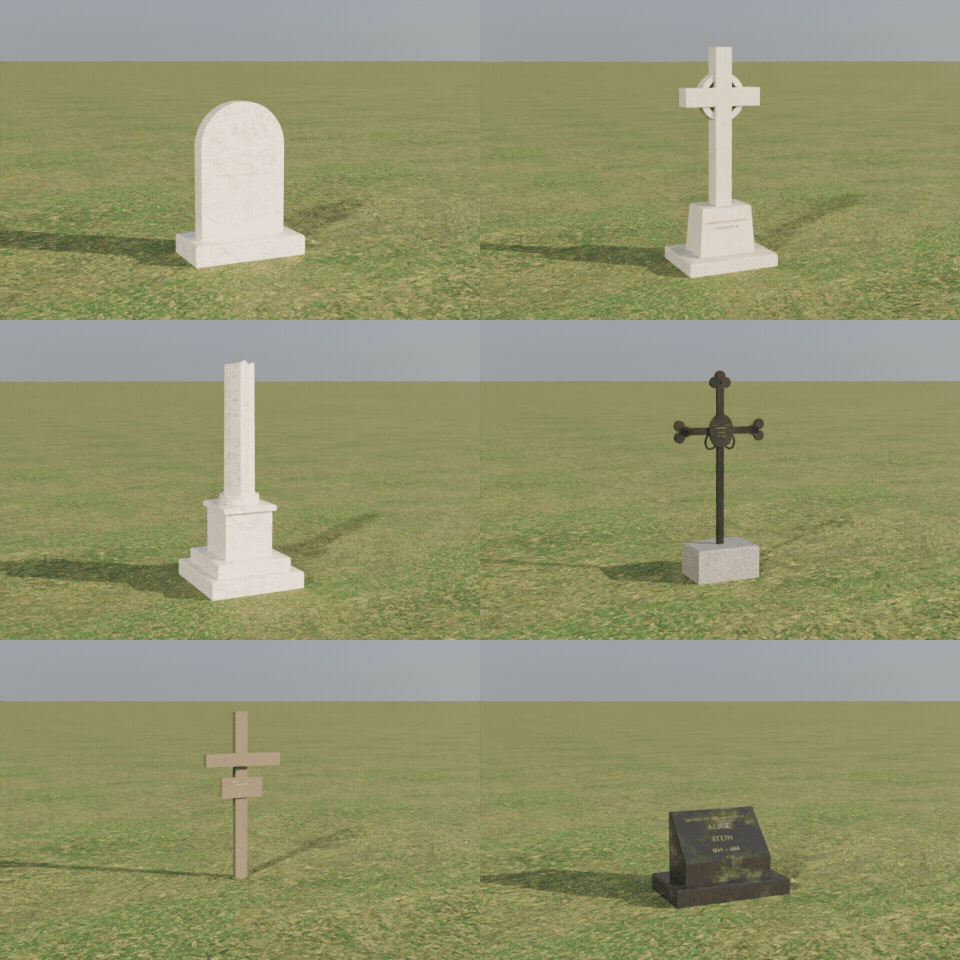
28 kinds of grave markers
Tablets, obelisks, angels, urns, crosses of stone, wood and iron, ledgers, chest tombs, steles and more, each with its own inscription.
Watch the years pass
One slider ages the stones: lichen, moss and dirt grow, letters wear away, stones lean, sink and break.
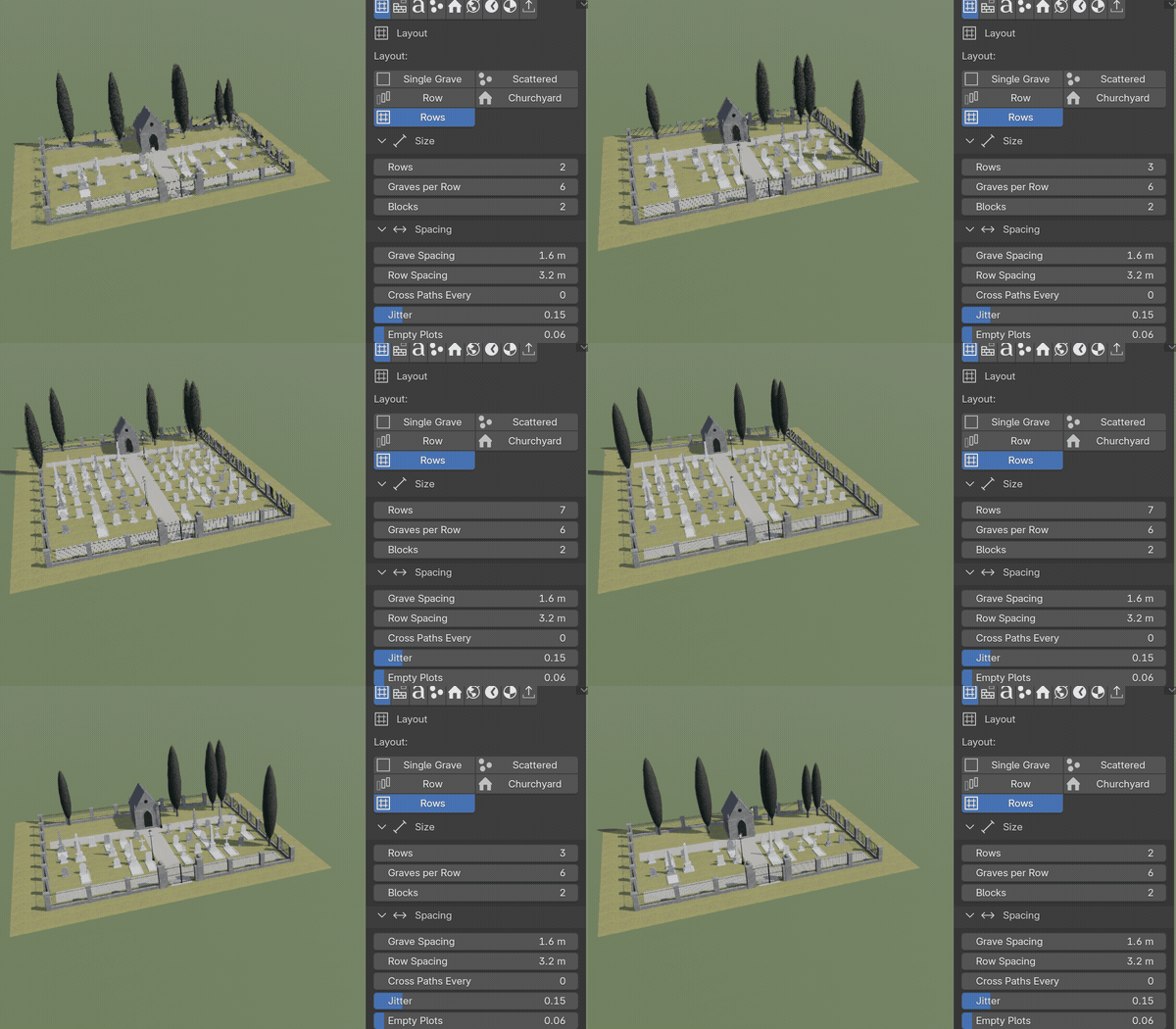
Drag a slider, watch it rebuild
Every part is a number, a choice or a switch. Here the rows of a cemetery grow while the slider moves.
Features
- 31 designs in 6 groups: European and American cemeteries, faiths and peoples, East Asia, war and memorial, moods and single pieces
- 28 marker kinds with variants, 10 tablet tops, bases, kerbs, ledger slabs, mounds and railings around the plots
- Layouts in rows and blocks with paths, scattered hillside graves, family groups or a churchyard around a chapel or your own church
- Mausoleums in Greek, Egyptian, Gothic, modern, domed and New Orleans styles, laid in ashlar courses with paneled bronze doors in stone surrounds, columbarium and vault walls, chapels, ossuaries and memorials
- Iron railings, stone walls, hedges, picket fences, post-and-chain, iron gates, lychgates, arches and torii
- Cypress, yew, broadleaf, willow, pine and dead trees, lamp posts and weeds
- Flowers, vases, wreaths, candles, grave lights, stone lanterns, visitation pebbles, photo frames and potted plants
- Fictional names and dates, header and epitaph lines, carved, gilded, lead, white or black lettering, with real letter depth at High detail
- Granite, marble, limestone, sandstone, slate, concrete and whitewash, with lichen, moss and dirt per grave
- Ground fog and four sky moods (sunny, overcast, dusk and a candlelit night)
- Real-world sizes in meters, UV-mapped clean meshes, three detail levels and Convert to Mesh for games
- Surprise, Vary and Random Finish buttons and a picture-driven sidebar
Requires Blender 4.2 or newer. Tested on Blender 4.2, 4.5 and 5.2 LTS.
Install in under a minute (Blender 4.2+)
- In Blender open Edit › Preferences › Get Extensions.
- Open the arrow menu at the top right and choose Install from Disk.
- Pick the downloaded zip. Do not unzip it.
Questions
Which Blender versions are supported?
Blender 4.2 and newer. It is tested on Blender 4.2, 4.5 and 5.2 LTS.
Are the names on the stones real people?
No. Names, dates and epitaphs are made up from common first names and surnames. You can type your own lines for one grave or for all of them.
Can I write Hebrew, Arabic or Japanese on the stones?
Yes. The bundled font has Latin capitals only, so pick Your Font, choose a font file with those letters and type your lines. Without that, Muslim, Ottoman and East Asian stones stay plain rather than showing Latin text.
Can I use it in a game engine?
Yes. Pick the Low detail level and use Convert to Mesh, then export as usual (FBX, glTF). Every part is UV-mapped, the graves are instanced from a few templates and the materials are Principled BSDF whose base colors carry the look.
Details
- Version
- 1.1.0
- Blender
- 4.2 or newer
- Tested on
- 4.2, 4.5 and 5.2 LTS
- Render engines
- Cycles, EEVEE
- Category
- Modeling
- Download
- 21.9 MB zip
- License
- GPL v3
More addons
Gunsmith
Procedural firearms, launchers and shields with PBR wear
Trailer & Caravan Generator
Caravans, campers, RVs, horse boxes and utility trailers
Umbrella Generator
Open, close and animate any umbrella, parasol or patio shade
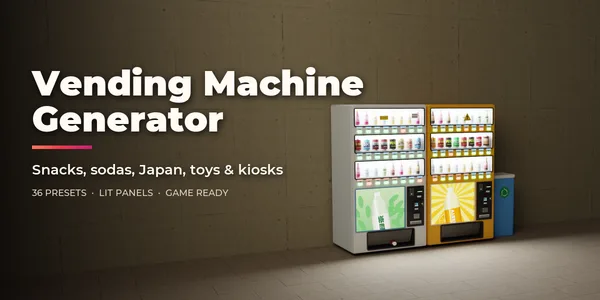
Vending Machine Generator
Snack, soda, Japanese, gachapon, claw, ATM and kiosk machines