
Bridge Generator for Blender
Click two points to build wooden, stone, steel and cable bridges
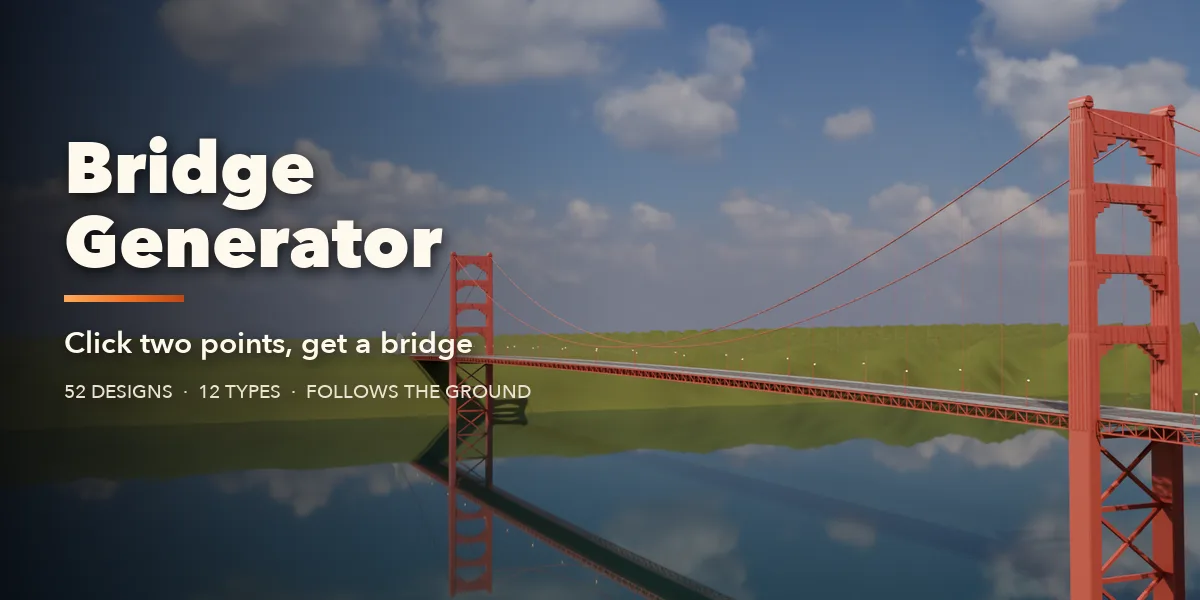
Bridge Generator builds a complete, textured bridge between any two points in your scene. Click where the bridge starts, click where it ends, and it spans the gap: the deck follows the line, piers and towers reach down to the real ground under them, and abutments sit into the banks. Change the terrain and the supports adjust by themselves.
Pick from 52 designs modeled on real bridges, from a jungle rope bridge or a mossy forest footbridge to a Roman aqueduct, a red covered bridge, a Japanese taiko arch, a riveted railway truss, a Sydney-style steel arch, a harp cable-stayed bridge or the Golden Gate. Every design is fully editable: span, width, arches, piers, trusses, cables, railings, lamps and materials are all plain settings in the sidebar, and the bridge rebuilds live while you drag.
Materials are real PBR textures (wood, stone, brick, concrete, asphalt, painted and rusty steel, rope) with weathering decals for leaks, cracks, grime and rust, so the bridges work in Cycles, EEVEE and game engines alike.
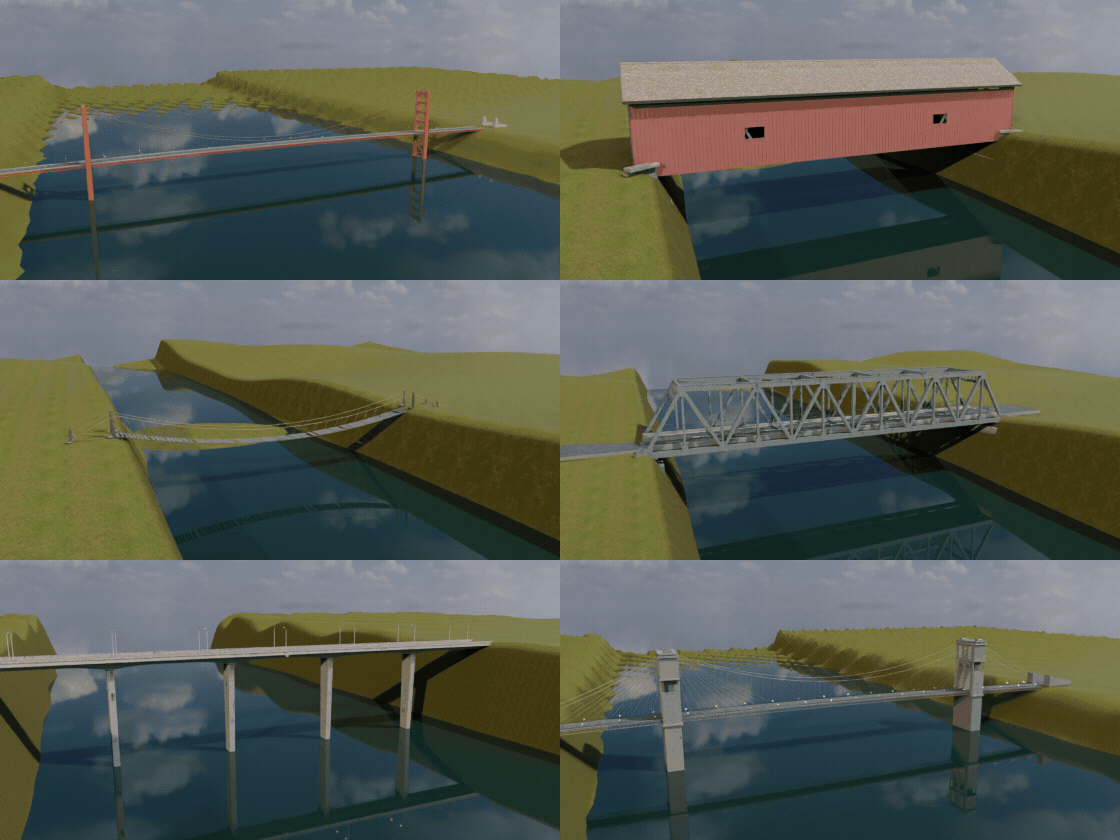
52 real-world designs
Rope, timber, covered, Japanese, stone arches, concrete, trusses, steel arches, cable-stayed and suspension bridges. Pick one and change anything.
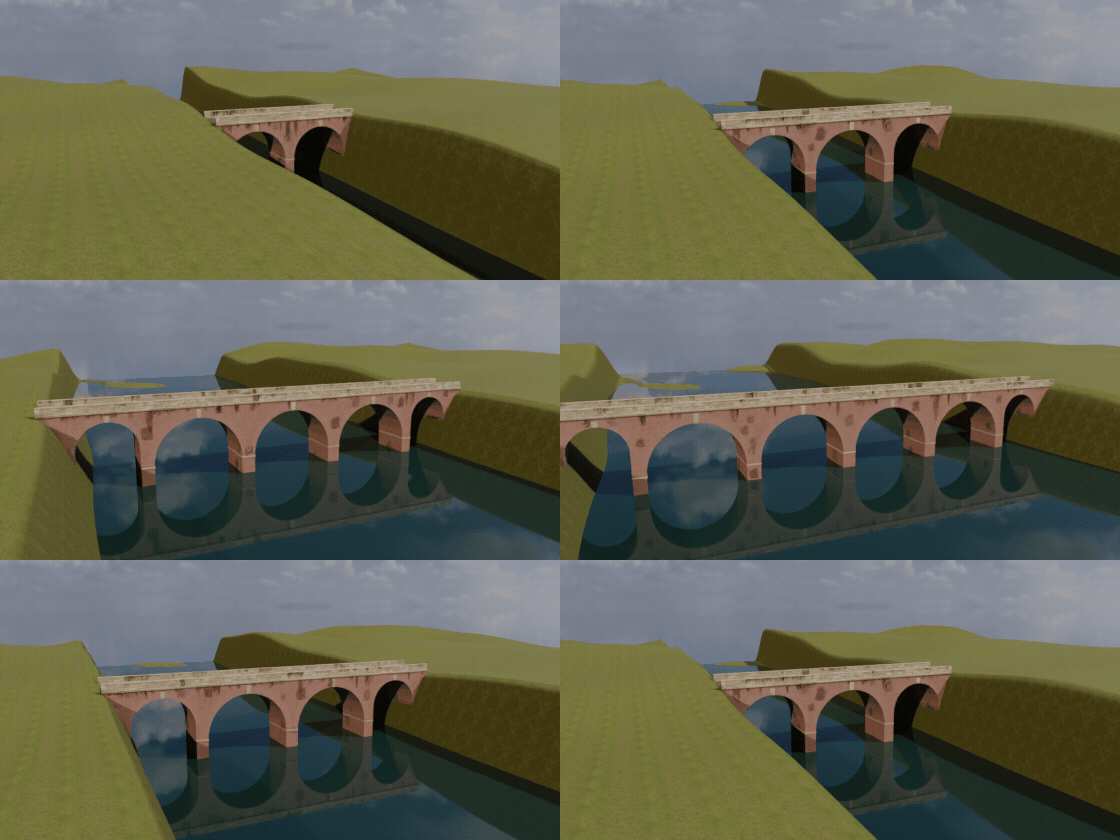
Any span, rebuilt live
Drag the ends apart and the bridge rebuilds: more arches, more piers, longer cables.
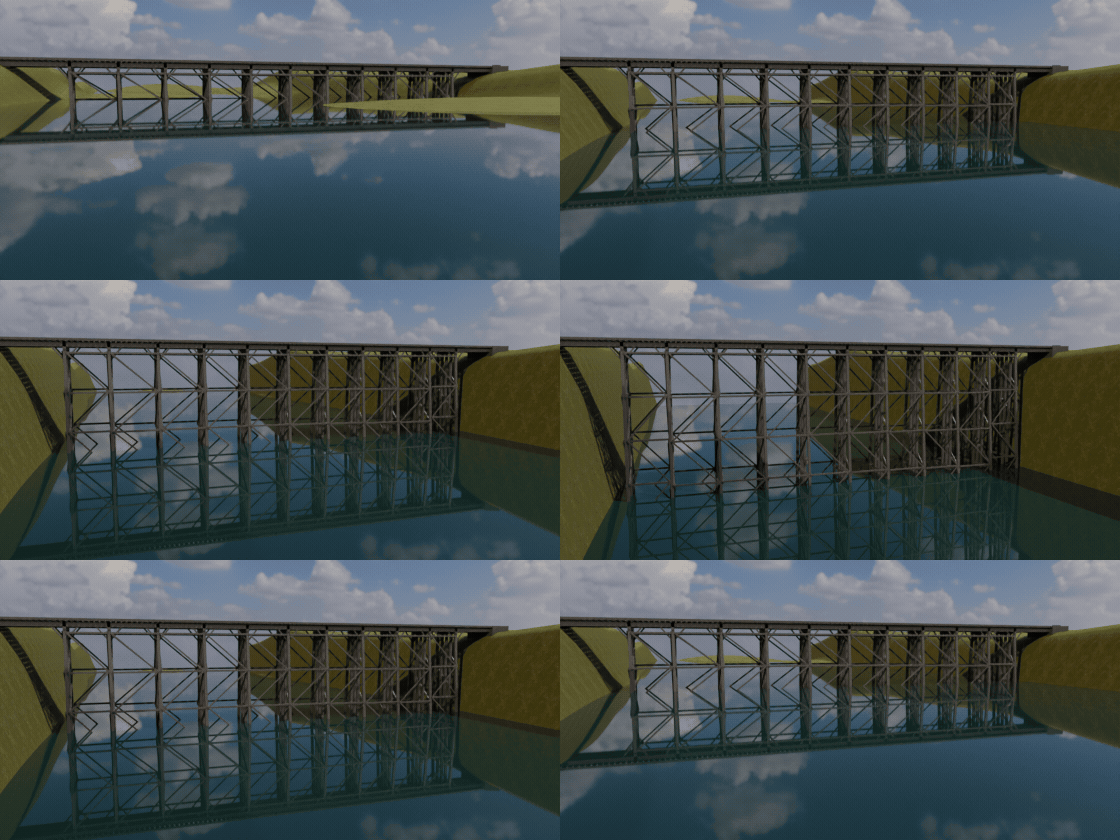
Supports follow the ground
Piers and trestles reach down to the real terrain under the bridge, wherever you place it.
Features
- Two-click Create Bridge tool, plus Add at Cursor
- 12 bridge types and 52 real-world designs in a picture gallery
- Wooden, rope, covered, Japanese, stone arch, brutalist concrete, highway girder, modern footbridge, steel truss, steel arch, cable-stayed and suspension
- Supports follow the ground automatically: piers, trestles, towers and abutments
- Hump, sag and sloped bridges between banks at different heights
- Railings, parapets, lamps and lanterns in many styles
- PBR textures and weathering decals, one mesh object per bridge
- Low, Medium and High detail: Low is game-ready
- Randomize, Swap Ends and Repick Ends buttons
Requires Blender 4.2 or newer. Tested on Blender 4.2, 4.5 and 5.2 LTS.
Install in under a minute (Blender 4.2+)
- In Blender open Edit › Preferences › Get Extensions.
- Open the arrow menu at the top right and choose Install from Disk.
- Pick the downloaded zip. Do not unzip it.
Questions
Which Blender versions are supported?
Blender 4.2 and newer. It is tested on Blender 4.2, 4.5 and 5.2 LTS.
Can I use the bridges in a game engine?
Yes. Materials are PBR image textures, and the Low detail level gives light, game-ready meshes. Each bridge is a single mesh object you can export.
Does the bridge follow my terrain?
Yes. The mesh under your first click becomes the terrain, and piers, towers, trestles and abutments reach down to it. Sculpt or move the terrain and the bridge updates.
Does it work in EEVEE?
Yes, in both Cycles and EEVEE.
Details
- Version
- 1.0.1
- Blender
- 4.2 or newer
- Tested on
- 4.2, 4.5 and 5.2 LTS
- Render engines
- Cycles, EEVEE
- Category
- Modeling
- Download
- 20.1 MB zip
- License
- GPL v3
More addons
Gunsmith
Procedural firearms, launchers and shields with PBR wear
Trailer & Caravan Generator
Caravans, campers, RVs, horse boxes and utility trailers
Umbrella Generator
Open, close and animate any umbrella, parasol or patio shade
Vending Machine Generator
Snack, soda, Japanese, gachapon, claw, ATM and kiosk machines