
Basemesh Creator – Sculpting Basemesh Generator for Blender
Fast sculpting basemeshes from presets or stick figures
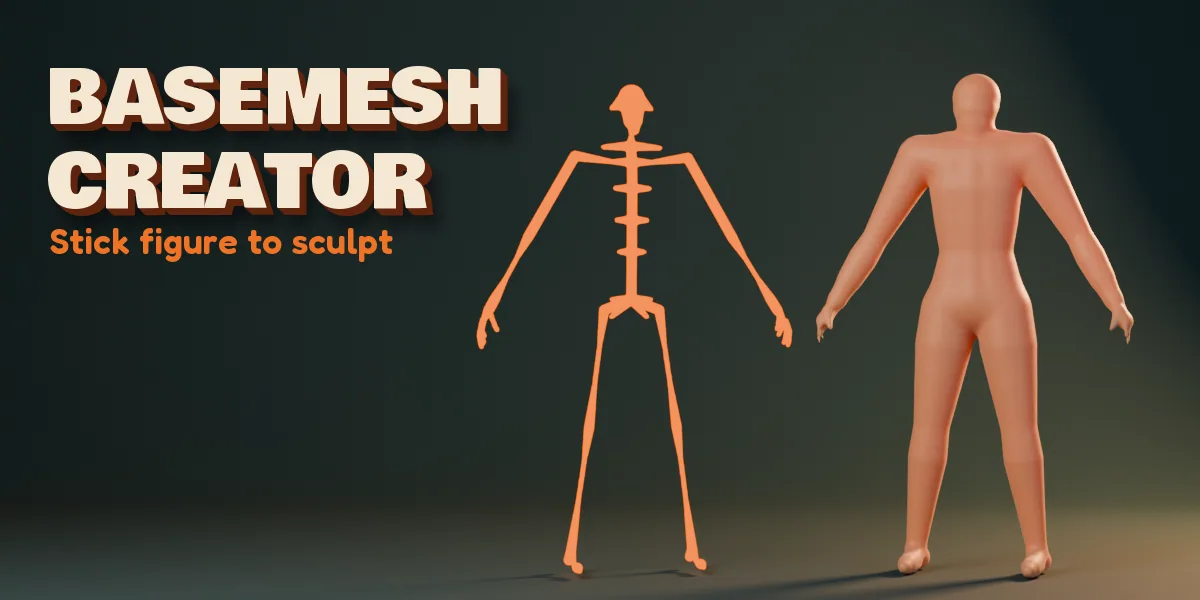
Start every sculpt from a clean, even, all-quad basemesh in seconds. Basemesh Creator gives sculptors eleven ready designs with proportion sliders, or lets you draw your own stick figure and turns it into a smooth solid that is ready for Dyntopo, Voxel Remesh or Multires.
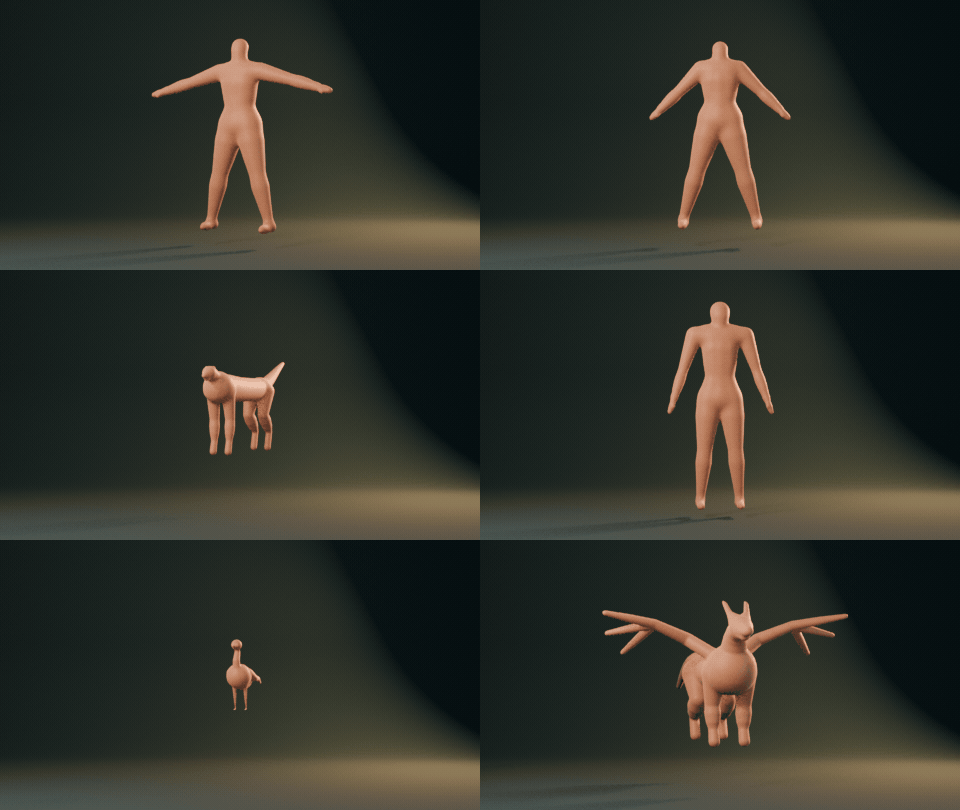
Pick a design from the picture gallery: male, female, hero, heavy, child, chibi, quadruped, dragon, bird, a detailed hand, or a bare stickman. Drag Build, Muscle, Femininity, Head Count, shoulders, hips, legs, arms, neck, head, hands and feet until the proportions fit your concept. The Surprise button randomizes the selected design in place and keeps its transform.
One Design, Endless Looks
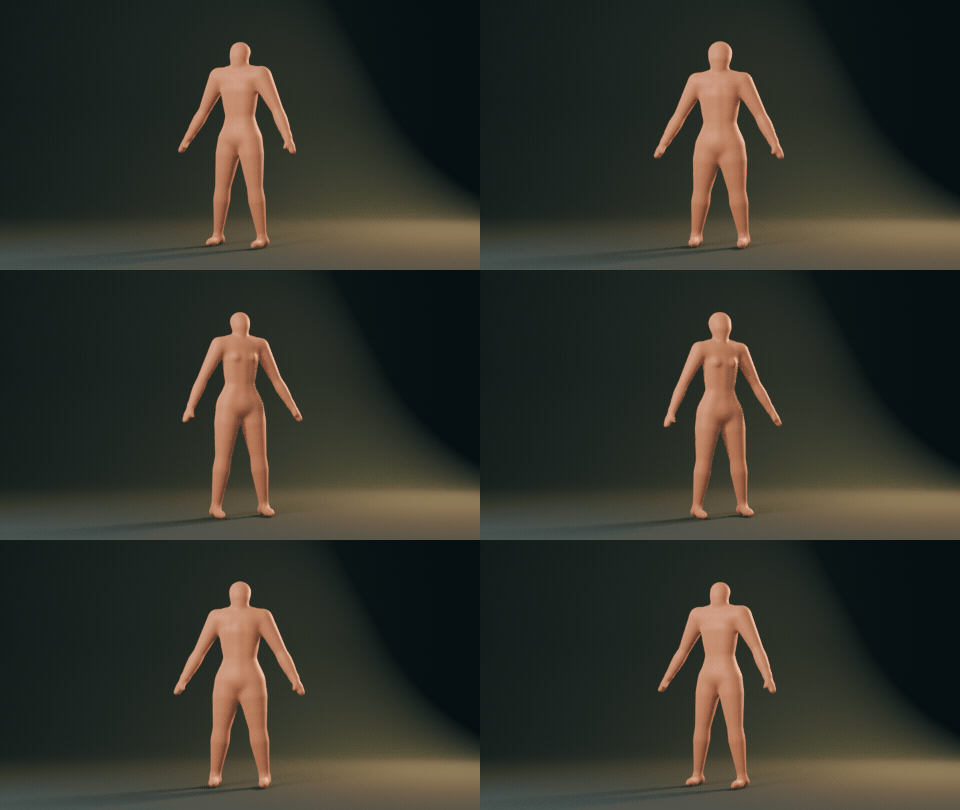
Drag Femininity, Build, Head Count and Muscle and the body rebuilds live.
Surprise Me
One click randomizes the selected design, or creates a brand new random basemesh.
Stick Figure to Sculpt
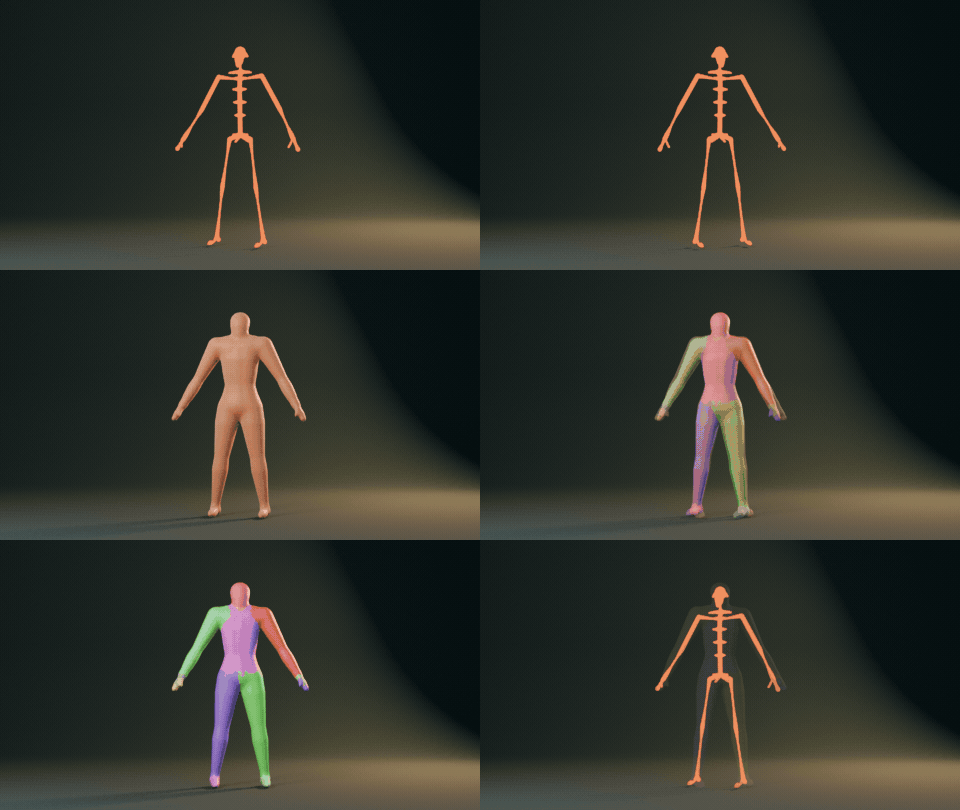
Skeleton, clay body, then face sets per part: Send to Sculpt does it in one click.
Draw Your Own
- Extrude points with E and give every point a radius (Alt+R) to block out any creature or character.
- X mirror is on by default, so both sides stay in sync.
- Turn on Separate Fingers for anatomically proportioned hands: flat palm, four fingers with realistic lengths and a relaxed curl, and a three-segment thumb.
- Joint Blend melts limbs smoothly into the body.
- Save any figure as a template and add it later from Shift+A.
Pose Before You Sculpt
- One click adds a pose rig with mirrored bones, so you can pose the figure in an A pose, a walk or an action stance.
- Apply the pose as the new rest shape, or send the posed figure straight to sculpting.
Send to Sculpt
- Choose voxel quads, Quadriflow quad remesh, a Multires base or raw quads, and set the target face count.
- Head, torso, arms, hands, legs and feet become separate sculpt face sets that you can hide, mask or isolate.
- Symmetry, an optional Dyntopo toggle and a clay matcap are set for you, and the sculpt mode starts right away.
Works on Blender 4.2 and newer with no extra dependencies. Tested on Blender 4.2, 4.5 and 5.2 LTS.
Install in under a minute (Blender 4.2+)
- In Blender open Edit › Preferences › Get Extensions.
- Open the arrow menu at the top right and choose Install from Disk.
- Pick the downloaded zip. Do not unzip it.
Questions
Which Blender versions are supported?
Blender 4.2 and newer. It is tested on Blender 4.2, 4.5 and 5.2 LTS.
Can I draw my own character instead of using a preset?
Yes. Press Edit Skeleton, extrude points with E, set each point radius with Alt+R, and the solid updates live with X mirror. Save the result as a template to reuse it.
What topology do I get?
Voxel gives even quads at your target face count, Quad Remesh uses Quadriflow, Multires gives a small smooth base with levels, and Raw Quads is the unprocessed quad mesh. Face sets per body part are created for all of them.
Details
- Version
- 1.0.0
- Blender
- 4.2 or newer
- Tested on
- 4.2, 4.5 and 5.2 LTS
- Render engines
- Cycles, EEVEE
- Category
- Modeling
- Download
- 1.6 MB zip
- License
- GPL v3
More addons
 Featured
Air and Space Bundle – 9 Blender Generator Addons
Drones, helicopters, rockets, satellites and planets
 Featured
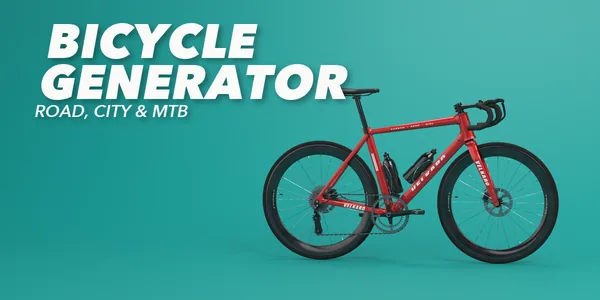
Bicycle Generator
Procedural bicycles of every kind, from racers to cargo trikes
 Featured
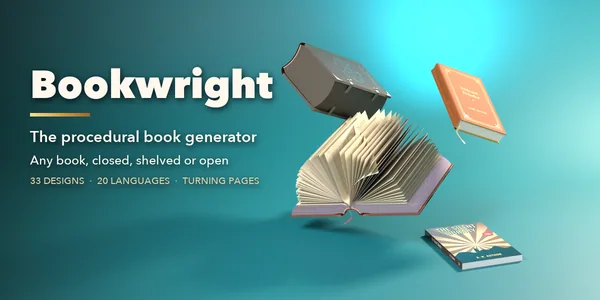
Bookwright
Procedural books of every kind, closed, shelved or turning pages
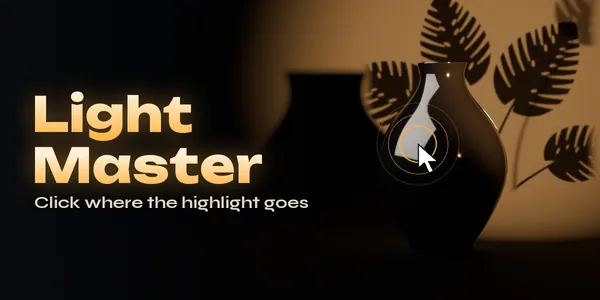
Light Master – Click-to-Place Lighting & Animated Gobos for Blender
Click-to-place reflection lights with animated gobo shadows