
Bandstand – Musical Instrument Generator for Blender
Guitars, drums, pianos, brass and strings in one click
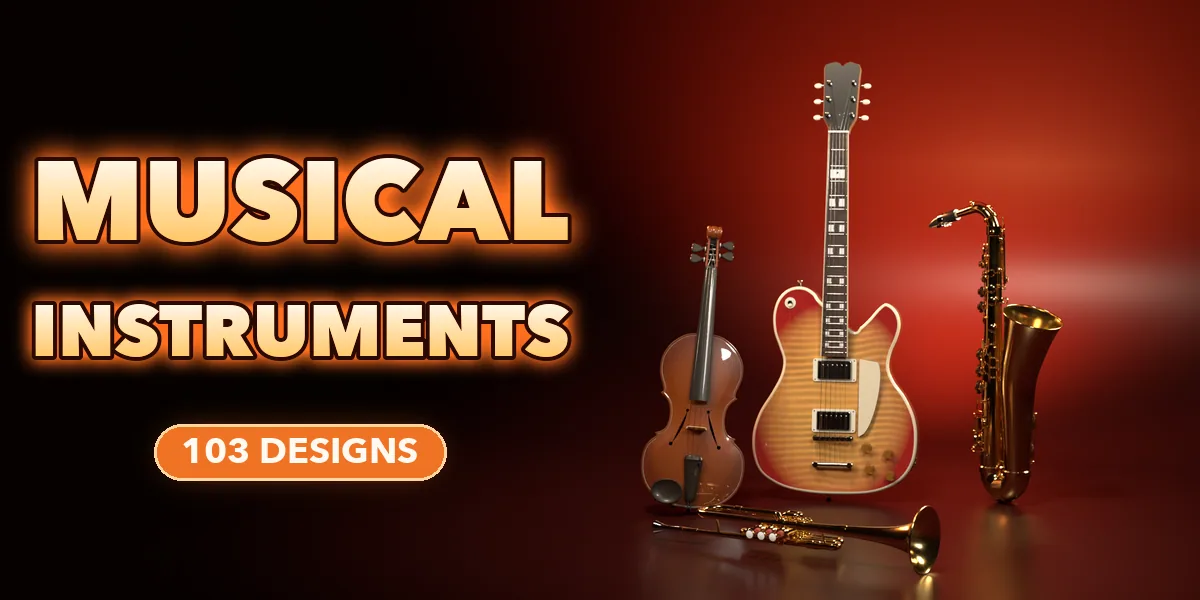
Bandstand builds real-scale musical instruments in one click: 103 ready-made designs across 33 kinds, from acoustic and electric guitars to drum kits, grand pianos, violins, harps, trumpets, saxophones and flutes. Pick a design by its picture and the instrument appears, with strings, frets, keys, valves, pads and hardware in place.
Every instrument stays editable. Change the body, neck, pickups, drum sizes, piano lid, trombone slide or finish in the sidebar and the model rebuilds live.
103 instrument designs
Guitars, violins, drum kits, grand pianos, horns and harps. Pick one and it appears in one click.
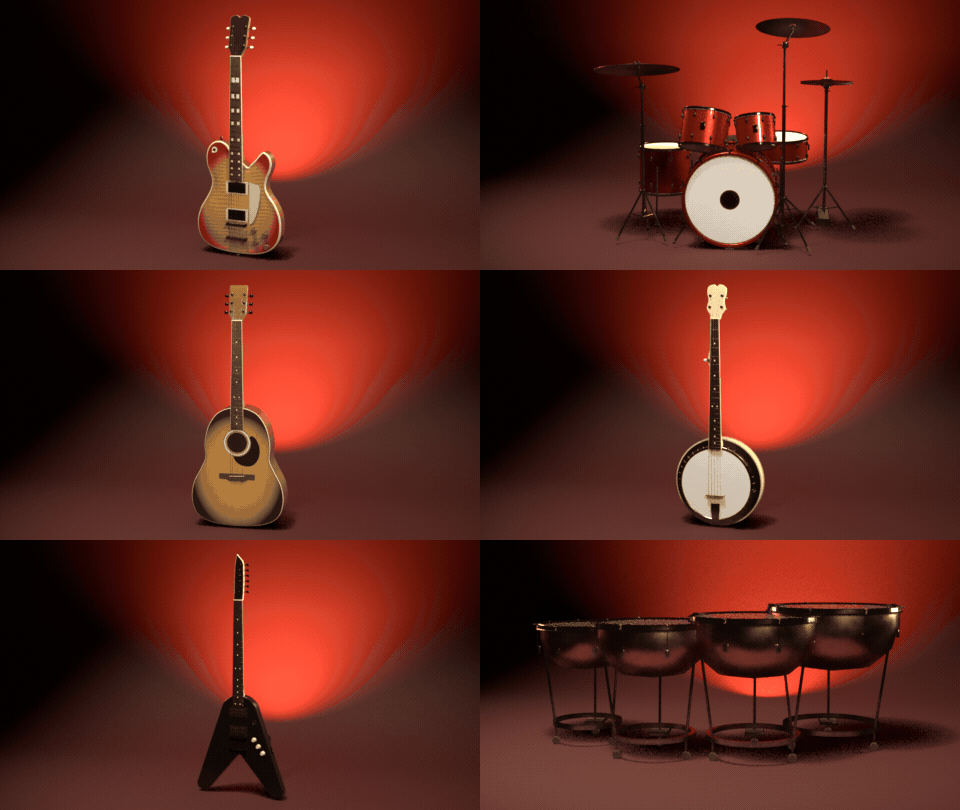
Surprise me
One click builds a random instrument with a random finish, ready to drop into your scene.

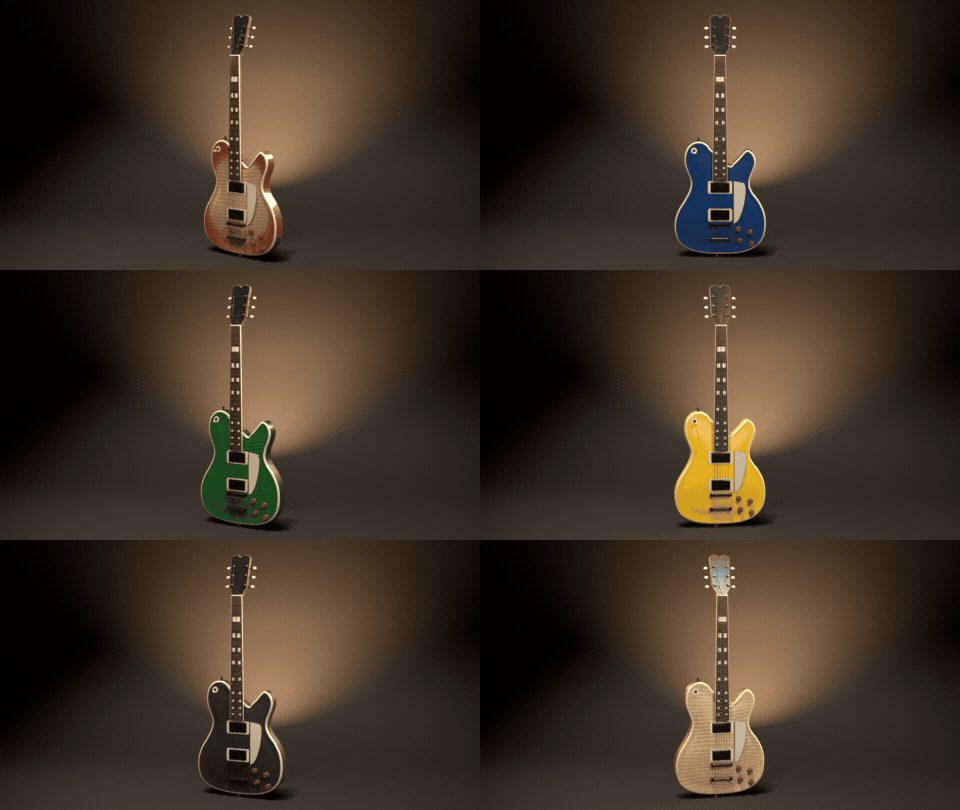
Any finish
Sunburst, metallic, sparkle, see-through, solid, pearl and satin over real wood.
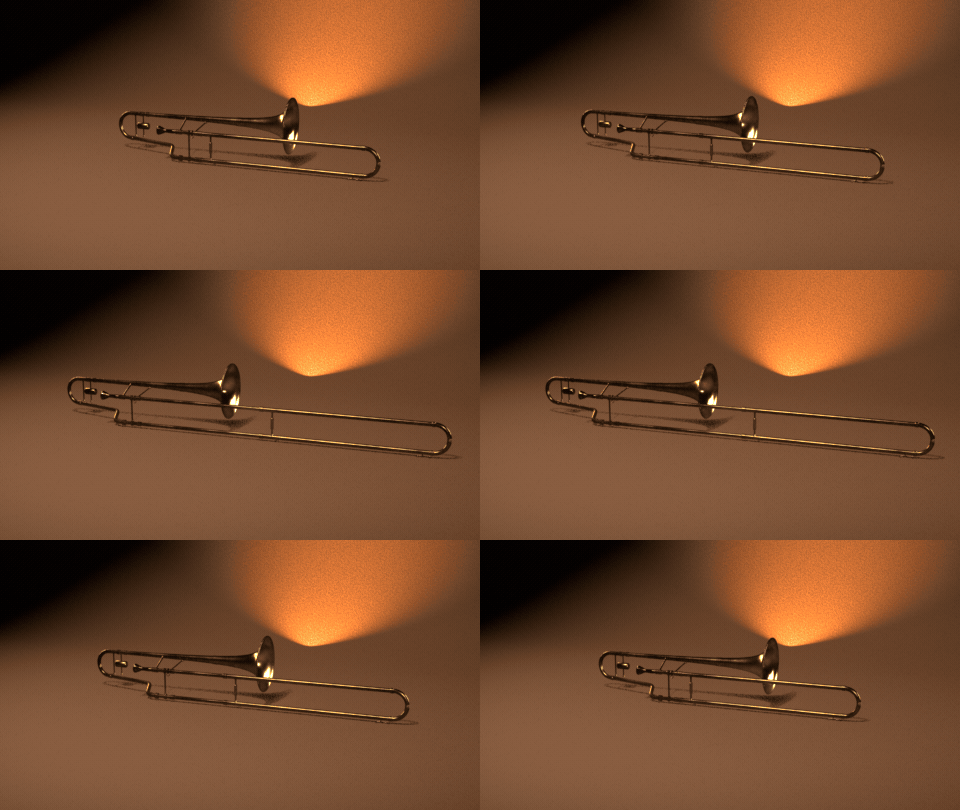
Live sliders
Every setting rebuilds the instrument live, like the trombone slide here.
What you get
- 103 designs in 7 families: guitars, folk strings, orchestral strings, drums and percussion, pianos and keys, brass and saxophones, woodwinds
- Guitars: dreadnought, jumbo, parlor, classical, flamenco, archtop, semi-hollow, double cut, single cut, offset, superstrat, arrowhead, headless, 4 and 5-string basses
- Ukuleles, mandolins (A and F style) and banjos with paired strings and resonators
- Violin, viola, cello, double bass with bows, Celtic and concert harps
- Drum kits (rock, jazz, fusion, double kick), snares, congas, bongos, djembe, cajon, timpani, xylophone, marimba, vibraphone, glockenspiel
- Upright, baby, parlor and concert grand pianos, stage piano, synthesizer and digital console
- Trumpet, cornet, flugelhorn, trombone, French horn, tuba, euphonium and four saxophones
- Flute, piccolo, clarinet, oboe and recorders
- Finishes: sunburst, see-through, solid, metallic, sparkle, pearl wrap and satin over real wood textures; chrome, nickel, gold and black hardware; lacquer, silver and raw brass
- Surprise for a random instrument, Vary for a new take on the current design
- Editing one instrument never changes another, Shift+D and Alt+D copies included
Easy to use
Open the Musical tab in the sidebar, click the picture of a design and press Add Instrument. Every option with a visual choice has its own picture gallery. Convert to Mesh keeps the result as ordinary meshes, optionally split into parts.
Requires Blender 4.2 or newer. Tested on Blender 4.2, 4.5 and 5.2 LTS.
Install in under a minute (Blender 4.2+)
- In Blender open Edit › Preferences › Get Extensions.
- Open the arrow menu at the top right and choose Install from Disk.
- Pick the downloaded zip. Do not unzip it.
Questions
Which Blender versions are supported?
Blender 4.2 and newer. It is tested on Blender 4.2, 4.5 and 5.2 LTS.
Are the instruments real size?
Yes. Every instrument is built in meters at its real size, from a soprano recorder to a 2.75 m concert grand.
Does it work in Cycles and EEVEE?
Yes. Wood, lacquer, metal and drum head materials are PBR and look right in both engines.
Can I use the models in games?
Yes. Convert to Mesh keeps them as ordinary meshes (one per part if you like) with PBR materials, ready to export.
Details
- Version
- 1.0.1
- Blender
- 4.2 or newer
- Tested on
- 4.2, 4.5 and 5.2 LTS
- Render engines
- Cycles, EEVEE
- Category
- Modeling
- Download
- 16.0 MB zip
- License
- GPL v3
More addons
 Featured
Air and Space Bundle – 9 Blender Generator Addons
Drones, helicopters, rockets, satellites and planets
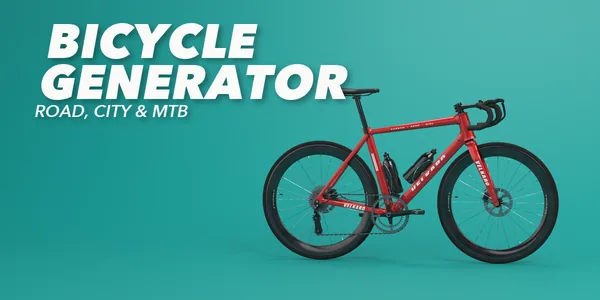 Featured
Bicycle Generator
Procedural bicycles of every kind, from racers to cargo trikes
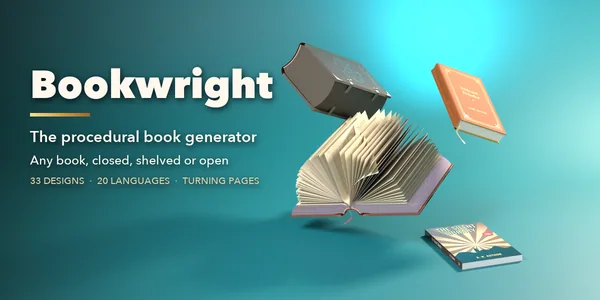 Featured
Bookwright
Procedural books of every kind, closed, shelved or turning pages
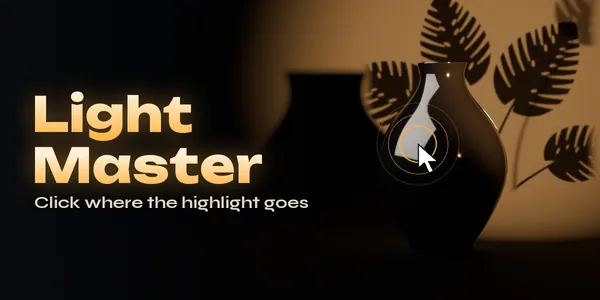
Light Master – Click-to-Place Lighting & Animated Gobos for Blender
Click-to-place reflection lights with animated gobo shadows