
Airport Terminal Kit
Terminals, jet bridges, airliners, interiors and ground vehicles
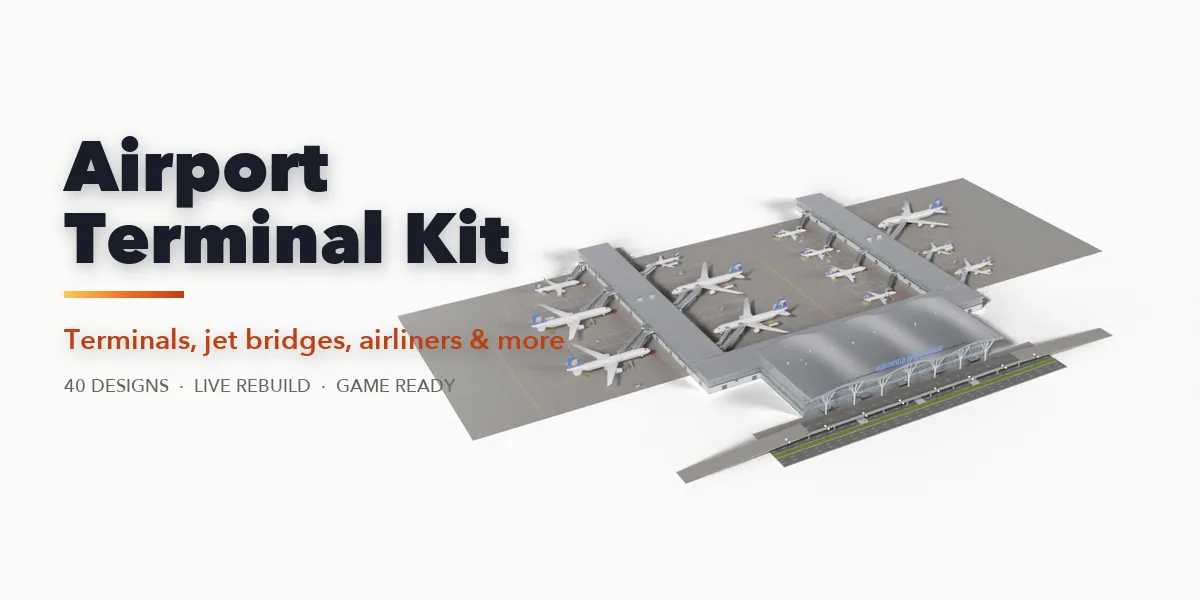
Airport Terminal Kit builds whole airports and every piece inside them in Blender. Add a complete terminal with its roof, glass facade, piers or satellite, gates with docked jet bridges, parked airliners, stand markings, ground vehicles and the curb road, or add any single piece on its own: a posable jet bridge, an aircraft, a row of check-in counters, a security checkpoint, a departures board, an escalator, a baggage carousel, a control tower or a hangar. Every part is a number, a choice or a switch, and the item rebuilds live as you drag.
The 40 designs cover every scale and era: a grass airstrip shed with a small tower, a regional terminal with turboprops and passenger stairs, a 1950s modernist building with a rooftop cab, a Jet-Age shell roof with a round satellite, a 1970s concrete satellite, a space-frame hall with linear gates, a tent-roof terminal with a midfield concourse and a long-span wave-roof hub with finger piers.
All airline and airport names are fictional and editable, so the scenes are safe for commercial work.
One click, a new airport
Pick a design in the sidebar: the whole terminal rebuilds with its gates, bridges, aircraft and apron.
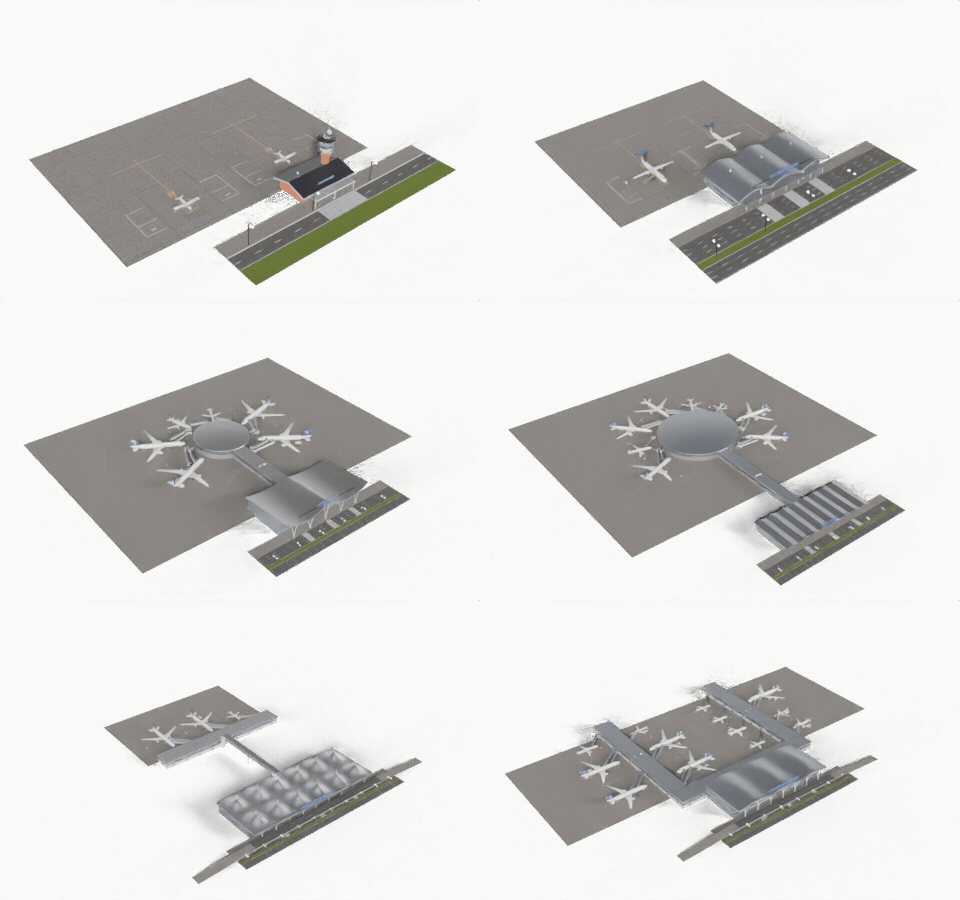
From airstrip to hub
Grass airstrip, regional, modernist, Jet-Age shell, concrete satellite, tent roof and long-span wave hubs.
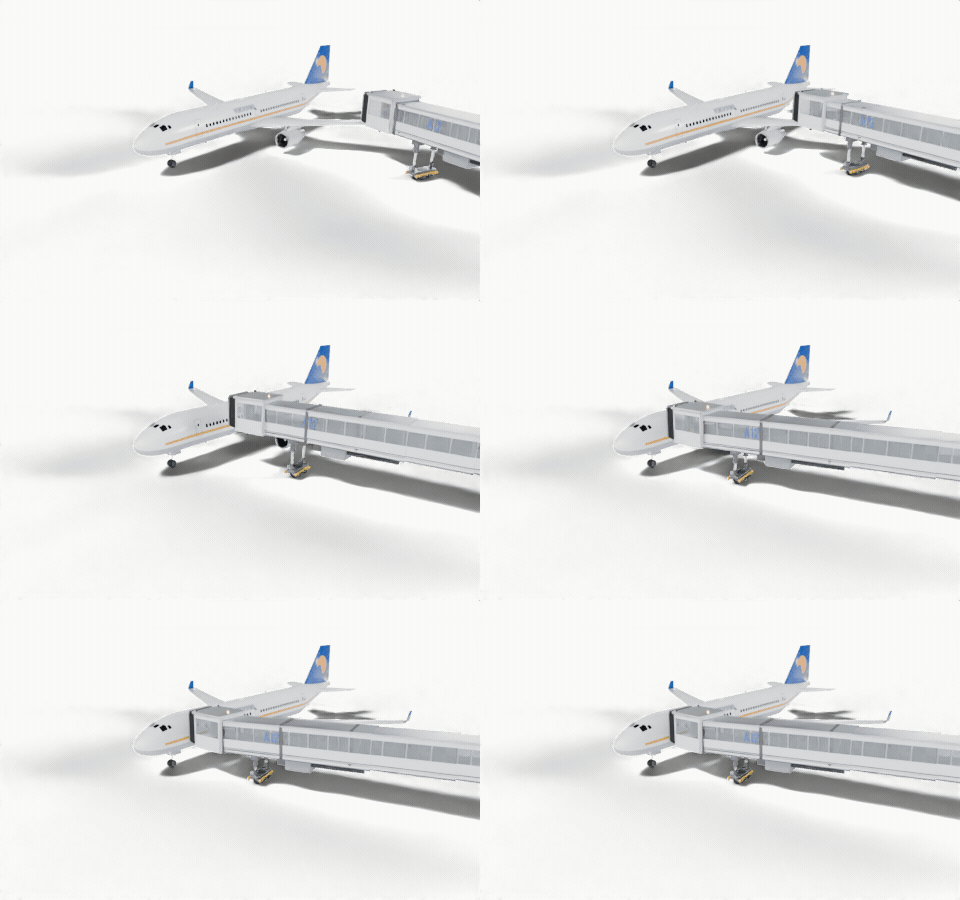
Jet bridges that dock
Posable apron-drive bridges swing, extend and lift to the aircraft door, with a baked docking animation.
Moving parts, no keyframes
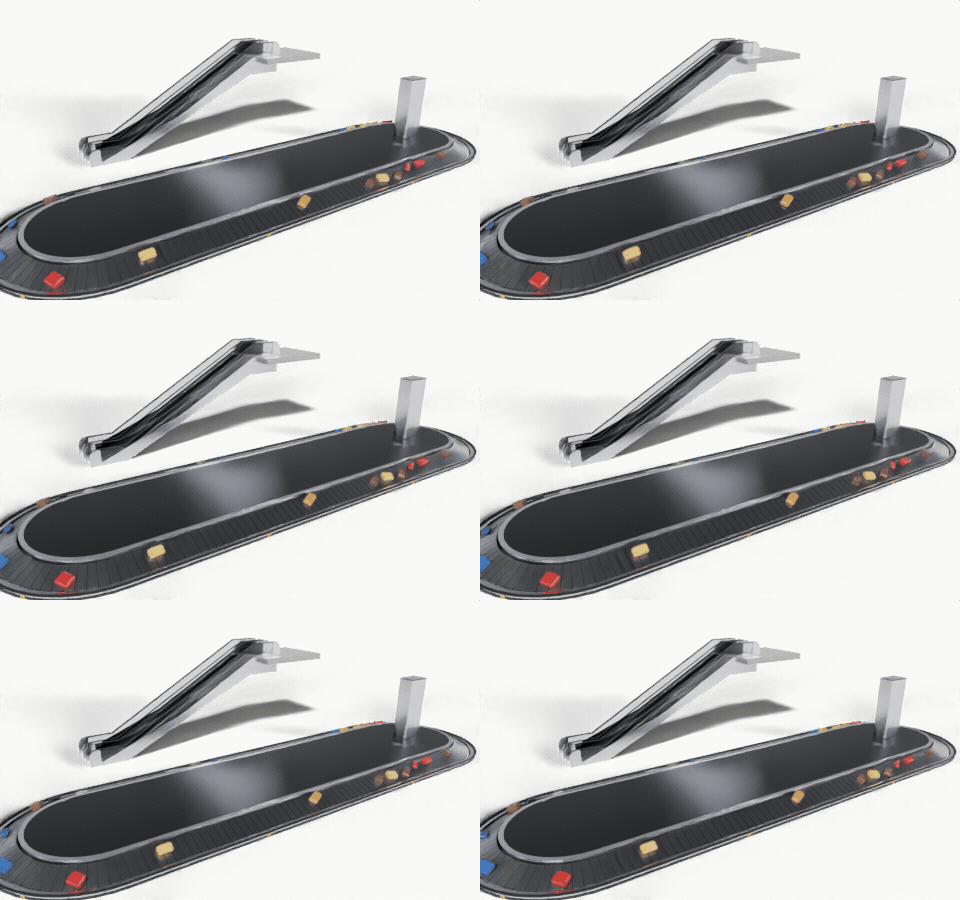
Baggage carousels, escalators and moving walkways run by themselves when you play the timeline, and loop forever.
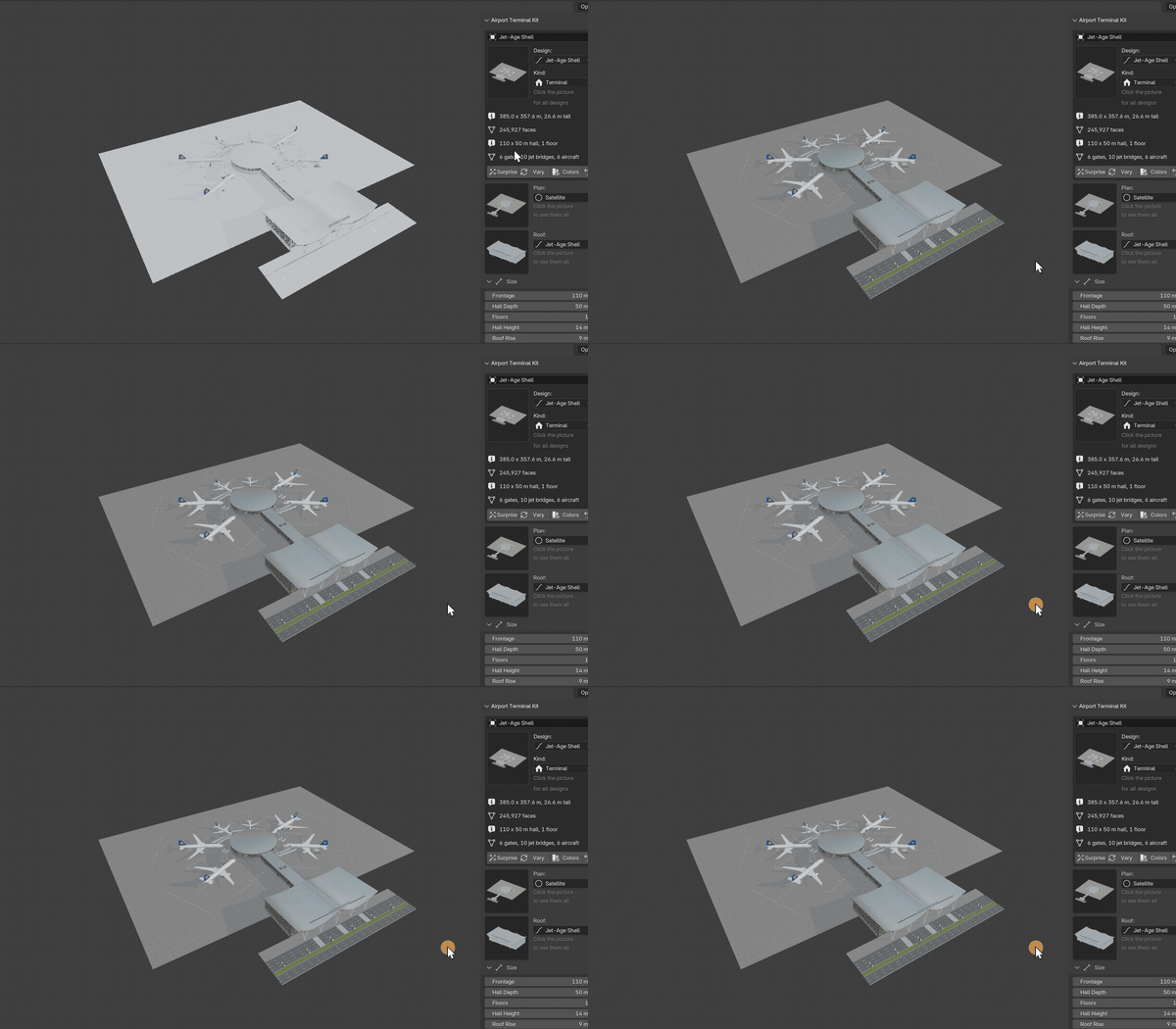
Drag a slider, watch it rebuild
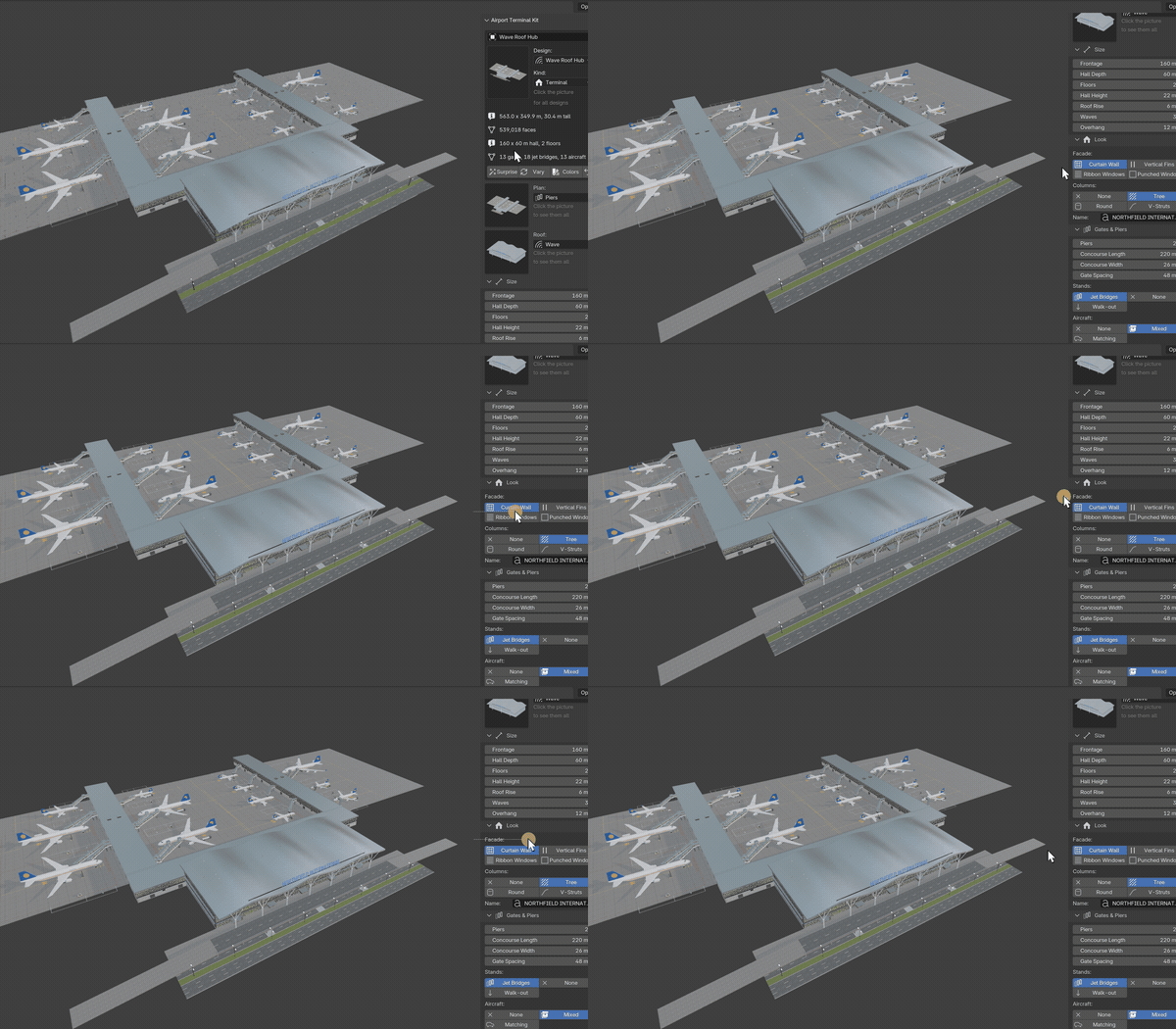
Every part is a number, a choice or a switch. Here the roof gets more waves and a higher rise, rebuilt live.
Terminals
- 6 gate plans: compact walk-out, linear, finger piers, T-piers, round satellite and midfield concourse with an apron bridge
- 8 roofs: flat, gable, barrel vaults, wave, Jet-Age shells, tent peaks, sawtooth and folded plate
- Curtain wall, ribbon windows, vertical fins or punched windows, with tree, V or round columns
- Gates that dock themselves: jet bridges swing, extend and lift to each aircraft's doors, two or three bridges for wide-bodies and the upper deck
- Matching or mixed fleets, stand markings, belt loaders, baggage trains, fuel and catering trucks
- Curb road, elevated departures road, rooftop lettering, control cab and an interior with check-in islands and carousels
Pieces
- Jet bridges: apron drive, fixed and nose loader, posable and with a baked docking animation
- 9 aircraft classes from a light single to a double-decker, with fictional liveries
- Check-in rows, islands, kiosks and bag drops; security lanes; gate seating; duty-free, boutiques and cafes
- FIDS screens, split-flap boards, gate screens, wayfinding signs with pictograms and restroom signs
- Moving walkways, escalators and baggage carousels that animate on their own, loop forever and need no keyframes
- Tugs, pushback, belt loaders, stairs trucks, carts, fuel, catering, ground power and buses
- Runways with ICAO markings and lights, taxiways, stands, heliports, fences, control towers and hangars
Real sizes in meters, UV-mapped game-ready geometry with photoreal materials, three detail levels and Convert to Mesh.
Requires Blender 4.2 or newer. Tested on Blender 4.2, 4.5 and 5.2 LTS.
Install in under a minute (Blender 4.2+)
- In Blender open Edit › Preferences › Get Extensions.
- Open the arrow menu at the top right and choose Install from Disk.
- Pick the downloaded zip. Do not unzip it.
Questions
Which Blender versions are supported?
Blender 4.2 and newer. It is tested on Blender 4.2, 4.5 and 5.2 LTS.
Can I use the models in a game engine?
Yes. Every part is UV-mapped with its origin on the ground and uses Principled BSDF materials with tileable textures. Pick the Low detail level, use Convert to Mesh and export as usual (FBX, glTF).
Are real airlines or aircraft included?
No. The aircraft are generic stand-ins sized like real classes, and every airline, airport and flight name is fictional and editable.
Do the carousels and escalators need keyframes?
No. They are driven by the frame number, loop seamlessly and follow the speed setting. Convert to Mesh keeps the animation.
Details
- Version
- 1.2.0
- Blender
- 4.2 or newer
- Tested on
- 4.2, 4.5 and 5.2 LTS
- Render engines
- Cycles, EEVEE
- Category
- Modeling
- Download
- 10.2 MB zip
- License
- GPL v3
More addons
Gunsmith
Procedural firearms, launchers and shields with PBR wear
Trailer & Caravan Generator
Caravans, campers, RVs, horse boxes and utility trailers
Umbrella Generator
Open, close and animate any umbrella, parasol or patio shade
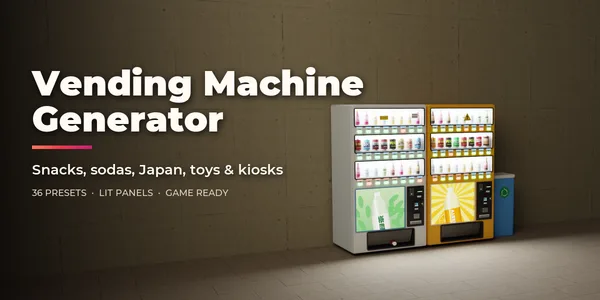
Vending Machine Generator
Snack, soda, Japanese, gachapon, claw, ATM and kiosk machines