
Uplink – Router & Modem Generator for Blender
Wi-Fi routers, modems, mesh nodes, repeaters and access points
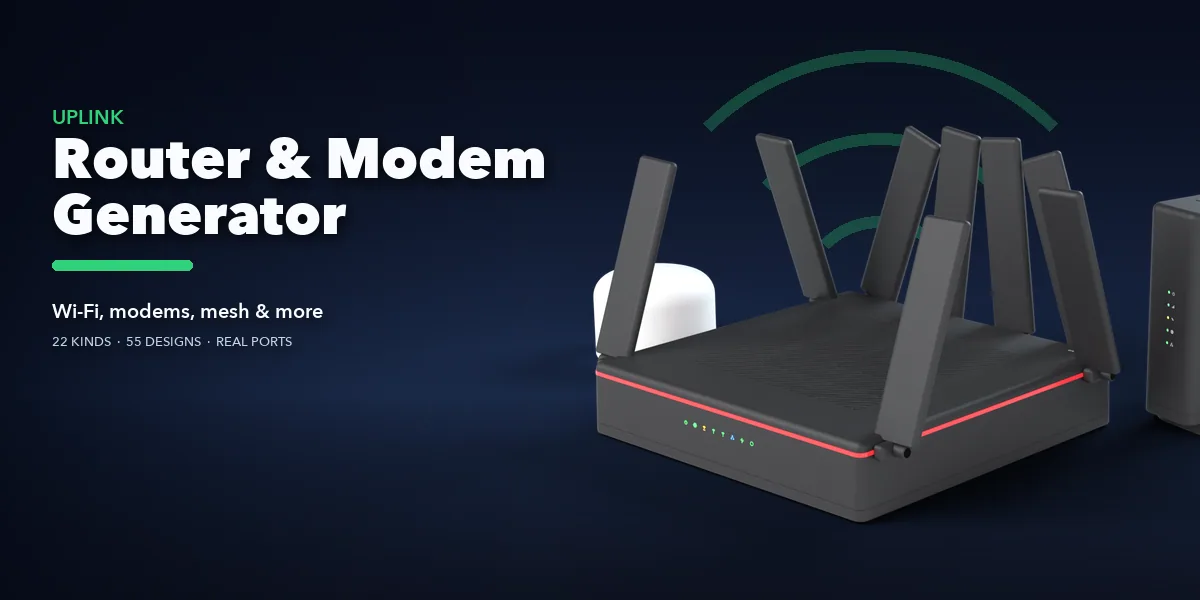
Uplink builds the network gear every modern room has, right inside Blender: a Wi-Fi router with four blade antennas, a gaming router with eight fins and a red light stripe, an upright cable modem, a fiber ONT, a mesh Wi-Fi puck, a plug-in Wi-Fi repeater, a powerline adapter, a ceiling access point, a 1U rack switch, a firewall or a satellite internet dish on its mast. Pick one of 55 designs, then change anything; the device rebuilds live as you drag.
Every port is real. RJ45 jacks have metal shields, gold contacts and link lights; cable modems get a threaded F connector, fiber ONTs a green SC/APC port, DSL boxes a phone line jack, plus USB, power jacks, buttons and reset pinholes, each with a printed label under it.
Status lights glow and blink like the real thing in EEVEE and Cycles: rows, columns, light bars, rings and lit icons, in green, blue, white, amber or mixed. Antennas swivel and fan out; vents, dots, ribs and grids are cut through the shell.
Finish it the way you need: thirteen plastics from matte white to piano black, fabric shells, brushed metal, spec prints and a rating label underneath. Turn up wear for dust, yellowed plastic and scratches. Add plugged-in Ethernet and power cables, or mount the device on a wall, a ceiling or a pole.
Everything is one clean mesh at real-world size with PBR materials that also work in game engines, ready for interiors, offices, product shots and tech scenes.
Features
- 22 device kinds and 55 designs: routers, gaming routers, travel routers, cable and DSL modems, ISP gateways, fiber ONTs, mesh nodes, Wi-Fi repeaters, powerline adapters, 5G gateways, mobile hotspots, access points, desktop and rack switches, firewalls, PoE injectors, media converters, VoIP phone adapters, satellite dishes, outdoor CPEs and USB Wi-Fi adapters
- Real cut ports: RJ45, coax F, SC/APC fiber, SFP, RJ11, USB-A, USB-C, power jack, buttons
- Blinking status lights, light bars, rings and lit icons
- 4 antenna types on 4 layouts, with length, spread and lean
- 13 colors, 6 finishes (matte, satin, gloss, textured, fabric, metal), accent stripes and wear
- Ethernet and power cables, wall plugs (EU, UK, US), wall, ceiling and pole mounts
- One-click Surprise and Variation, Apply as Mesh
Requires Blender 4.2 or newer. Tested on Blender 4.2, 4.5 and 5.2 LTS.
Install in under a minute (Blender 4.2+)
- In Blender open Edit › Preferences › Get Extensions.
- Open the arrow menu at the top right and choose Install from Disk.
- Pick the downloaded zip. Do not unzip it.
Questions
Which Blender versions are supported?
Blender 4.2 and newer. It is tested on Blender 4.2, 4.5 and 5.2 LTS.
Do the lights work in EEVEE and Cycles?
Yes. Status lights glow in both engines and blink over the timeline; turn Blink off for steady lights.
Can I use the models in a game engine?
Yes. Apply as Mesh gives one mesh with PBR materials; lower Detail in the Shape tab for lighter game assets.
Do the devices show any brand names or logos?
No. Devices are unbranded: only port labels, status icons and technical specs are printed, so renders are safe to use commercially.
Details
- Version
- 1.0.0
- Blender
- 4.2 or newer
- Tested on
- 4.2, 4.5 and 5.2 LTS
- Render engines
- Cycles, EEVEE
- Category
- Modeling
- Download
- 5.3 MB zip
- License
- GPL v3
More addons
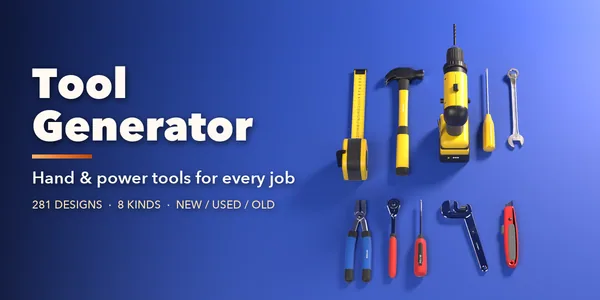
Tool Generator
281 hand and power tools for mechanics and builders
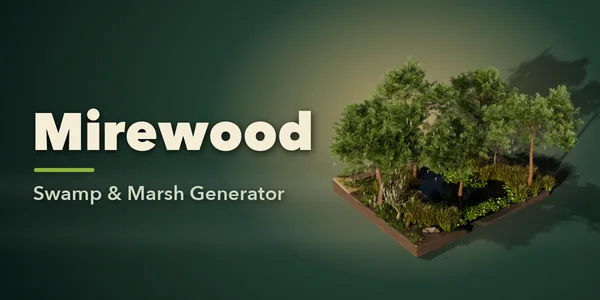
Mirewood – Swamp & Marsh Generator for Blender
Bayous, bogs, salt marshes and mangrove swamps with real plants
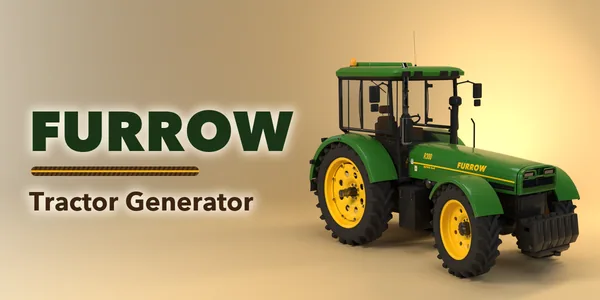
Furrow – Tractor & Farm Machinery Generator for Blender
Tractors, combines, sprayers and farm implements, rigged
Printwright – 3D Print Parts Generator for Blender
Custom hooks, bins, pots, gears and bolts, ready to print