
Space Station Generator
Build ISS, torus and sci-fi stations from modular parts
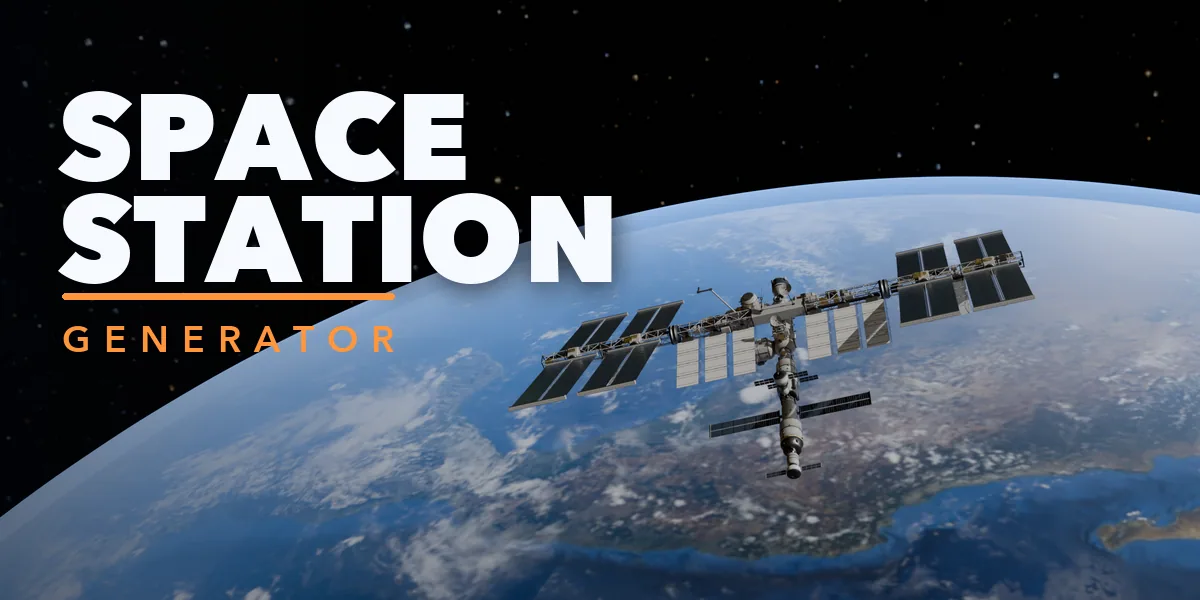
Space Station Generator builds complete orbital stations inside Blender in one click, from a real ISS-style truss with modules and huge solar wings to a spinning Stanford torus, an O'Neill cylinder, a Bernal sphere or a 2001-style double wheel. Pick one of 26 designs or press Surprise Me, then change anything: every part is a number or a switch, and the station rebuilds live while you drag.
It is a modular kit: pressurized modules with ring bands and lit windows, docking nodes, docking ports with guide petals, lattice trusses, solar array wings, radiators, antennas, dishes and greebles, all placed for you. Habitat rings turn on their own during playback and rendering through a small Geometry Nodes setup, with no drivers or scripts to allow.
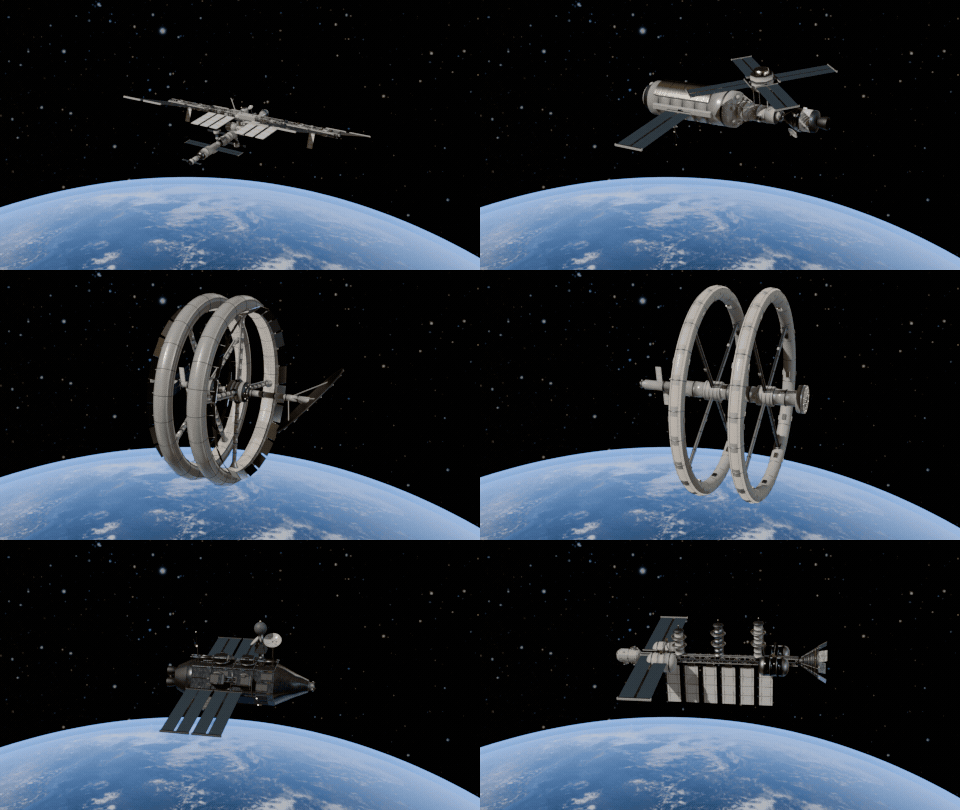
Iconic station designs
ISS, Mir, Tiangong, Skylab, Gateway, Stanford torus, O'Neill cylinder, Bernal sphere, the 2001 wheel, shipyards and battle stations, each one click.
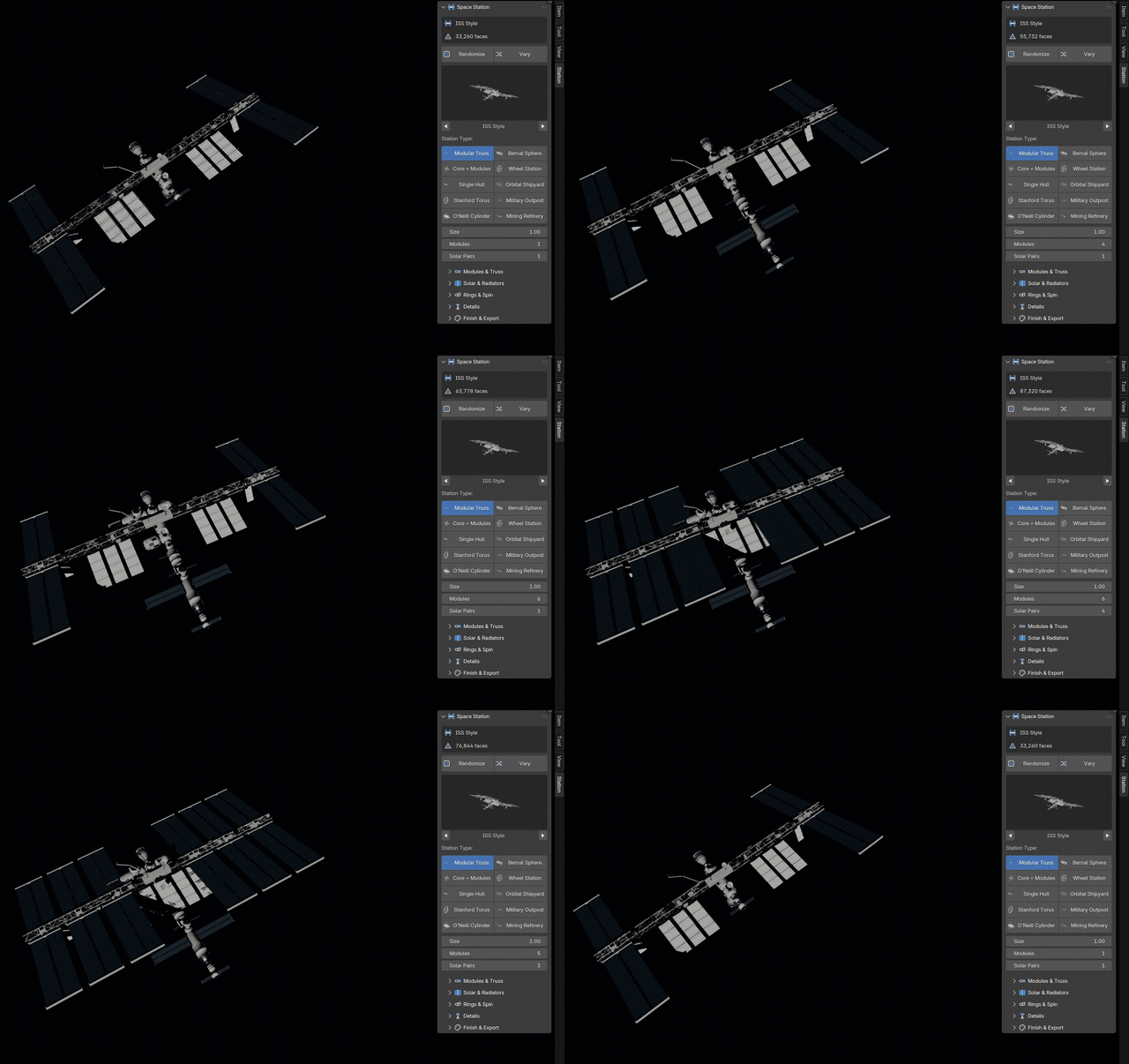
Drag a slider, the station grows
The real sidebar: Modules and Solar Pairs rebuild the station live while you drag.
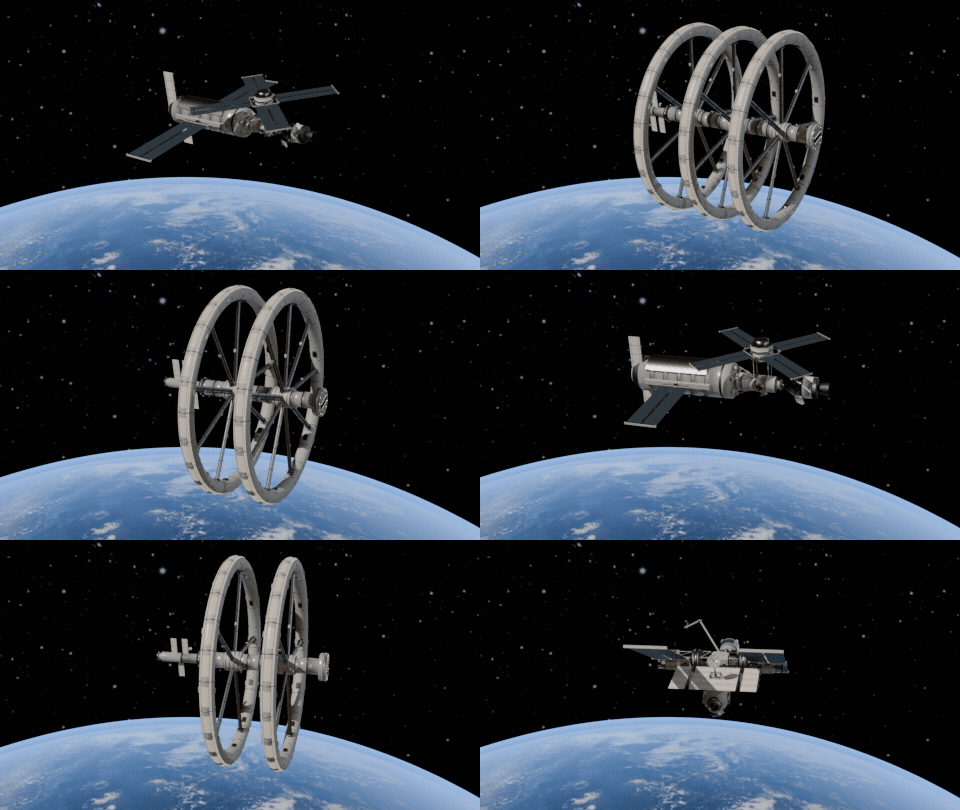
Randomize for endless stations
Every click builds a new station: type, modules, trusses, solar wings and foil reshuffled.
Rings that really spin
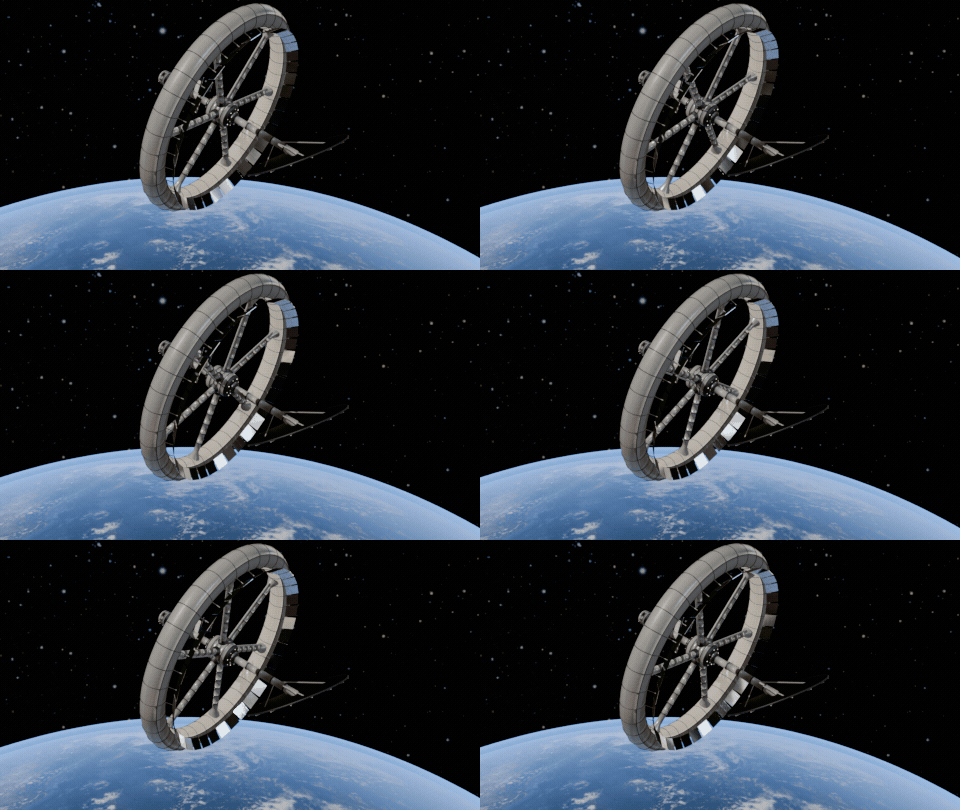
Habitat rings turn on their own when you play the timeline or render, no keyframes or drivers.
Ten station types
- Modular truss (ISS, early assembly, Lunar Gateway)
- Core and modules (Mir, Tiangong, Salyut)
- Single hull with telescope mount (Skylab)
- Stanford torus, O'Neill cylinder and Bernal sphere
- Wheel stations with one to three wheels
- Orbital shipyard and drydock with a ship under construction
- Military outpost and battle station with turrets
- Mining refinery, fuel depot and ice miner
Features
- 26 one-click designs plus Randomize and Vary
- Spinning rings with any speed in RPM, no drivers needed
- Gold, silver or black foil and any hull color
- PBR materials that also work in game engines
- Convert to Mesh for editing and export
Requires Blender 4.2 or newer. Tested on Blender 4.2, 4.5 and 5.2 LTS.
Install in under a minute (Blender 4.2+)
- In Blender open Edit › Preferences › Get Extensions.
- Open the arrow menu at the top right and choose Install from Disk.
- Pick the downloaded zip. Do not unzip it.
Questions
Which Blender versions are supported?
Blender 4.2 and newer. It is tested on Blender 4.2, 4.5 and 5.2 LTS.
How do the rings rotate?
A small Geometry Nodes modifier turns the ring parts by scene time, so they spin in the viewport and in renders without drivers, scripts or keyframes.
Can I use the stations in a game engine?
Yes. The materials are standard Principled BSDF PBR materials. Use Convert to Mesh, then export as FBX or glTF.
Details
- Version
- 1.1.0
- Blender
- 4.2 or newer
- Tested on
- 4.2, 4.5 and 5.2 LTS
- Render engines
- Cycles, EEVEE
- Category
- Modeling
- Download
- 3.6 MB zip
- License
- GPL v3
More addons
Faraway Mountains Generator
Auto-fit mountain ranges and fog around your scene horizon
Vending Machine Generator
Snack, soda, Japanese, gachapon, claw, ATM and kiosk machines
Medieval Village Generator
Parametric medieval houses, churches, mills and whole villages
Brigade – Cookware Generator for Blender
Pro kitchen pots, pans, knives, cutting boards and utensils