
Flourish – Ribbon Banner Generator for Blender
Ribbon banners, scrolls, bows, rosettes and flowing ribbons
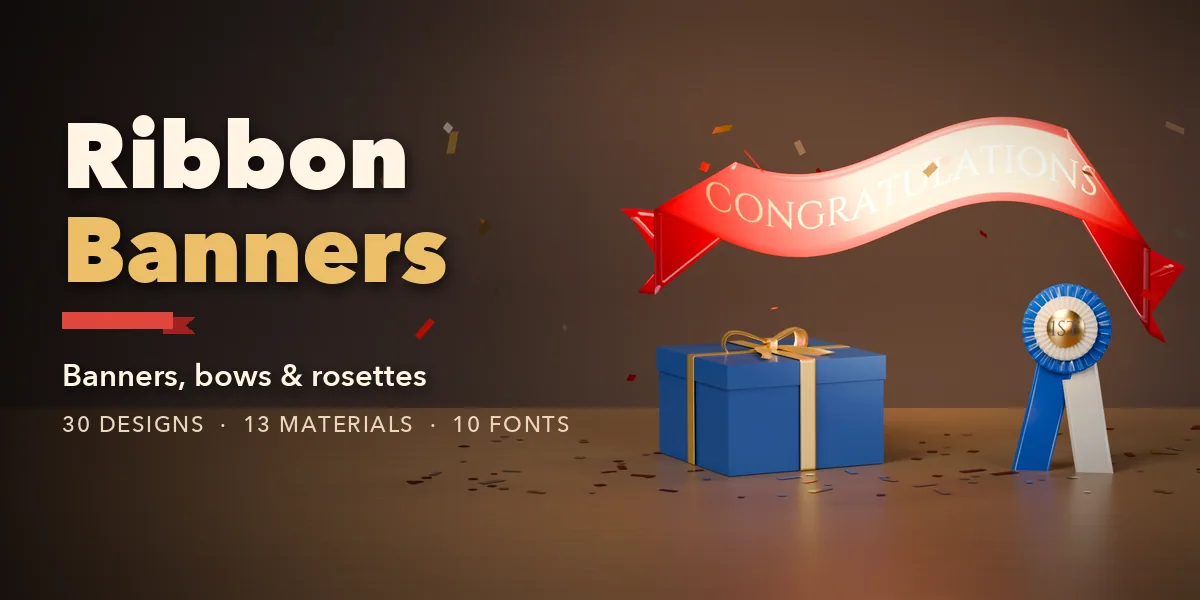
Flourish builds ribbon banners, scrolls, gift bows, award rosettes and flowing ribbons inside Blender, each with your own lettering. Pick one of 30 designs, from a red satin "Congratulations" banner, an engraved vintage scroll, a gold banner with curled tails or a white 3D banner with rolled ends to a laser-cut wooden sign, then change anything: every part is a number, a picture or a switch, and the ribbon rebuilds live as you drag.
Banners have a center panel and folded, looped, rolled or flat ends with swallowtail, pointed, fishtail, rounded or slanted cuts. Arch, wave and S-bend them, curl the tails and push the ends forward. Flowing ribbons wave, spiral, swirl or follow any curve you draw, and update when you edit the curve.
Gift bows come in classic, florist, pageant and wired door styles, alone, on a ribbon band, on crossed bands or tied around a wrapped gift box. Rosettes stack pleated rings with a domed button and tails for first, second and third place. Awareness ribbons loop with crossed tails.
Lettering is painted into a texture with 10 fonts, never mesh text, so it follows every fold and twist and exports cleanly to game engines. Print it, foil it in gold, engrave it or embroider it.
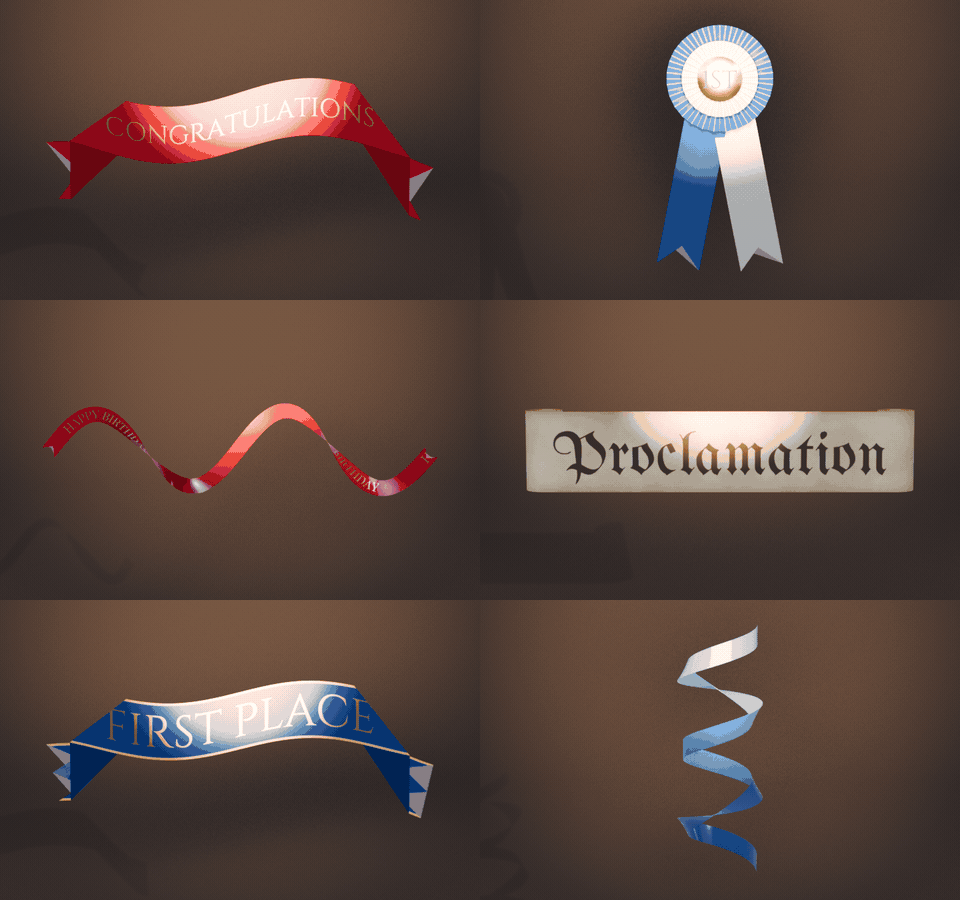
30 designs in one click
Ribbon banners, gold scrolls, vintage and wooden signs, gift boxes, bows, award rosettes and flowing ribbons. Pick one and change anything.
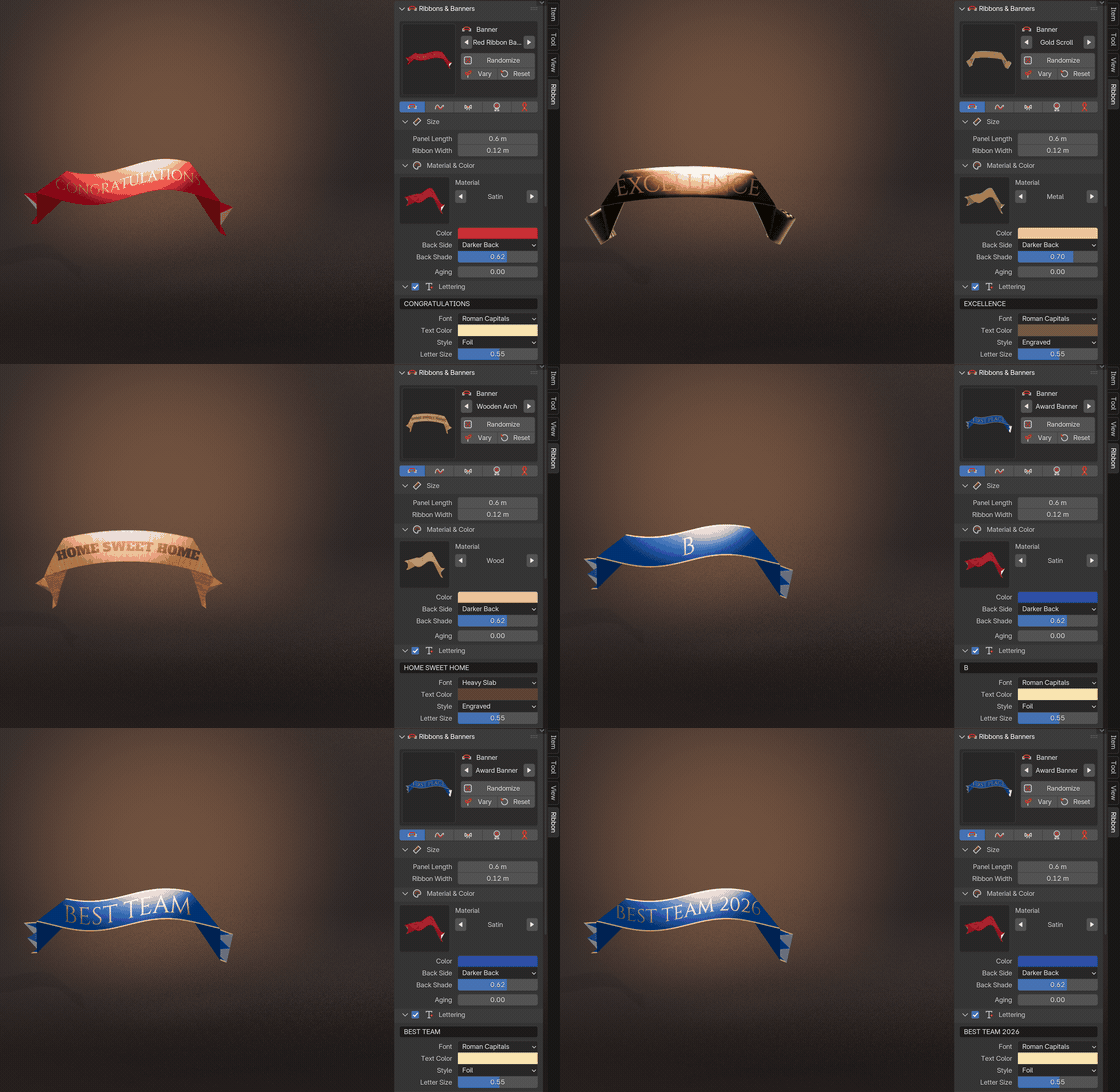
Pick, type, done
The real sidebar in Blender: click a design picture, type your words and the ribbon rebuilds in a moment.
Your words, any style
Lettering is painted into the ribbon's texture, never mesh text: 10 fonts, printed, gold foil, engraved or embroidered, on satin, velvet, linen, wood or parchment.

Wave, arch and curl
Drag the sliders and the banner follows live: waves, arches, S-bends, curled tails, folded or rolled ends.

Features
- 30 designs in five kinds: banners, flowing ribbons, gift bows, rosettes and awareness ribbons
- 13 photoreal materials: satin, grosgrain, velvet, sheer organza, burlap, linen, plaid, metallic lame, paper and parchment, leather, metal, wood and painted plastic
- 4 end styles and 6 end cuts, arch, wave, twist, S-bend and tail curls
- Ribbons that follow any curve and update live
- 4 bow styles, ribbon bands and wrapped gift boxes with patterned paper
- Lettering as an image texture in 10 fonts: printed, foil, engraved or embroidered
- Two-sided ribbons, edge trims, stripes, dots and an aging slider
- Randomize and Vary buttons for endless new designs
- Picture-driven sidebar, Shift+A menu and Make Plain Mesh
- Works in Cycles and EEVEE
Requires Blender 4.2 or newer. Tested on Blender 4.2, 4.5 and 5.2 LTS.
Install in under a minute (Blender 4.2+)
- In Blender open Edit › Preferences › Get Extensions.
- Open the arrow menu at the top right and choose Install from Disk.
- Pick the downloaded zip. Do not unzip it.
Questions
Which Blender versions are supported?
Blender 4.2 and newer. It is tested on Blender 4.2, 4.5 and 5.2 LTS.
Is the lettering mesh text?
No. The text is painted into an image texture on the ribbon, so it follows every fold and twist, keeps the mesh light and exports to game engines.
Can a ribbon follow my own curve?
Yes. Make a curve active and add the Follow Curve design, or pick the curve in the Shape section. The ribbon updates when you edit the curve.
Details
- Version
- 1.0.0
- Blender
- 4.2 or newer
- Tested on
- 4.2, 4.5 and 5.2 LTS
- Render engines
- Cycles, EEVEE
- Category
- Modeling
- Download
- 6.4 MB zip
- License
- GPL v3
More addons
Tool Generator
281 hand and power tools for mechanics and builders
Mirewood – Swamp & Marsh Generator for Blender
Bayous, bogs, salt marshes and mangrove swamps with real plants
Furrow – Tractor & Farm Machinery Generator for Blender
Tractors, combines, sprayers and farm implements, rigged
Printwright – 3D Print Parts Generator for Blender
Custom hooks, bins, pots, gears and bolts, ready to print