
Fenestra – Window Generator for Blender
Sash, casement, bay and arched windows with shutters and sills
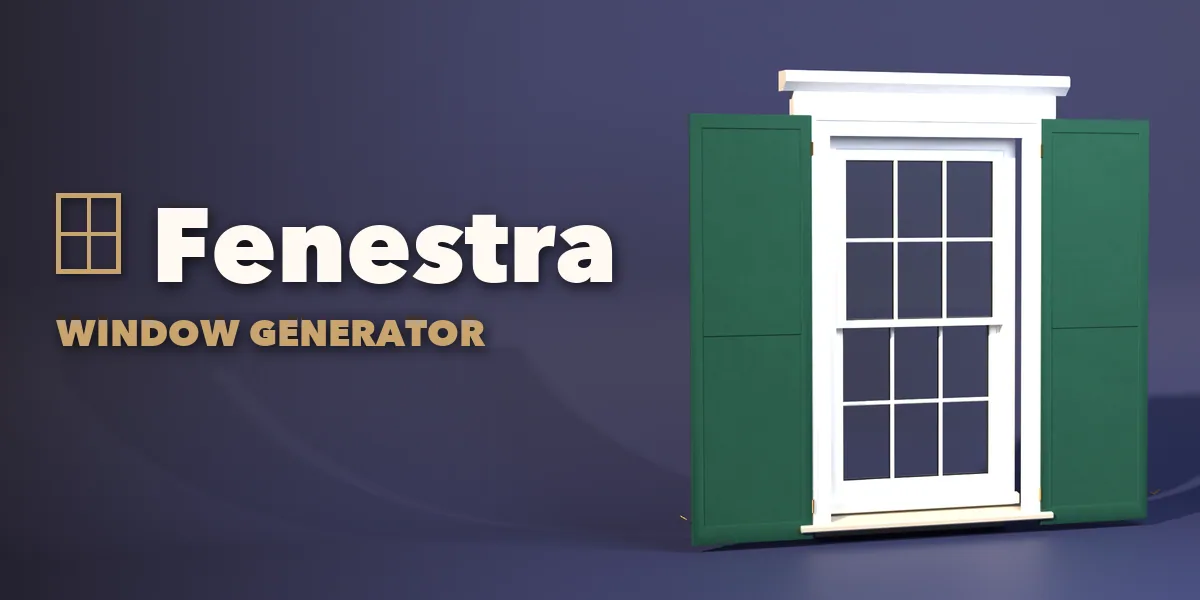
Fenestra builds real windows inside Blender, from a six over six Georgian sash under a brick jack arch to a black steel factory window with broken panes, a Tudor leaded light in a stone mullion, a Victorian bay on a brick knee wall or a slate gable dormer. Pick one of 71 designs and change anything: every part is a number, a choice or a switch, and the window rebuilds live as you drag.
Every window is built like the real thing: a moulded frame, sashes with stiles, rails and meeting rails, single, double or triple glazing with spacers and gaskets, glazing bars in the pattern you choose, and hardware on the inside. Sashes really open: hung sashes slide, casements, awnings and hoppers swing, tilt and turn sashes tilt or turn, sliders slide, jalousie louvers turn and pivot sashes rotate.
Dress it with a stone, concrete, wood, brick or metal sill, a lintel, keystone, jack arch, soldier course, arch ring, hood mould, cornice or pediment, a casing or quoins, louvered, panel or board and batten shutters, and security bars. Put it in a piece of wall with real reveals, in a dormer on a roof, or cut its opening into your own wall in one click.
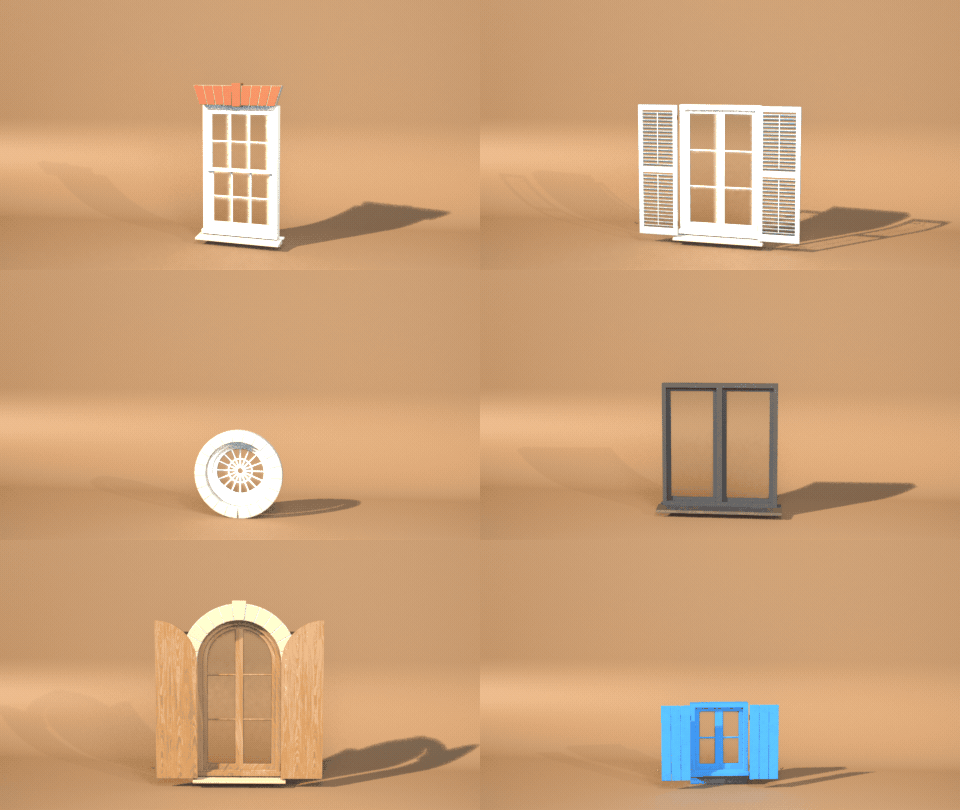
A design for every style
Georgian and Victorian sashes, Tudor leaded lights, Gothic lancets, oculi, Palladian windows, Crittall and factory steel, Provence shutters and Spanish rejas. Pick one and change anything.
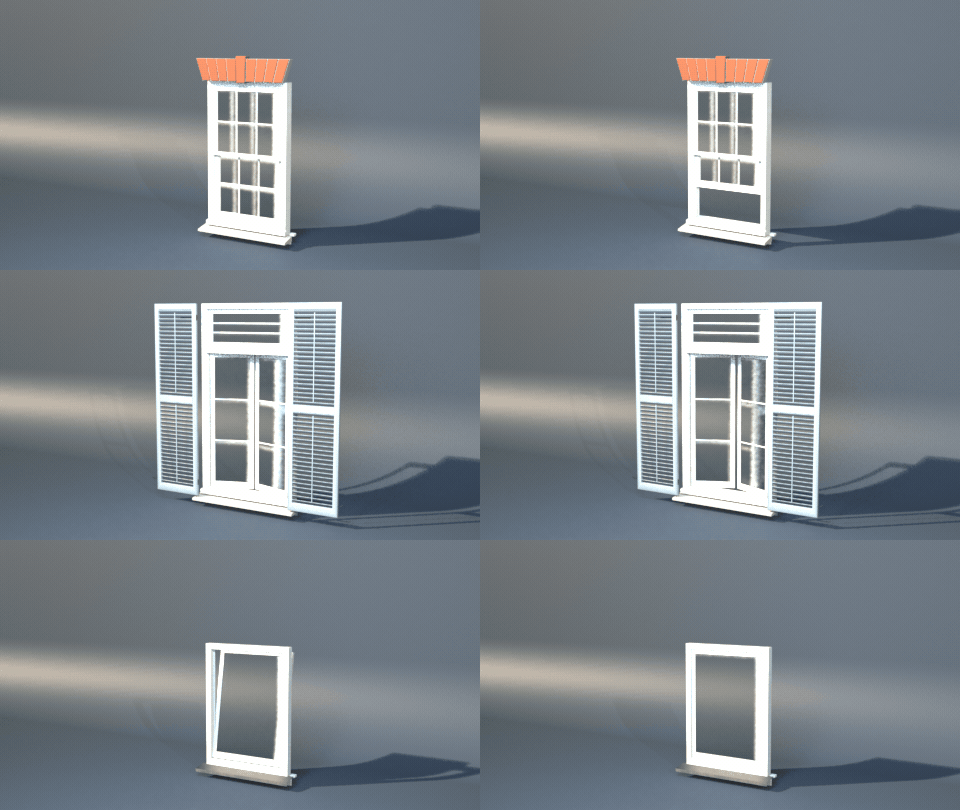
Sashes really open
One Open slider: hung sashes slide, casements swing, tilt and turn sashes tilt. Awnings, hoppers, sliders, pivots and jalousies too.
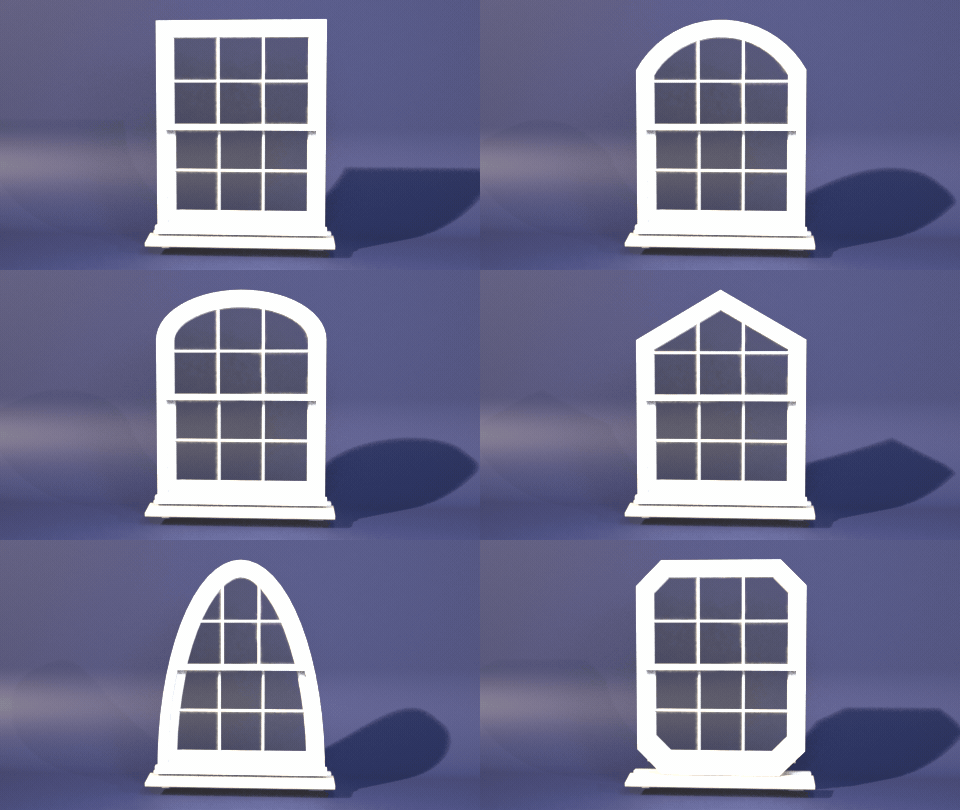
Any outline, the grille follows
Rectangle, rounded, segmental, round top, elliptical, Gothic, Tudor, peaked, trapezoid, half round, round and octagon, at any size.
Surprise me
One click makes a new random window: a design, a variation of its proportions and often a fresh finish.
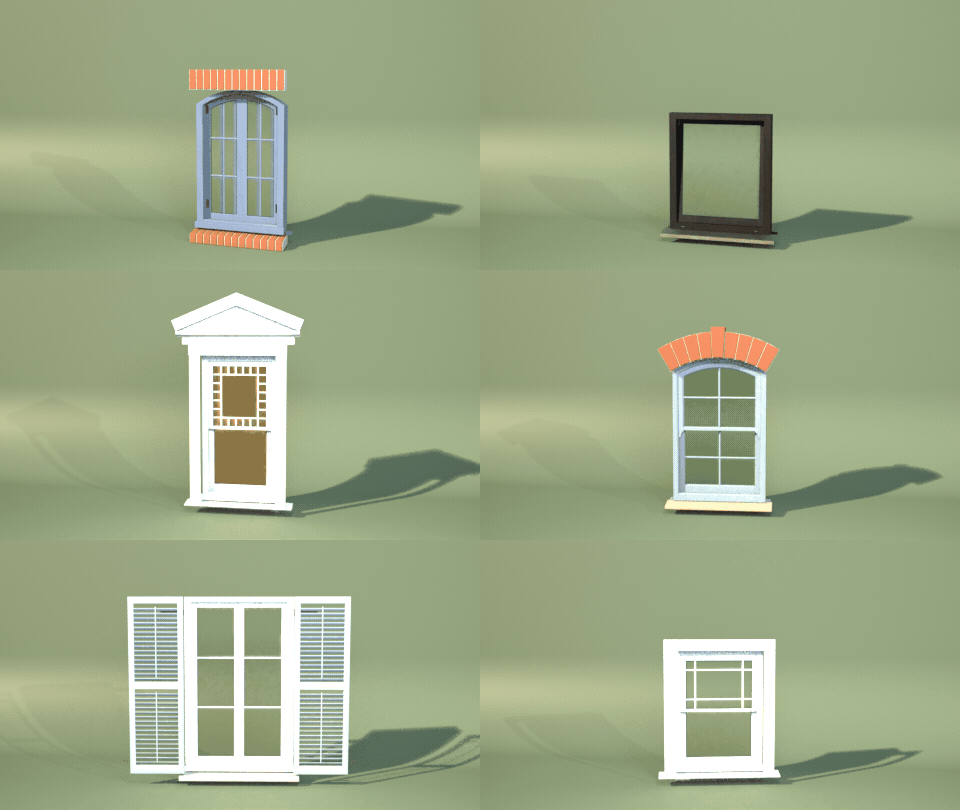
Features
- 71 designs in ten families: sash, casement, picture, arched and round, gable and dormer, bay and bow, sliding, industrial, historic and Mediterranean
- 11 window types: fixed, double and single hung, casement, awning, hopper, sliding, tilt and turn, pivot, jalousie and industrial steel
- 13 outlines: rectangle, rounded, segmental, round top, elliptical, Gothic, Tudor, peaked, trapezoid, triangle, half round, round and octagon, at any size
- 9 grille patterns: colonial grid, Prairie, Queen Anne, diamond leaded, sunburst, spider web, arch fan and cottage
- Mullions, transoms, French pairs, Chicago windows and Palladian windows
- Bay and bow windows with knee walls and hip roofs
- Gable, shed, hipped and barrel dormers on a roof
- Sills, lintels, arches, pediments, casings, quoins, shutters and security bars
- Cut Into Wall: a live Boolean opening in your own wall that follows the window
- Photo-scanned PBR materials: painted and stained wood, uPVC, aluminium, steel, bronze, stone, brick, stucco, slate and nine kinds of glass, ready for game engines
- Surprise and Vary buttons, a picture-driven sidebar, Shift+A menu and Convert to Mesh
- One clean mesh object per window, works in Cycles and EEVEE
Requires Blender 4.2 or newer. Tested on Blender 4.2, 4.5 and 5.2 LTS.
Install in under a minute (Blender 4.2+)
- In Blender open Edit › Preferences › Get Extensions.
- Open the arrow menu at the top right and choose Install from Disk.
- Pick the downloaded zip. Do not unzip it.
Questions
Which Blender versions are supported?
Blender 4.2 and newer. It is tested on Blender 4.2, 4.5 and 5.2 LTS.
Can it cut the hole in my own wall?
Yes. Select your wall, then the window, and press Cut Into Wall. A hidden cutter and a Boolean modifier make the opening, and it follows the window when you resize or reshape it.
Do the windows open?
Yes. Hung sashes slide, casements, awnings and hoppers swing, tilt and turn sashes tilt or turn, sliders slide and jalousie louvers turn, with one Open slider.
Can I use the windows in a game engine?
Yes. Each window is one mesh with metric UVs and image-based PBR materials. Convert to Mesh gives a plain mesh ready to export.
Does it work in EEVEE?
Yes, in both Cycles and EEVEE.
Details
- Version
- 1.0.1
- Blender
- 4.2 or newer
- Tested on
- 4.2, 4.5 and 5.2 LTS
- Render engines
- Cycles, EEVEE
- Category
- Modeling
- Download
- 14.0 MB zip
- License
- GPL v3
More addons

Tool Generator
281 hand and power tools for mechanics and builders
Mirewood – Swamp & Marsh Generator for Blender
Bayous, bogs, salt marshes and mangrove swamps with real plants
Furrow – Tractor & Farm Machinery Generator for Blender
Tractors, combines, sprayers and farm implements, rigged
Printwright – 3D Print Parts Generator for Blender
Custom hooks, bins, pots, gears and bolts, ready to print