
Camera & Lens Generator - DSLR, Vintage and Cinema Rigs
Real-scale DSLR, vintage and cinema camera rigs with lenses
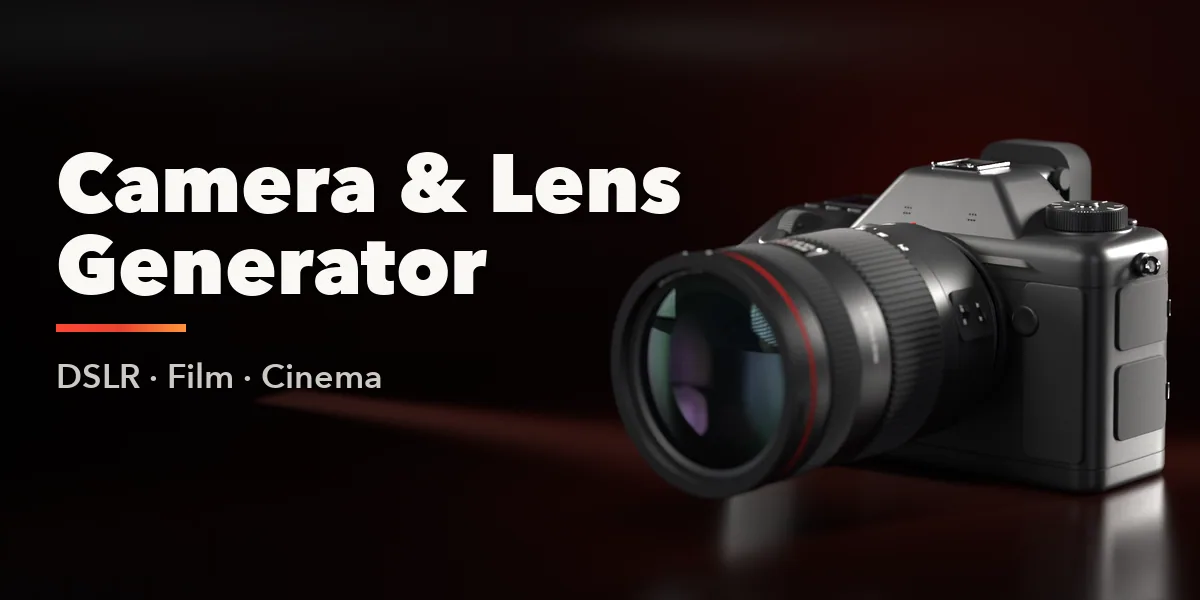
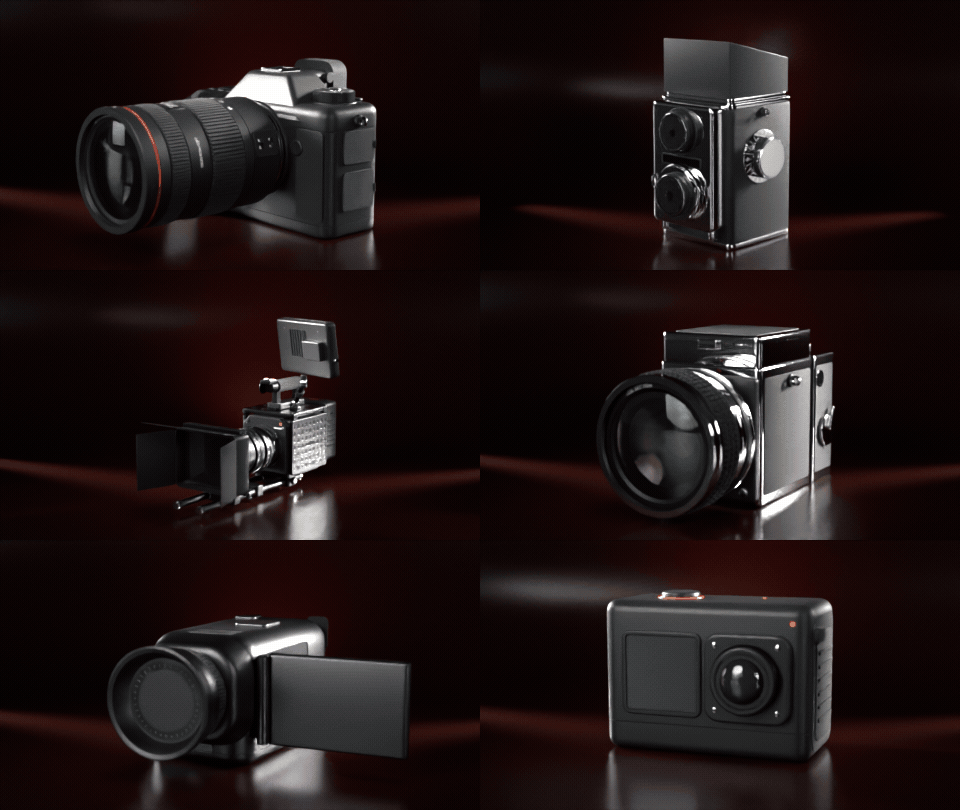
Camera & Lens Generator builds real-scale camera props in one click: modern DSLRs and mirrorless bodies, classic chrome rangefinders and film SLRs, twin-lens reflex and medium-format box cameras, instant cameras, compacts, action cams, camcorders and full cinema rigs. Every design is brand-neutral, with no logos or trademarks, so you can use it in any scene or commercial project.
30 camera designs
DSLRs, rangefinders, twin-lens reflex, instant cameras, compacts, camcorders and cinema rigs. One click each.
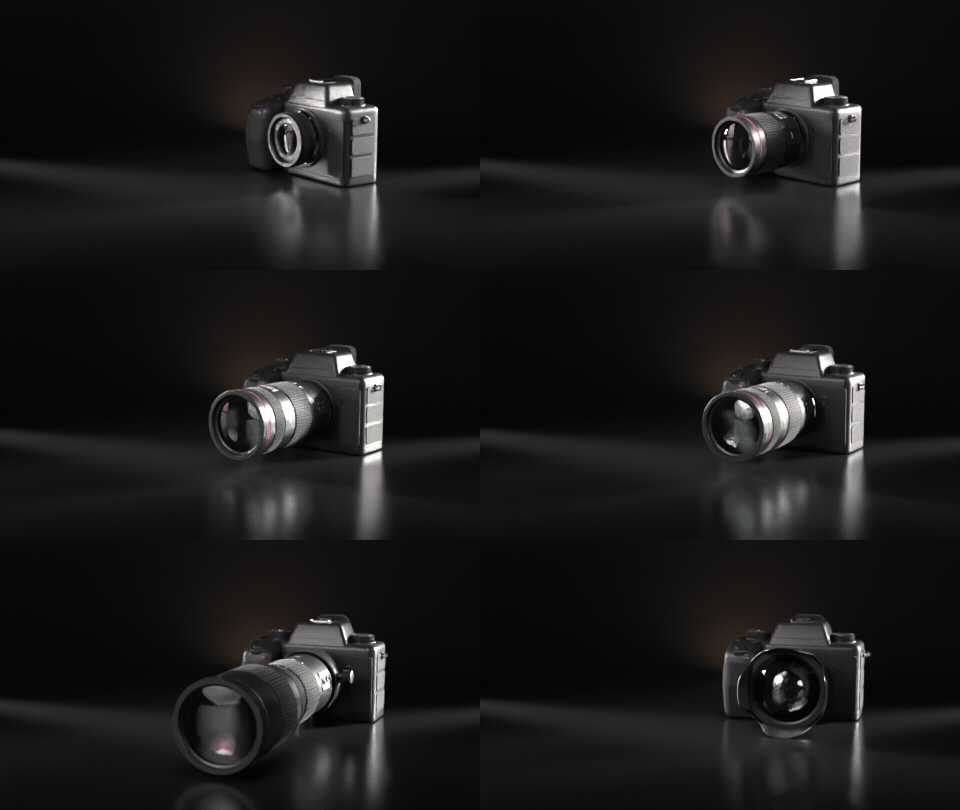
Swap the lens
Pancake, prime, zoom, telephoto with collar and fisheye on the same body: the mesh rebuilds live.
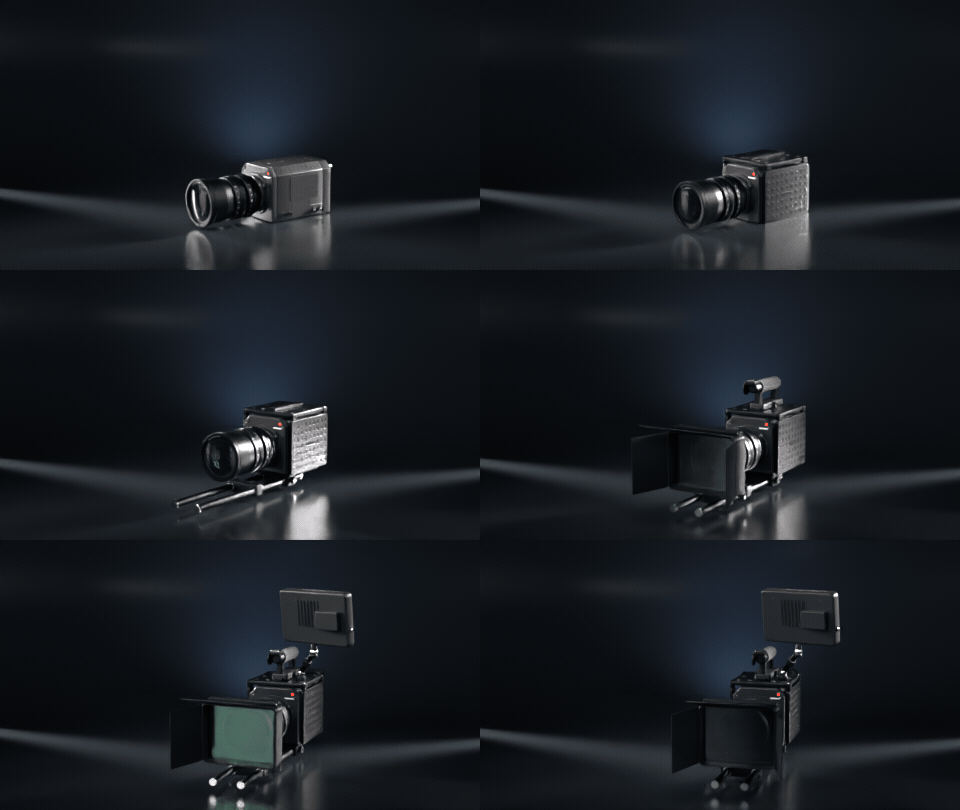
Build a cinema rig
Switch on cage, rods, follow focus, matte box, top handle, monitor and V-mount battery one by one.
One-click Randomize
Press Randomize for a new body, lens, finish and leatherette every time.
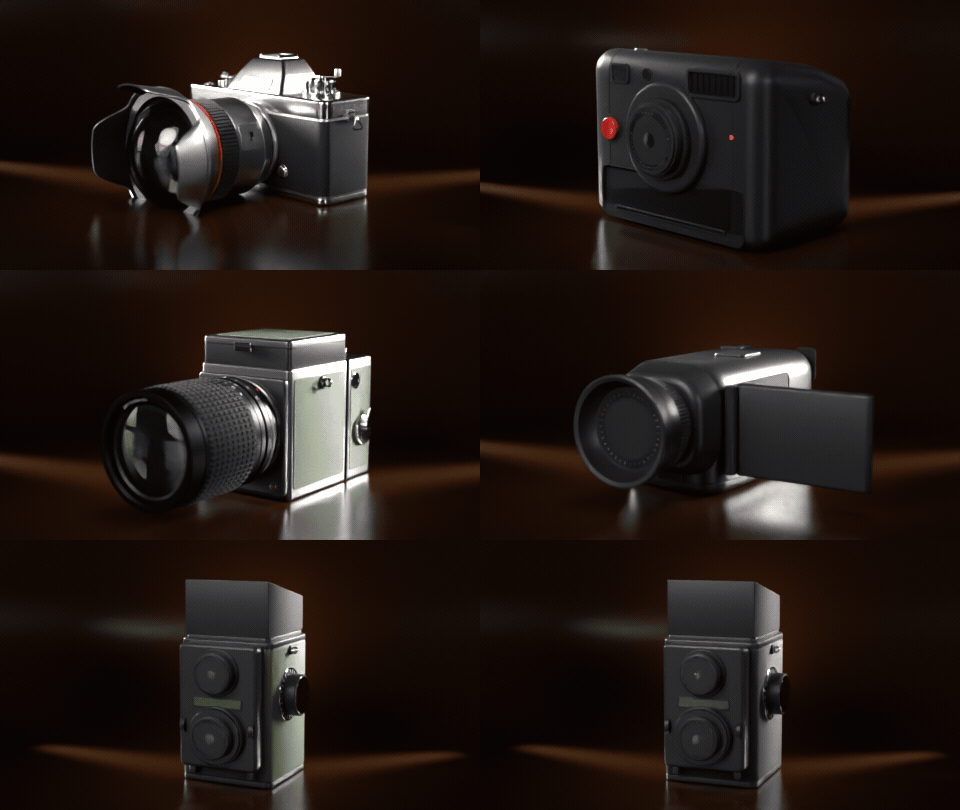
What you get
- 11 camera types and 30 ready-made designs, grouped as Digital, Film and Vintage, Everyday and Cinema
- 6 lens types: prime, pancake, zoom, telephoto with collar and hood, fisheye and anamorphic cine lens
- Lens glass with a recessed front element, knurled focus and zoom rings, chrome bayonets and cine gear rings
- Cinema rig parts you switch on and off: cage, 15 mm rods, follow focus, matte box, top handle, monitor and V-mount battery
- Optional three-section tripod with height and leg spread
- Finishes: black, chrome top, silver, graphite, white and olive, plus six leatherette colors
- One-click Randomize for endless variations
Easy to use
Open the Camera tab in the sidebar, click a design and it appears at the 3D cursor. Pick a different camera or lens with big buttons and the mesh rebuilds live. Rare options live in collapsible panels.
Game ready
Each camera is a single mesh with clean PBR materials (base color, metallic, roughness, normal) that work in Cycles, EEVEE and game engines.
Requires Blender 4.2 or newer. Tested on Blender 4.2, 4.5 and 5.2 LTS.
Install in under a minute (Blender 4.2+)
- In Blender open Edit › Preferences › Get Extensions.
- Open the arrow menu at the top right and choose Install from Disk.
- Pick the downloaded zip. Do not unzip it.
Questions
Do the cameras show any brand names or logos?
No. All designs are brand-neutral so you can use them in commercial work without trademark worries.
Can I use the cameras in a game engine?
Yes. Each camera is one mesh with standard PBR materials. Export it as FBX or glTF like any other object.
Which Blender versions are supported?
Blender 4.2 and newer. It is tested on Blender 4.2, 4.5 and 5.2 LTS.
Details
- Version
- 1.1.0
- Blender
- 4.2 or newer
- Tested on
- 4.2, 4.5 and 5.2 LTS
- Render engines
- Cycles, EEVEE
- Category
- Modeling
- Download
- 1.9 MB zip
- License
- GPL v3
More addons
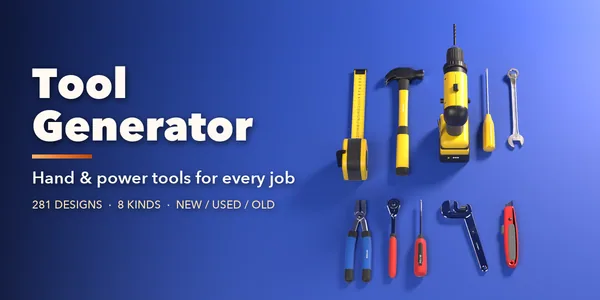
Tool Generator
281 hand and power tools for mechanics and builders
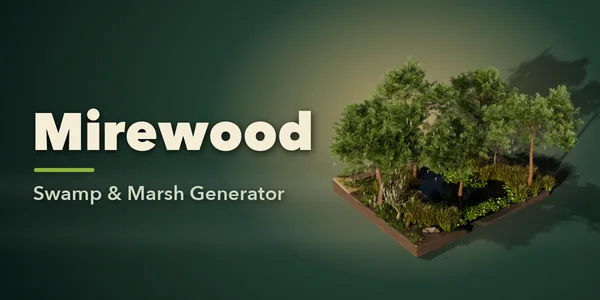
Mirewood – Swamp & Marsh Generator for Blender
Bayous, bogs, salt marshes and mangrove swamps with real plants
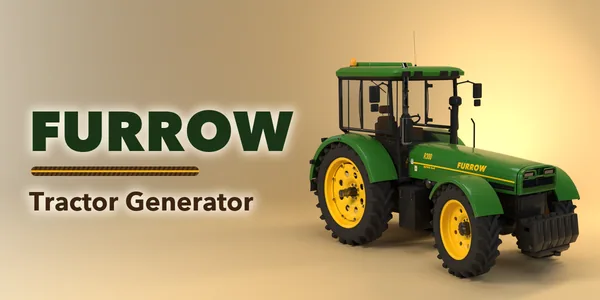
Furrow – Tractor & Farm Machinery Generator for Blender
Tractors, combines, sprayers and farm implements, rigged
Printwright – 3D Print Parts Generator for Blender
Custom hooks, bins, pots, gears and bolts, ready to print