
Alchemica – Potion Generator for Blender
Potion bottles, cauldrons, ingredient jars and alchemy tables
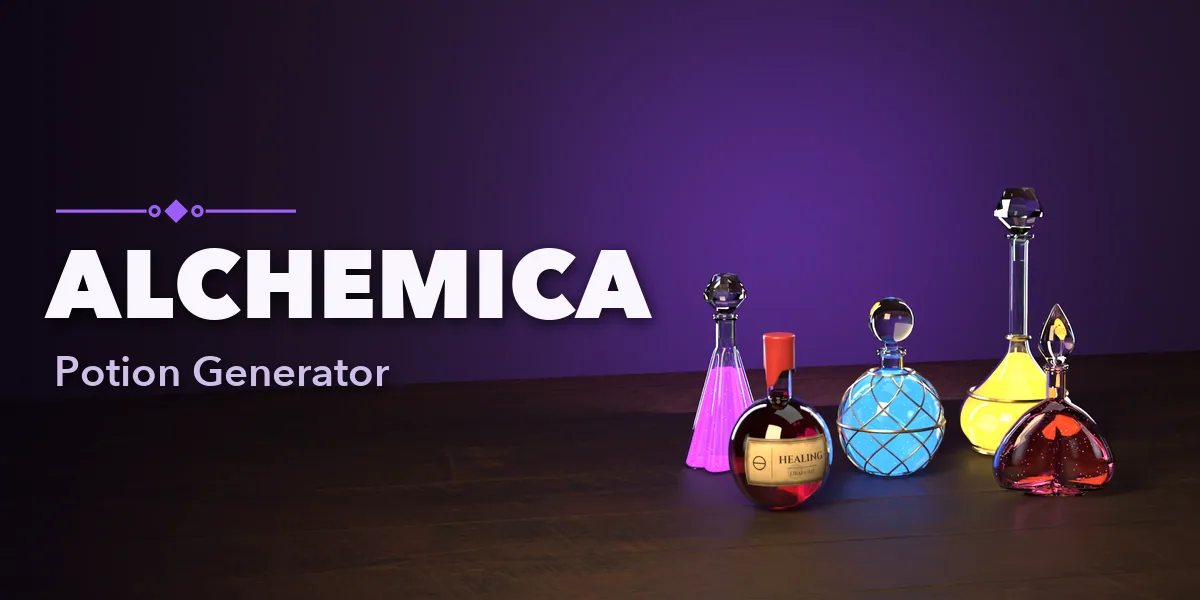
Fill your fantasy scenes with potions in one click: glowing bottles, bubbling cauldrons, jars of strange ingredients and fully dressed alchemist tables, right inside Blender.
Alchemica builds every piece as real thick-walled glass with liquid inside, so bottles read correctly in close-ups: a rounded lip, an inner wall, a liquid surface with a meniscus and air bubbles. Corks, wax seals with drips, ground stoppers, droppers and metal caps sit in the neck, and parchment labels and tags follow the curve of the glass.
42 potion designs
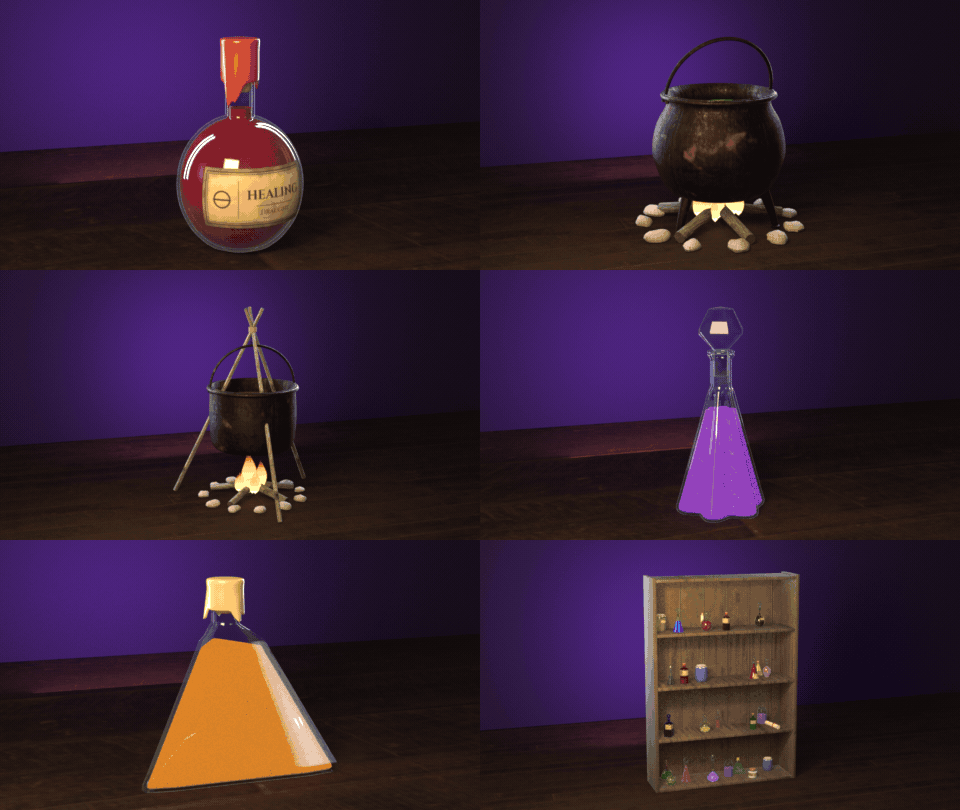
Healing flasks, mana orbs, poison vials, cauldrons, jars of eyes and alchemist benches. One click each.
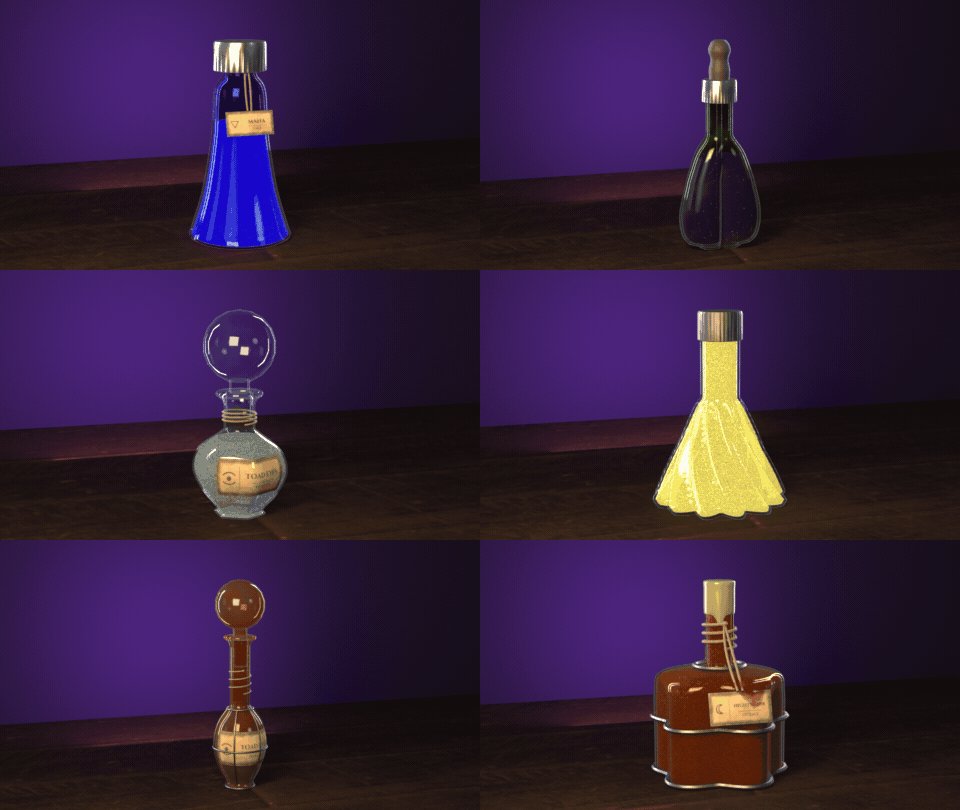
Surprise me
Every click brews a new random potion: shape, glass, liquid, closure and label.
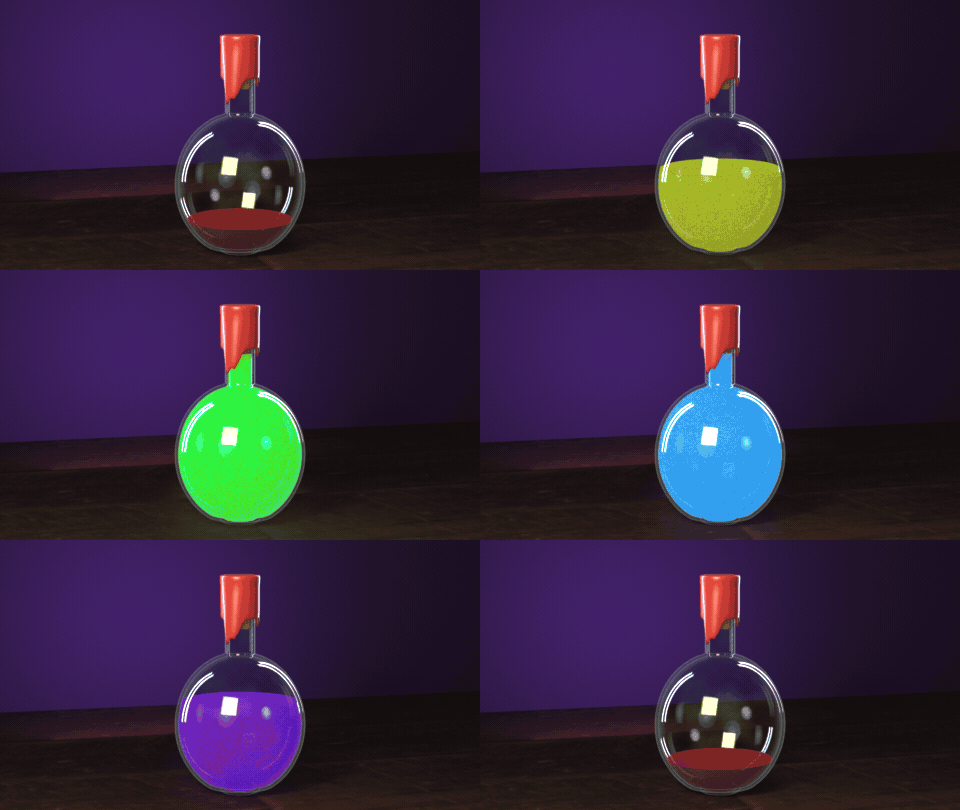
Pour, glow, bubble
Fill, glow and color are sliders, and the bottle rebuilds live as you drag them.
Dressed tables
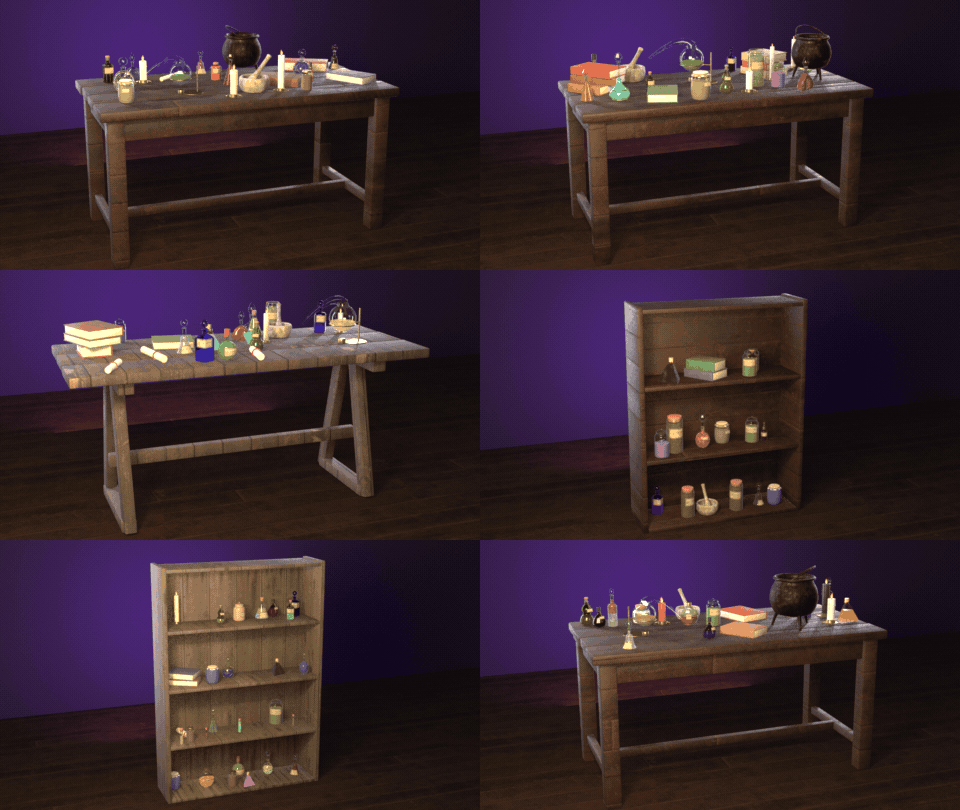
Workbenches and shelves fill themselves with potions, jars, candles and books.
What you get
- 42 ready-made designs in four kinds: potions, cauldrons, ingredient jars and alchemy tables or shelves
- 12 bottle shapes (round flask, orb, Erlenmeyer, vial, apothecary, genie, gourd, teardrop, bell...) with round, square, hex, octagon, triangle, star, fluted and heart sections, twist and flattening
- Liquids with color, fill, glow, cloudiness, sparkles, bubbles and two layers that don't mix
- 8 closures, 16 hand-lettered parchment labels, brass, copper, iron, silver or gold cages and bands
- Cast-iron cauldrons with legs, handles, lids, rust, bubbling brew, log fires, flames, stone rings and a hanging tripod
- Ingredient jars with eyes, herbs, powder, seeds, mushrooms, crystals or pickled roots, under glass, cork, clamp, screw, cloth or ceramic lids
- Tables and shelves dressed with potions, jars, candles, books, scrolls, a mortar, a retort and a small cauldron
- One-click randomize: new seed, vary, new colors or Surprise Me
- Photoreal PBR materials (photo-scanned wood, iron, rust, cork, leather and stone) that look right in EEVEE and Cycles
- Picture pickers for every visual choice, live editing in the sidebar; one mesh per design, ready for game engines
Requires Blender 4.2 or newer. Tested on Blender 4.2, 4.5 and 5.2 LTS.
Install in under a minute (Blender 4.2+)
- In Blender open Edit › Preferences › Get Extensions.
- Open the arrow menu at the top right and choose Install from Disk.
- Pick the downloaded zip. Do not unzip it.
Questions
Which Blender versions are supported?
Blender 4.2 and newer. It is tested on Blender 4.2, 4.5 and 5.2 LTS.
Does the glass look right in EEVEE?
Yes. Glass has its own EEVEE output, so bottles stay clear and tinted without any scene setup, and Cycles uses real refraction.
Can I use the props in game engines?
Yes. Each design is one mesh with PBR materials; colors are stored as vertex attributes, and the Detail setting lowers the polygon count.
Are the labels real text?
The labels are an image texture on a curved parchment patch that follows the glass, so they export and render cleanly anywhere.
Details
- Version
- 1.0.0
- Blender
- 4.2 or newer
- Tested on
- 4.2, 4.5 and 5.2 LTS
- Render engines
- Cycles, EEVEE
- Category
- Modeling
- Download
- 9.7 MB zip
- License
- GPL v3
More addons
Faraway Mountains Generator
Auto-fit mountain ranges and fog around your scene horizon
Vending Machine Generator
Snack, soda, Japanese, gachapon, claw, ATM and kiosk machines
Medieval Village Generator
Parametric medieval houses, churches, mills and whole villages
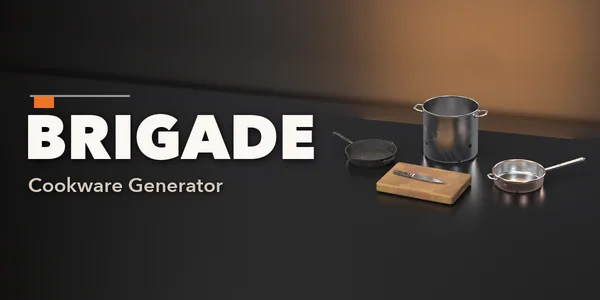
Brigade – Cookware Generator for Blender
Pro kitchen pots, pans, knives, cutting boards and utensils